KT332N Cutting &engraving control system user manual V1.1
8.1.2 Key Function Description
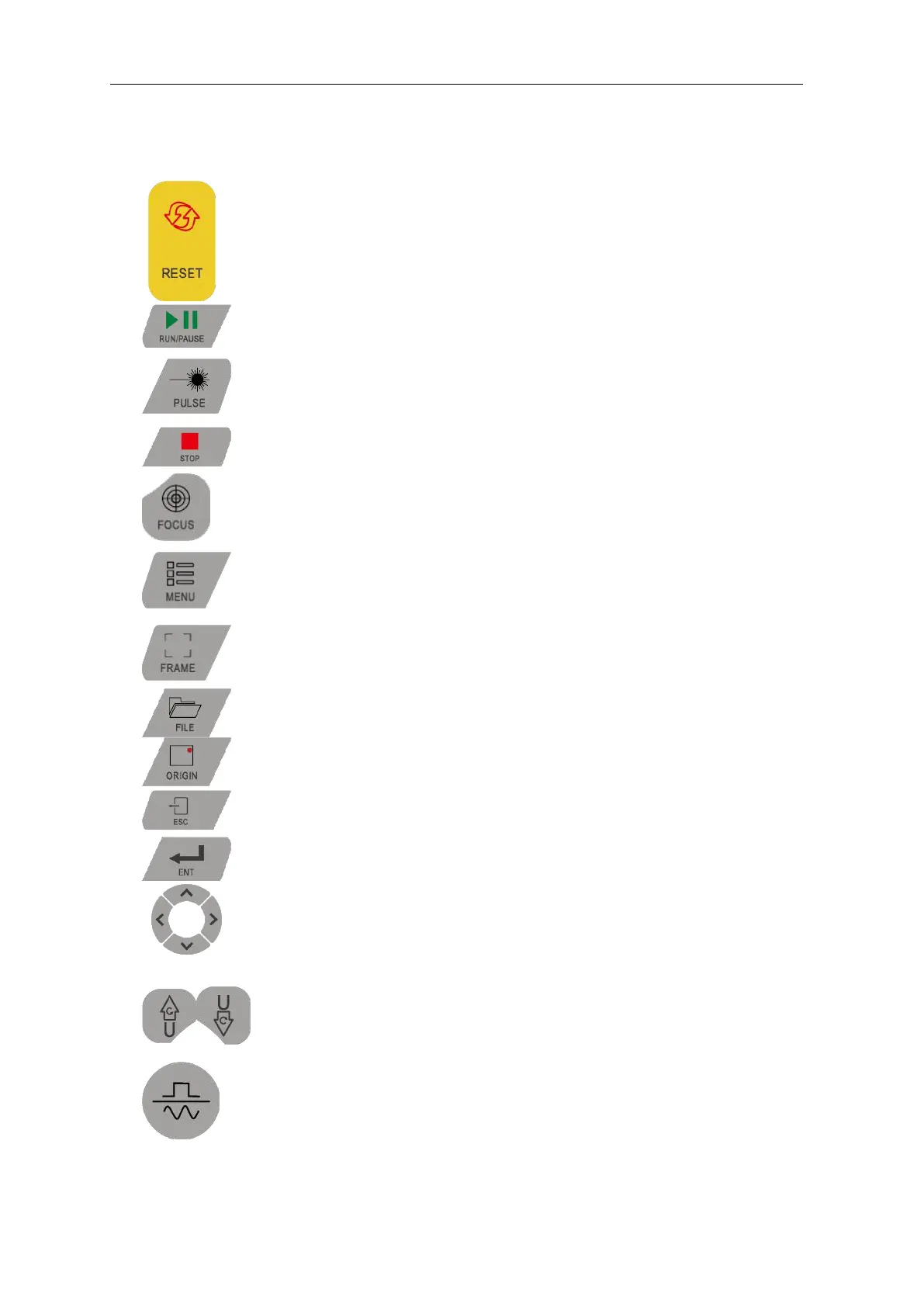
“RESET”
:
Reset system
“RUN/PAUSE”
:
Start job or pause / restart job
“PULSE”
:
Laser tube pulse
“STOP”
:
Stop processing/Motor axis movement
“FOCUS”
:
Auto Focus
“MANU”
:
User parameters, manufacturer parameters, language settings, etc.
“FRAME”
:
Perform border operation on the current processing file
“FILE”
:
Memory file and U disk file management
“ORINGIN”
:
Set Positioning
“ESC”
:
Used to return to the previous menu, cancel parameter settings, etc.
“ENT”
:
Enter
Arrow keys
:
Used to move the X and Y axes or move options when setting
parameters in the menu.
U axis
:
U axis movement
“Jog / Continuous”
:
Jog and continuous motion switching



 To Next Page