KT332N Cutting &engraving control system user manual V1.1
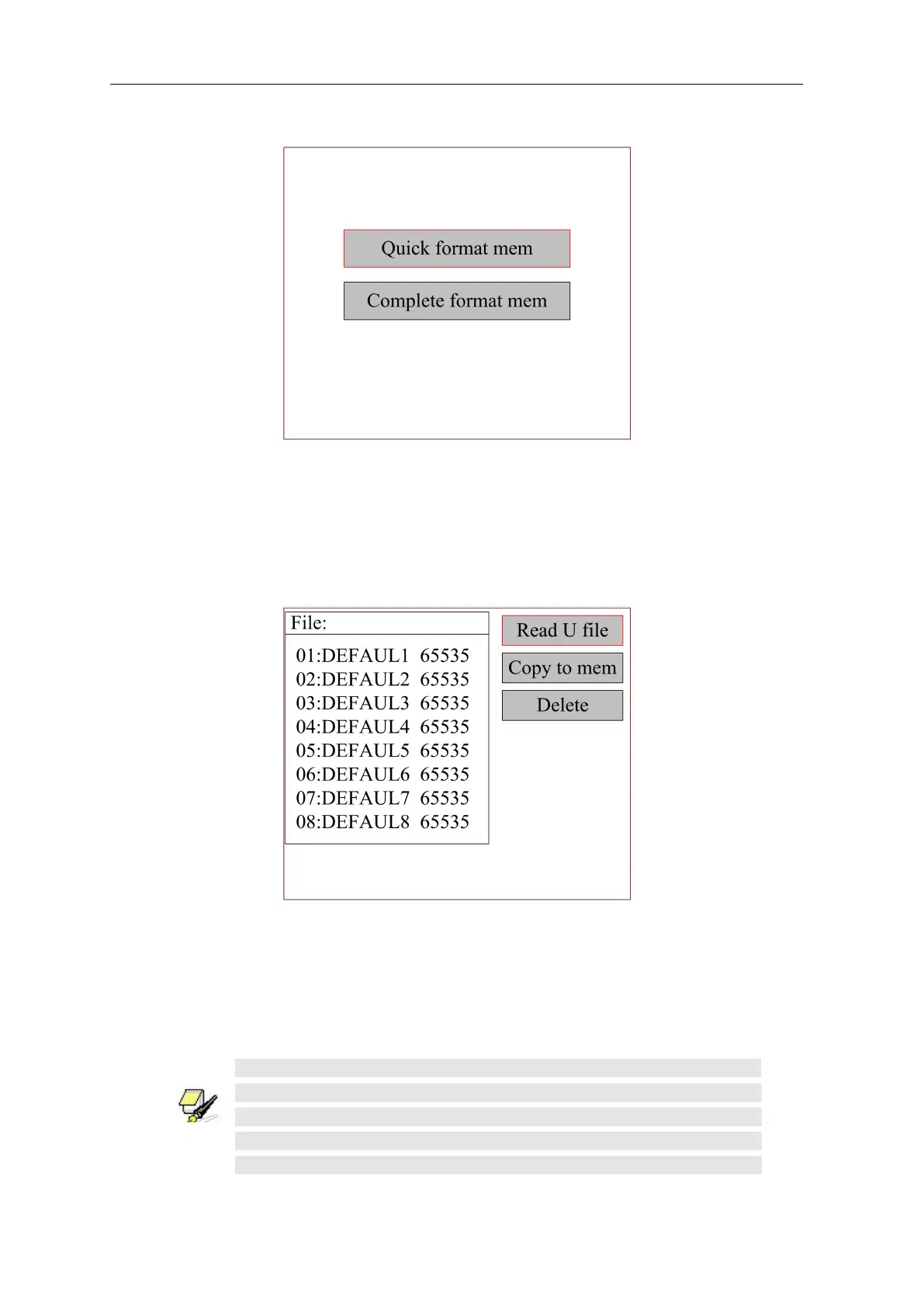
Figure 8.7.4
After formatting the memory, all memory files will be erased.
8.7.6 U disk file
Select the "U disk file" entry on the "File" interface and press [OK] to pop up the U disk file list, as
shown in the figure:
Figure 8.7.5
Read U-disk file: read U-disk file list.
Copy to memory: Copy selected files to memory on board.
Delete file: delete the selected file of U disk.
This system supports the FAT32 and FAT16 file formats of the U disk.
The file must be placed in the root directory of the U disk to be
recognized by the system. File names longer than 8 characters will be
automatically cut off by the system. Except for English and numbers
named files. Others will not be displayed on the controller. Files copied



 To Next Page