KT332N Cutting &engraving control system user manual V1.1
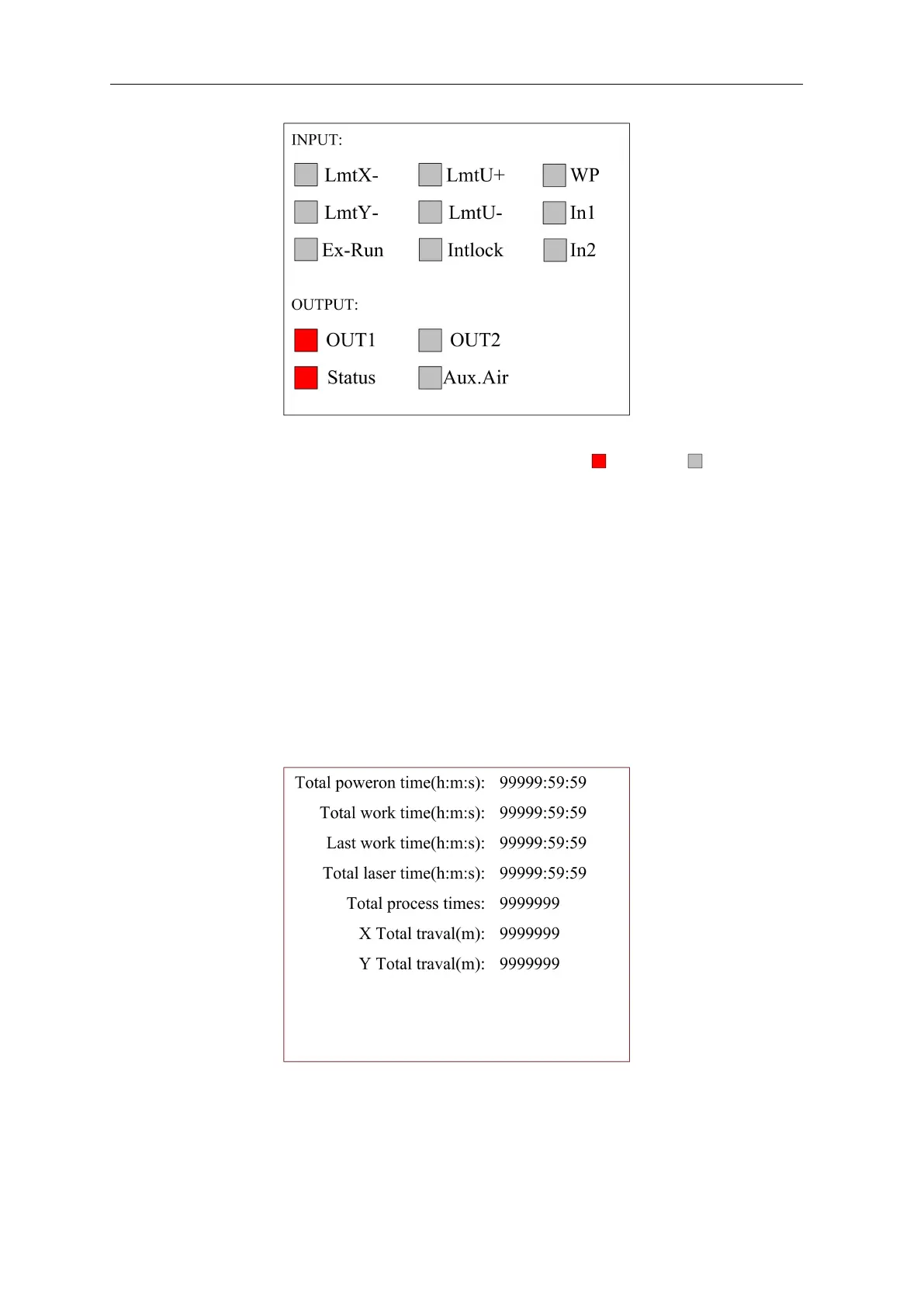
Figure 8.6.9
This interface displays the system's hardware IO port information: trigger normal
INPUT:
Read the system hardware information. When the hardware signal is triggered, the small box to
the left of the corresponding entry will be displayed in red, otherwise it will be displayed in gray.
OUTPUT:
Select an output port with the cursor and press [OK] to switch the output state.
Press the [Exit] key to return to the previous menu.
8.6.16 System Information
When the "red selection box" is stopped on the item and press the [OK] key, the following
interface pops up:
Figure 8.6.10
Press the [OK] key to read the controller information, and press the [Esc] key to return to the
previous menu.



 To Next Page