KT332N Cutting &engraving control system user manual V1.1
Figure 8.6
Press [ENT] to enter the lower menu, and press [Esc] to return to the previous menu.
8.6.1 Parameters setting
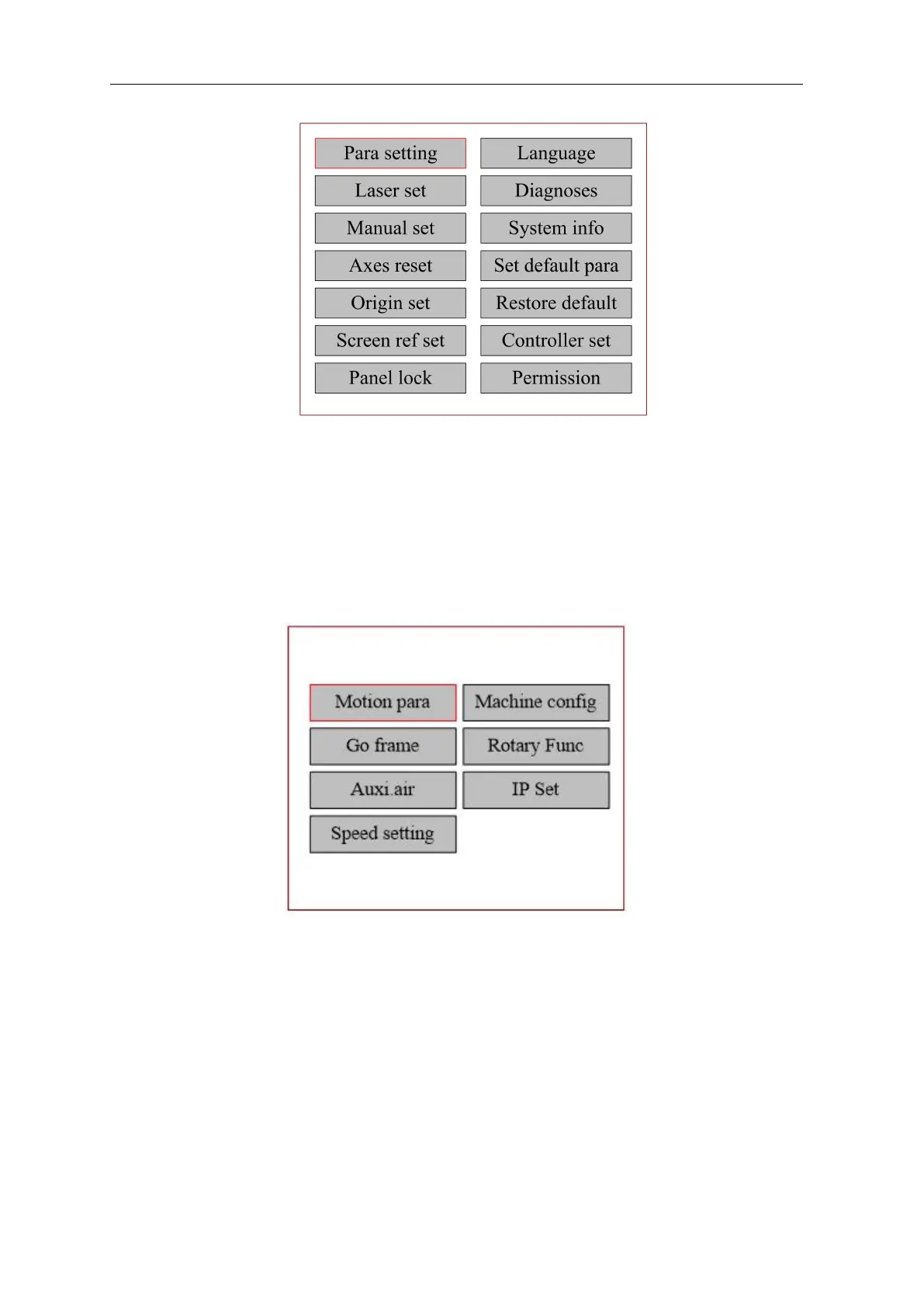
Press [Parameter Setting] in the menu interface, and the parameter setting interface pops up as
follows:
Figure 8.6
Press [ENT] to enter the lower menu, and press [Esc] to return to the previous menu.



 To Next Page