KT332N Cutting &engraving control system user manual V1.1
In the completed / idle state, the keys can respond, and users can perform file processing,
parameter setting, file preview and other operations.
In the running / pause state, some keys do not respond, such as positioning key, border key, file
key, etc.
8.3 Speed setting
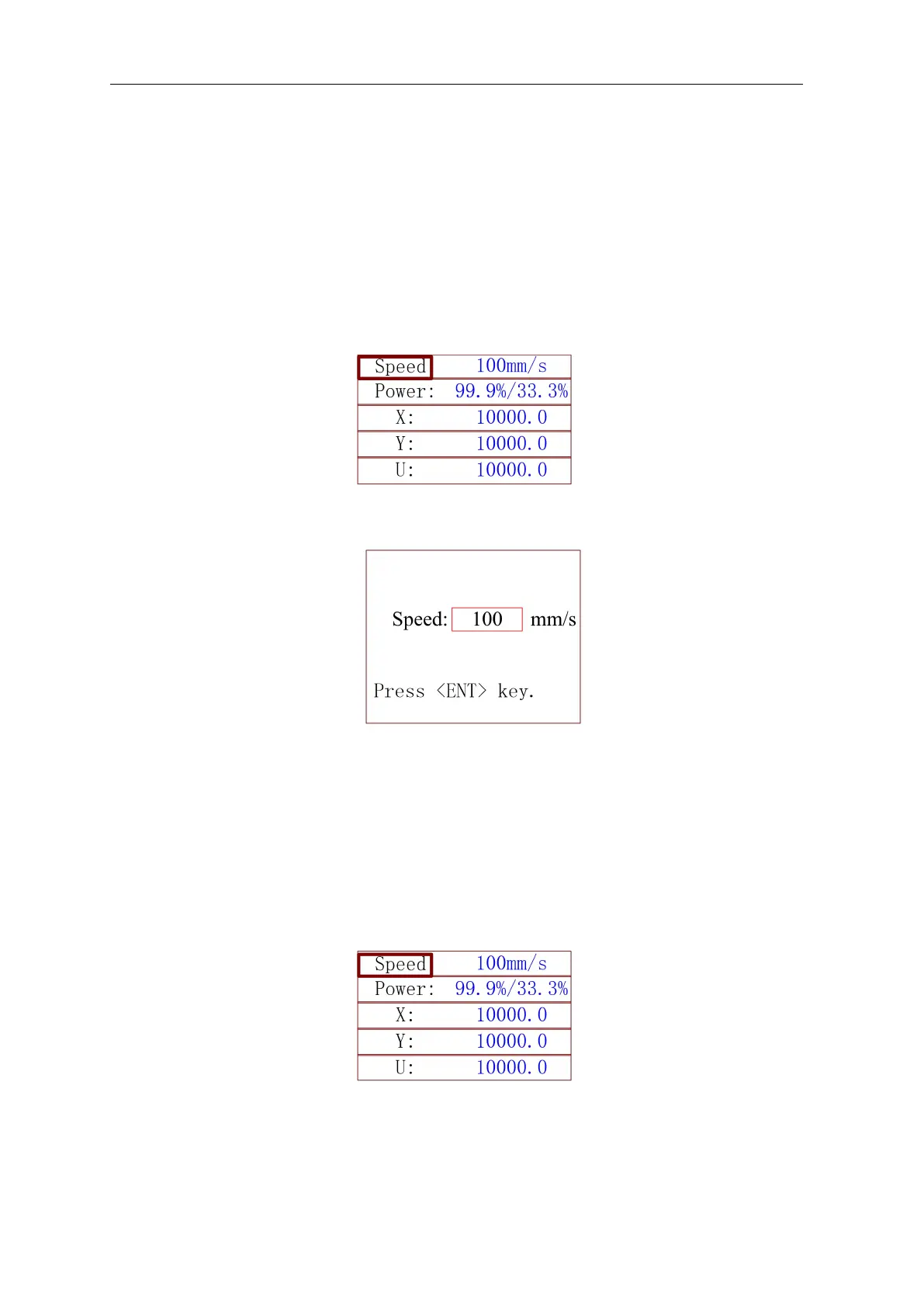
Press [ENT] in the main interface, and the speed parameter in the upper right corner is selected
by the red selection box, as shown in the figure below:
Figure8.3-1
Press ENT again, the following interface pops up:
Figure 8.3-2
Refer to Section 8.10 for parameter setting operation. After setting, press [ENT] to save the
modified parameters, and press [Esc] to exit from interface.
8.4 Power setting
Press [ENT] in the main interface, and the speed parameter in the upper right corner is selected
by the red selection box, as shown in the figure below:
Figure 8.4-1
Press the up and down keys to move the red selection box to select the power parameter, as
shown in the figure below:



 To Next Page