KT332N Cutting &engraving control system user manual V1.1
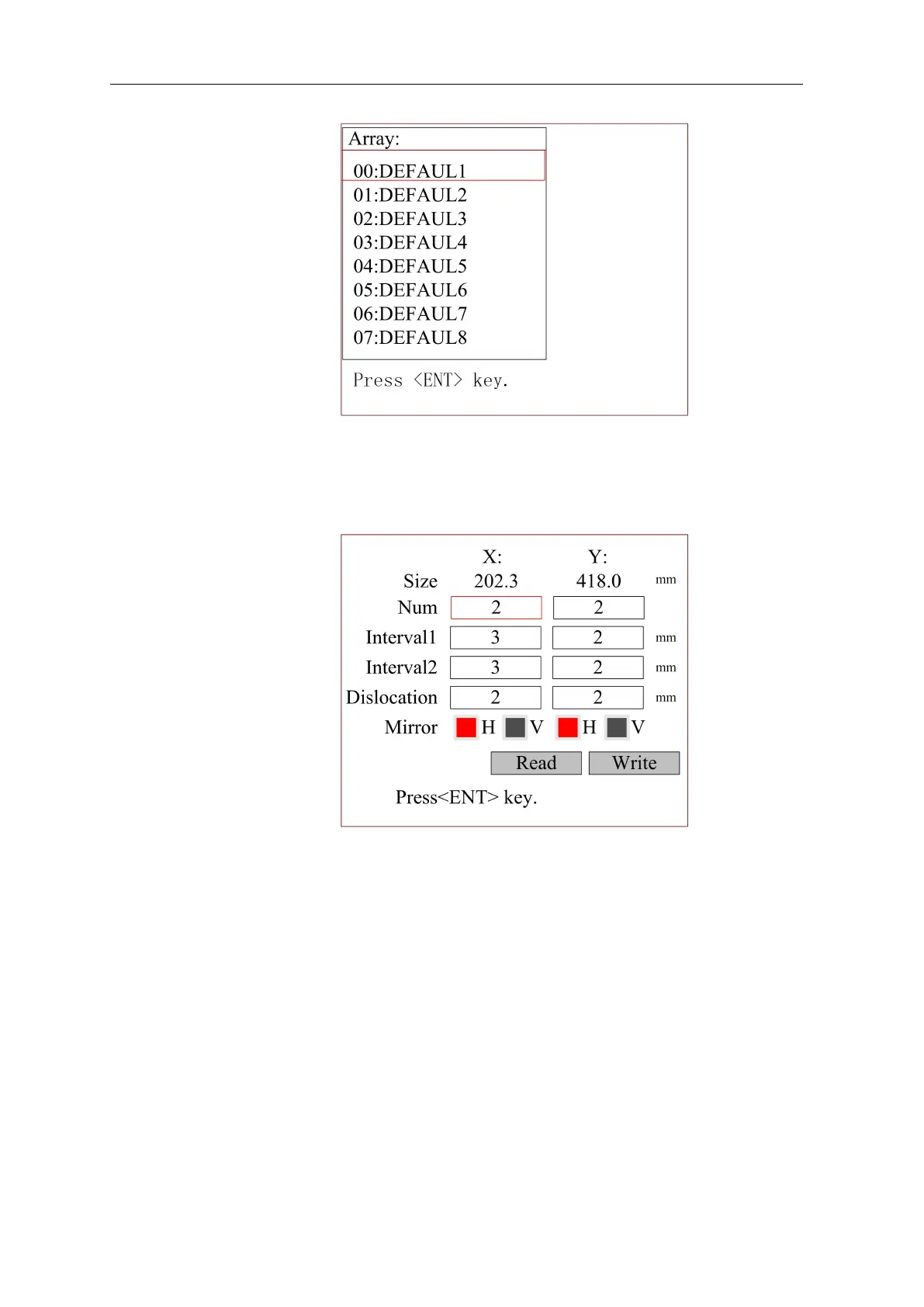
Figure 8.7.2.1-1
Then select any items in the interface above, and press [OK], and then the pop-up menu is as
shown below:
Figure 8.7.2.1-2
Refer to Section 8.10 for parameter setting operation. Press the [Esc] key to cancel parameter
modification and return to the previous interface.
8.7.4 Auto feeding parameters
Select the "Feeding Parameters" item in the interface above, and then the pop-up menu is as
shown below:



 To Next Page