KT332N Cutting &engraving control system user manual V1.1
passwords, press the [OK] key to perform the operation, otherwise "Password Error" is displayed,
and input the password again.
8.9 Alarms information
During the system is working, some alarm or messages will pop up, such as resetting, water
protection fault, hard limit protection, border crossing, etc when executing some actions.
Information display
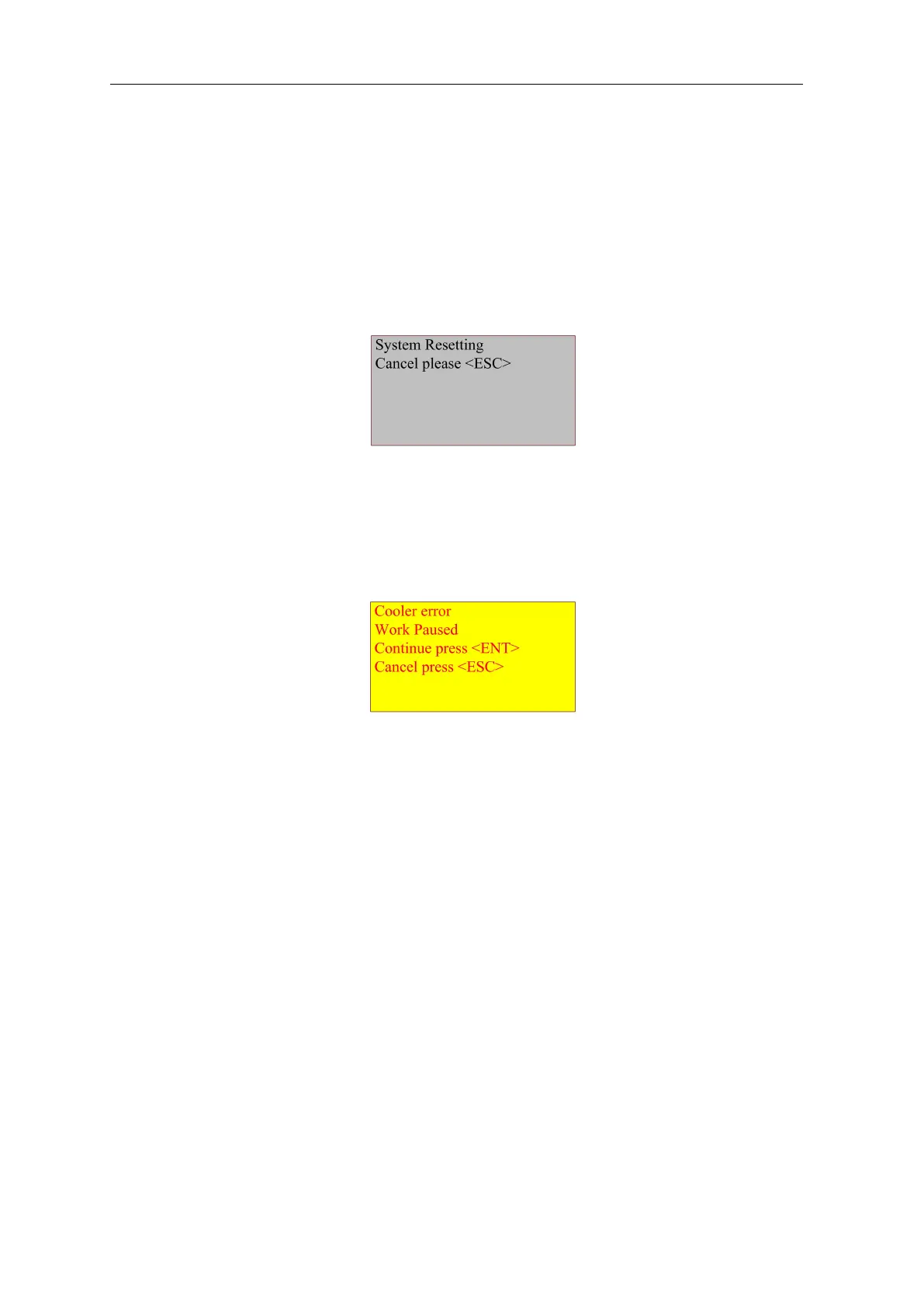
When enable the axis reset or system reset, the reset page will pop up. Interface is as
follows:
Figure 8.9-1
Follow the information on the interface to operate the next step
Alarm information
The system displays water protection information when there is water cooling system fault,
and the interface is as follows:
Figure 8.9-2
At this time, press [OK] or [Esc], and the system will perform related operations.
8.10 Parameter setting operation
This chapter introduces some parameter modification operation methods when using the
product.



 To Next Page