KT332N Cutting &engraving control system user manual V1.1
8.6.9 Laser pulse setting
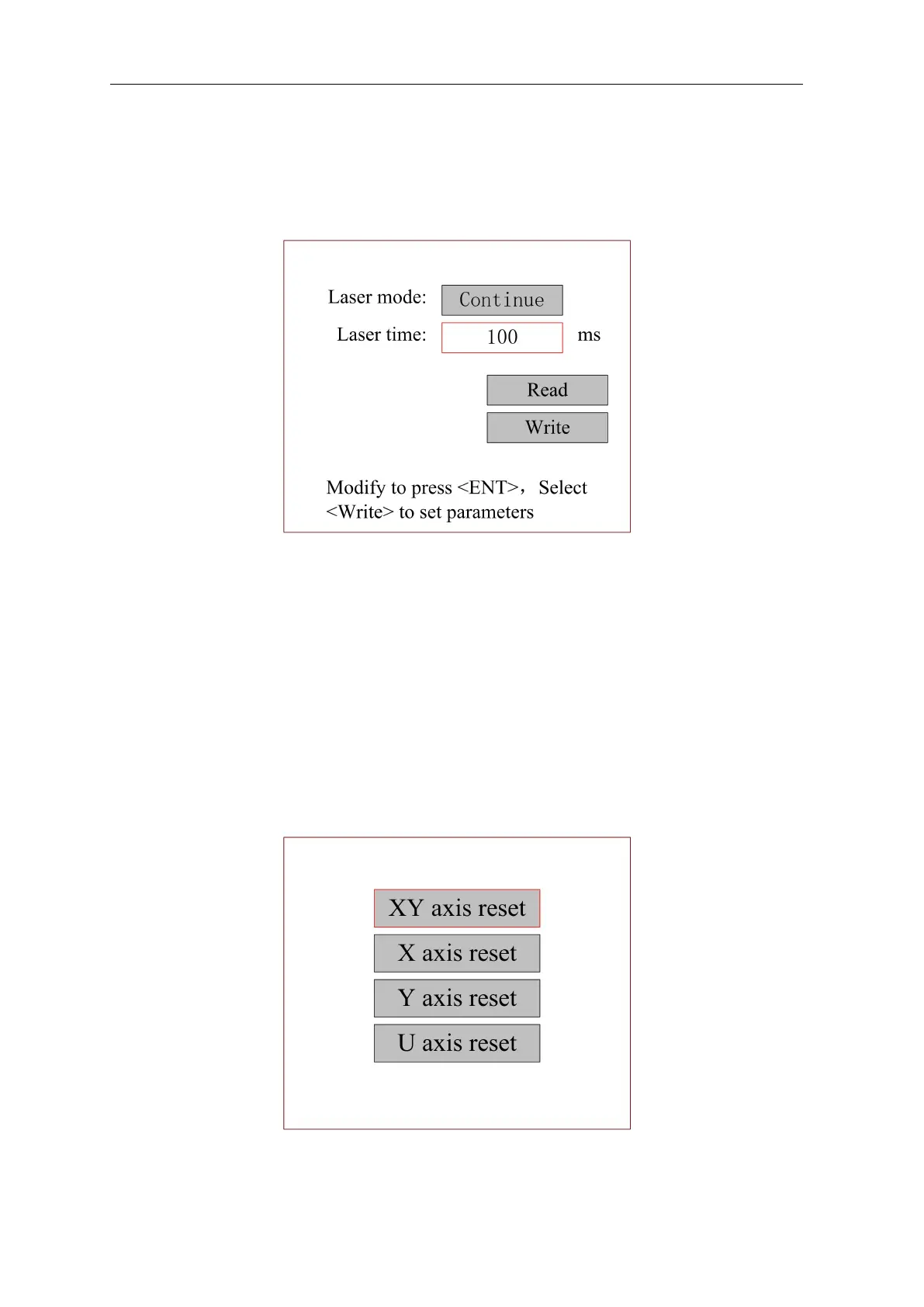
When the red selection box is stopped on the item and presses the [OK] key, the following
interface pops up:
Figure 8.6.3
If the continuous shooting mode is selected, the laser will always on when press the continuous
button. When loose this button, the laser stops. If the laser pulse mode is selected, when the key
is pressed, the laser is switched on for some time and then switched off automatically. The laser
pulse time is determined by the parameter <laser time>
8.6.10 Axis reset
When the red selection box is stopped on the item and presses the [OK] key, the following
interface pops up:
Figure 8.6.4
Press the arrow keys to select an item and press the [OK] key. The system resets the axis and



 To Next Page