KT332N Cutting &engraving control system user manual V1.1
from the controller to the U disk are placed in the root directory of the U
disk.
8.8 Password and setting
8.8.1 Password
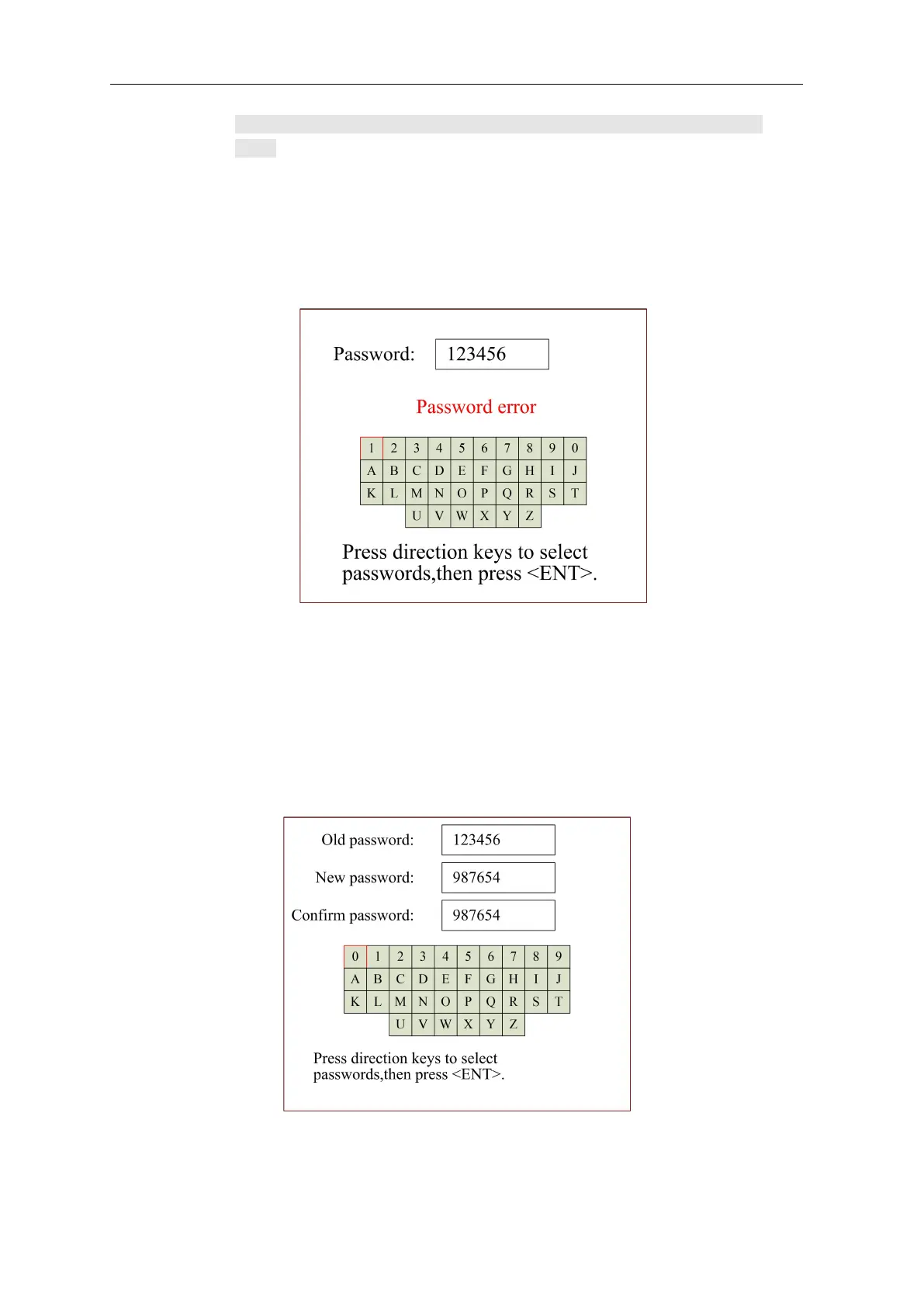
You need to enter a password when operations. The pop-up interface is as follows:
Figure 8.8.1
User can directly press the number keys to enter the password, press left and right arrow can
select letters and press ok to confirm it. When user enter a full six-digit password, press [OK], if
the password is correct, then go to next step. Otherwise "Password Error" is displayed. Please
input the password again.
8.8.2 Password setting
The password setting interface is shown below:
Figure 8.8.2
User can directly press the number keys to enter the password, or you can press a left and right
arrow on the panel to select a number or letter, and then confirm it. When you have entered six



 To Next Page