KT332N Cutting &engraving control system user manual V1.1
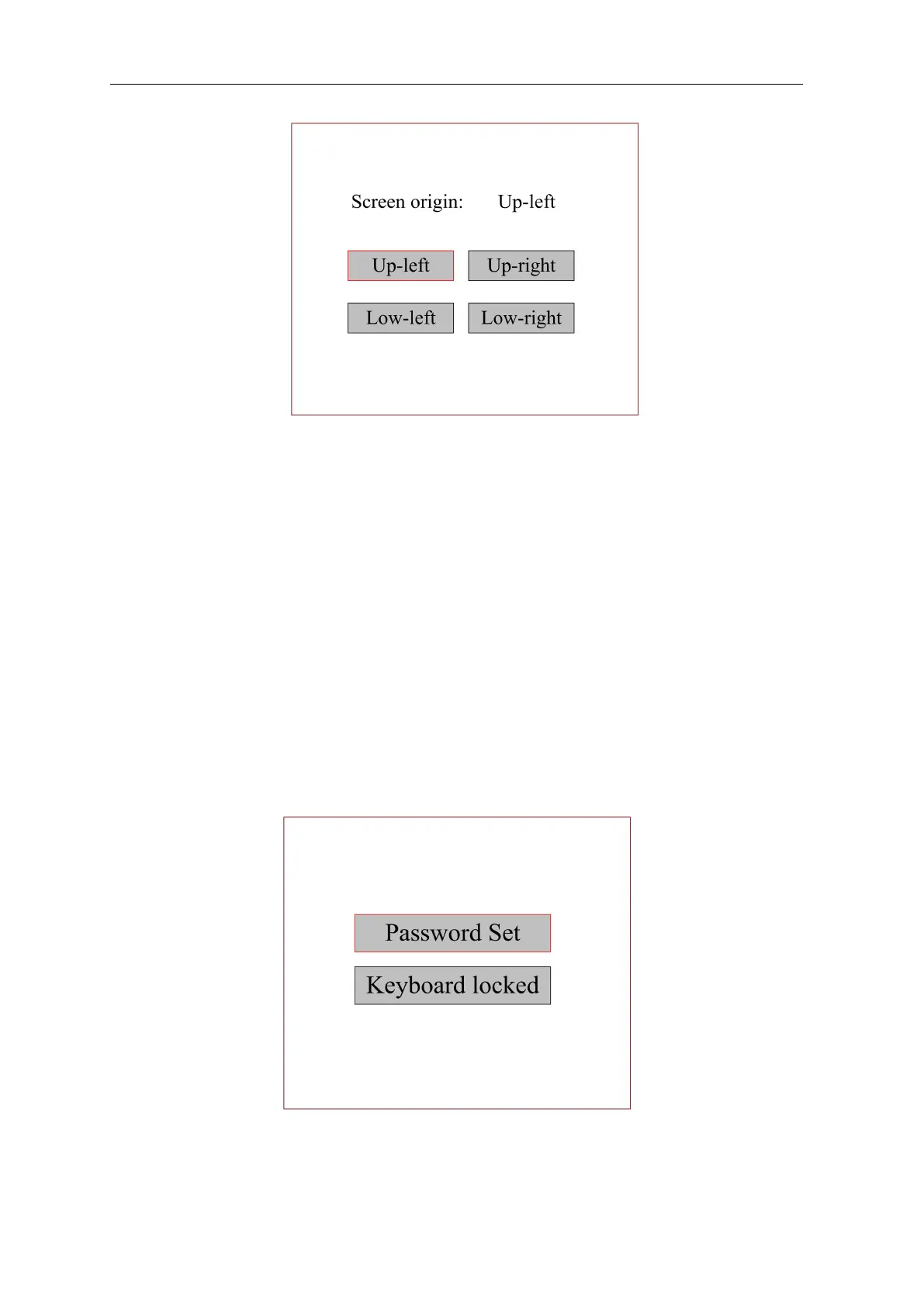
Figure 8.6.6
Set the reference position of the screen here. Select different reference positions of the screen to
correctly display the patterns.
Select a reference position and press the [OK] key. The setting takes effect and the system
returns to the main interface automatically.
When the entity displayed on the screen reverse, mirror to the pattern in the computer, user can
modify the reference point to set them the same.
8.6.13 Panel lock Settings
In order to ensure the safety of the machine working, the panel can be locked while machine is
working.
When the "red selection box" stops on this item and press [OK]. the following interface will pop
up:
Figure 8.6.7
Password setting
This item is used to set the password for keyboard lock. When set successfully, use the



 To Next Page