Chapter 1 Operation Procedures
16. Printing
•
Counter
setting
procedures
( •
Introduction
Edition-
14)
Set the function mode
by using the mode
selection button.
C::>
~
(J
•
Set
the
number
of
printed
sheets
or
number
of
printed
sheets
per
batch by
using
the
counter
setting buttons.
~
(J
•
Count ON/OFF
button ON
C::>
~
(J
Operation Edition - 56
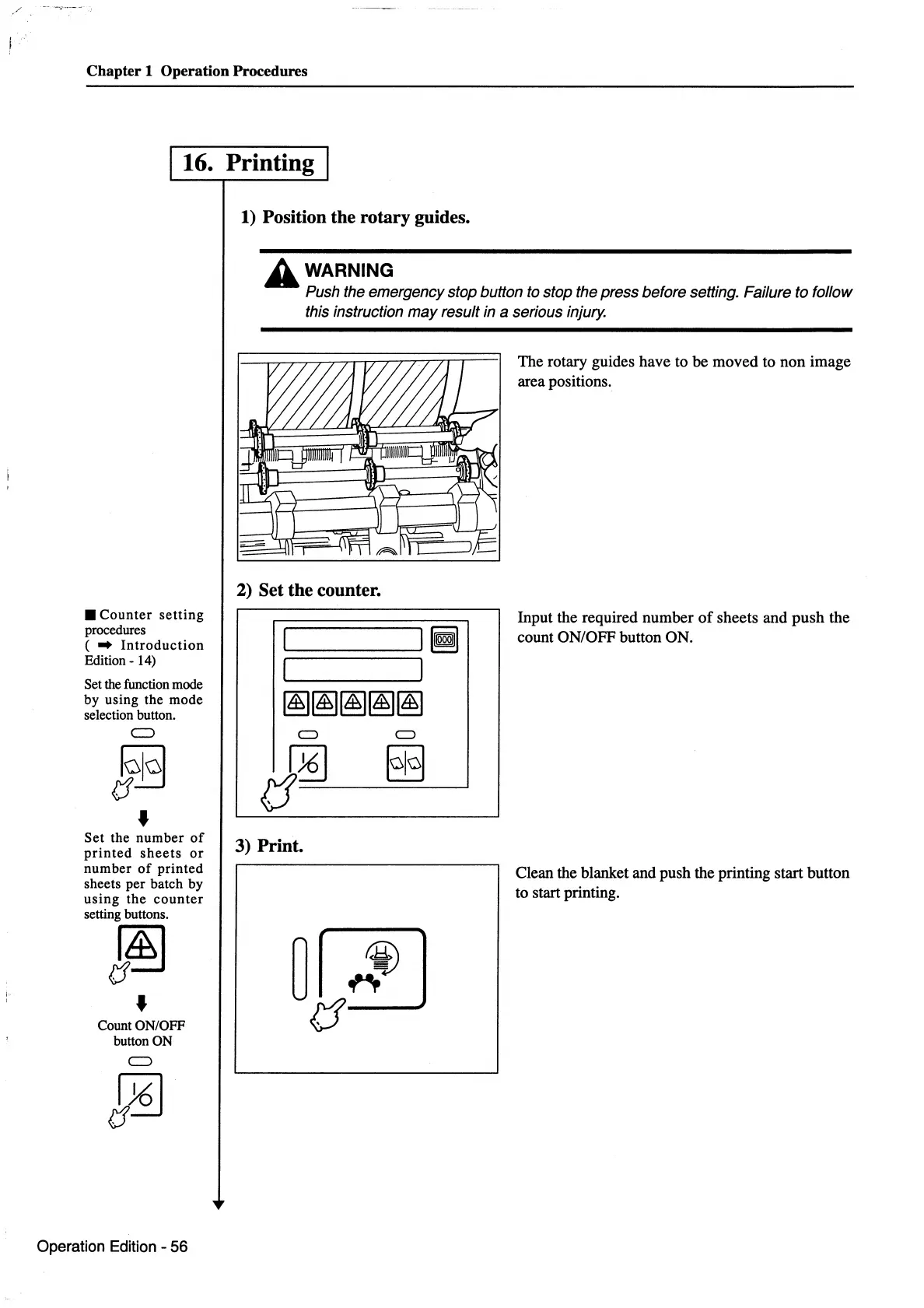
1)
Position the rotary guides.
A WARNING
Push the emergency stop button to stop the press before setting. Failure to follow
this instruction
may
result in a serious injury.
2) Set the counter.
:========~I
~
I I
~~~~~
CJ
§§
3) Print.
The rotary guides have to be moved to non image
area positions.
Input the required number
of
sheets and push the
count ON/OFF button ON.
Clean the blanket and push the printing start button
to start printing.



 To Next Page