Chapter 1 Maintenance after the Printing
2. Cleaning the Water Section
1)
Remove the water control wiper.
2) Clean the metering roller.
UNIT
OJ
~
g
~
g
c;p
'--~
'
Maintenance Edition - 4
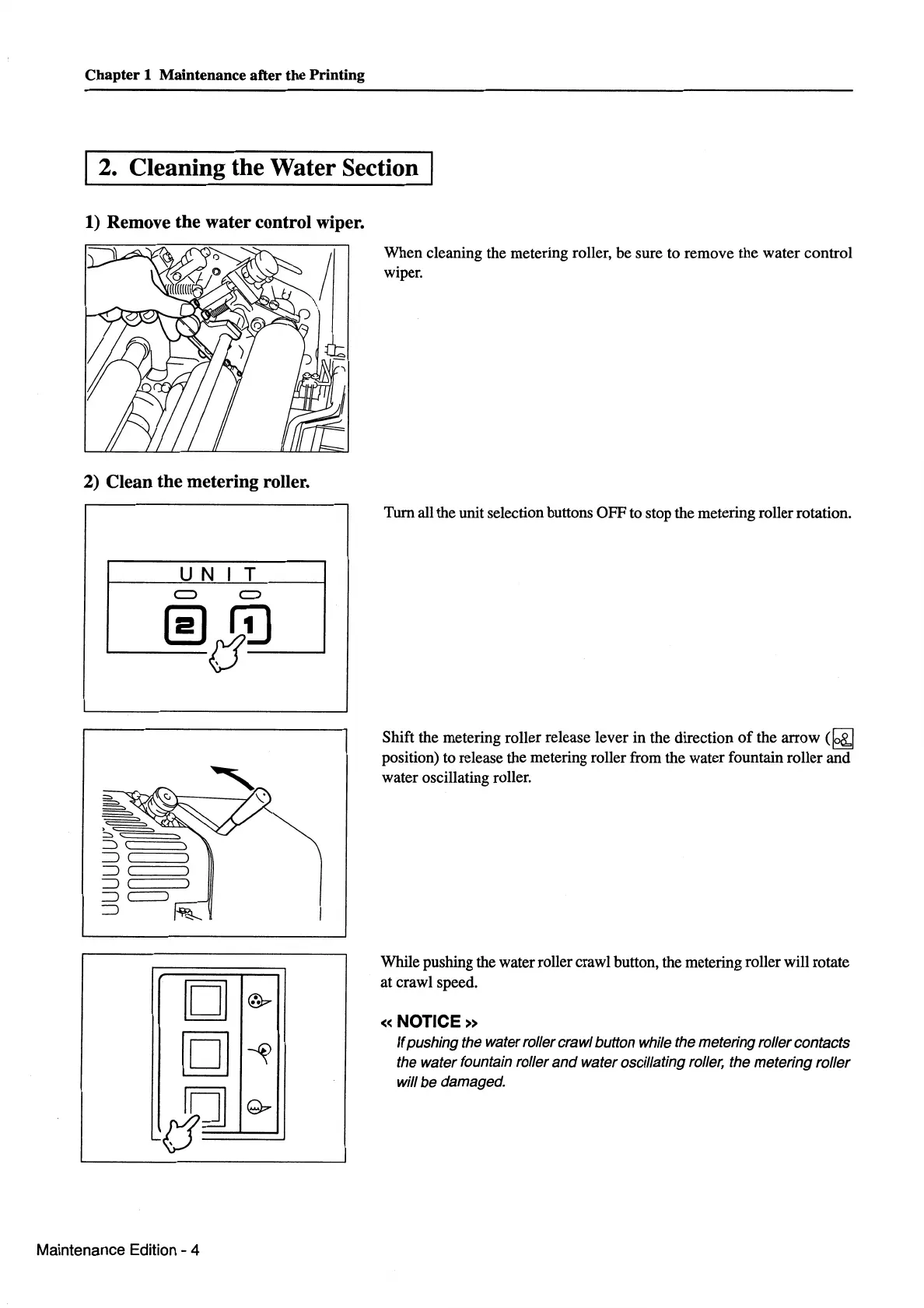
When cleaning the metering roller, be sure to remove the water control
wiper.
Turn all the unit selection buttons OFF to stop the metering roller rotation.
Shift the metering roller release lever in the direction
of
the
arrow(~
position) to release the metering roller from the water fountain roller and
water oscillating roller.
While pushing the water roller crawl button, the metering roller will rotate
at crawl speed.
«NOTICE»
If
pushing the water roller crawl button while the metering roller contacts
the water fountain roller
and
water oscillating roller, the metering roller
will
be
damaged.



 To Next Page