Chapter 2 Periodic Inspection
7.
Run the press and push the water
and ink form roller ON button
(
1)
to feed the ink to the plate
surface
fully.
Push the water and
ink form roller OFF button (2)
to release the water form roller
and ink form rollers from the
plate surface.
(2)
)
10.
After transferring the ink to the
paper,
feed the
paper
to
the
delivery section.
Measure
the
nip
width
that
appears on the paper.
(Reference)
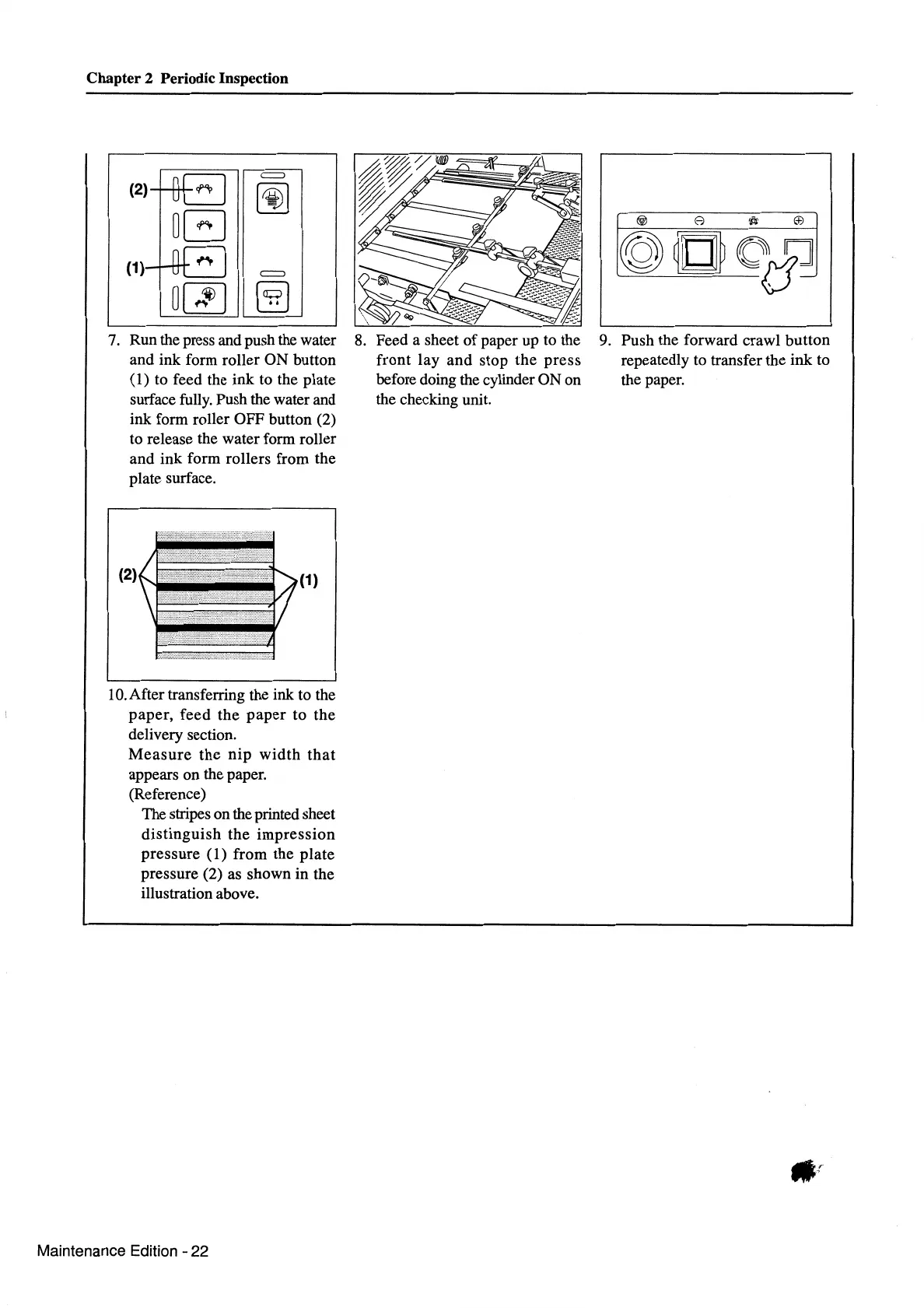
The stripes on the printed sheet
distinguish
the
impression
pressure
(1)
from the plate
pressure (2) as shown in the
illustration above.
Maintenance Edition - 22
8.
Feed a sheet
of
paper up to the
front
lay
and
stop the
press
before doing the cylinder ON on
the checking unit.
9.
Push the forward crawl button
repeatedly to transfer the ink to
the paper.



 To Next Page