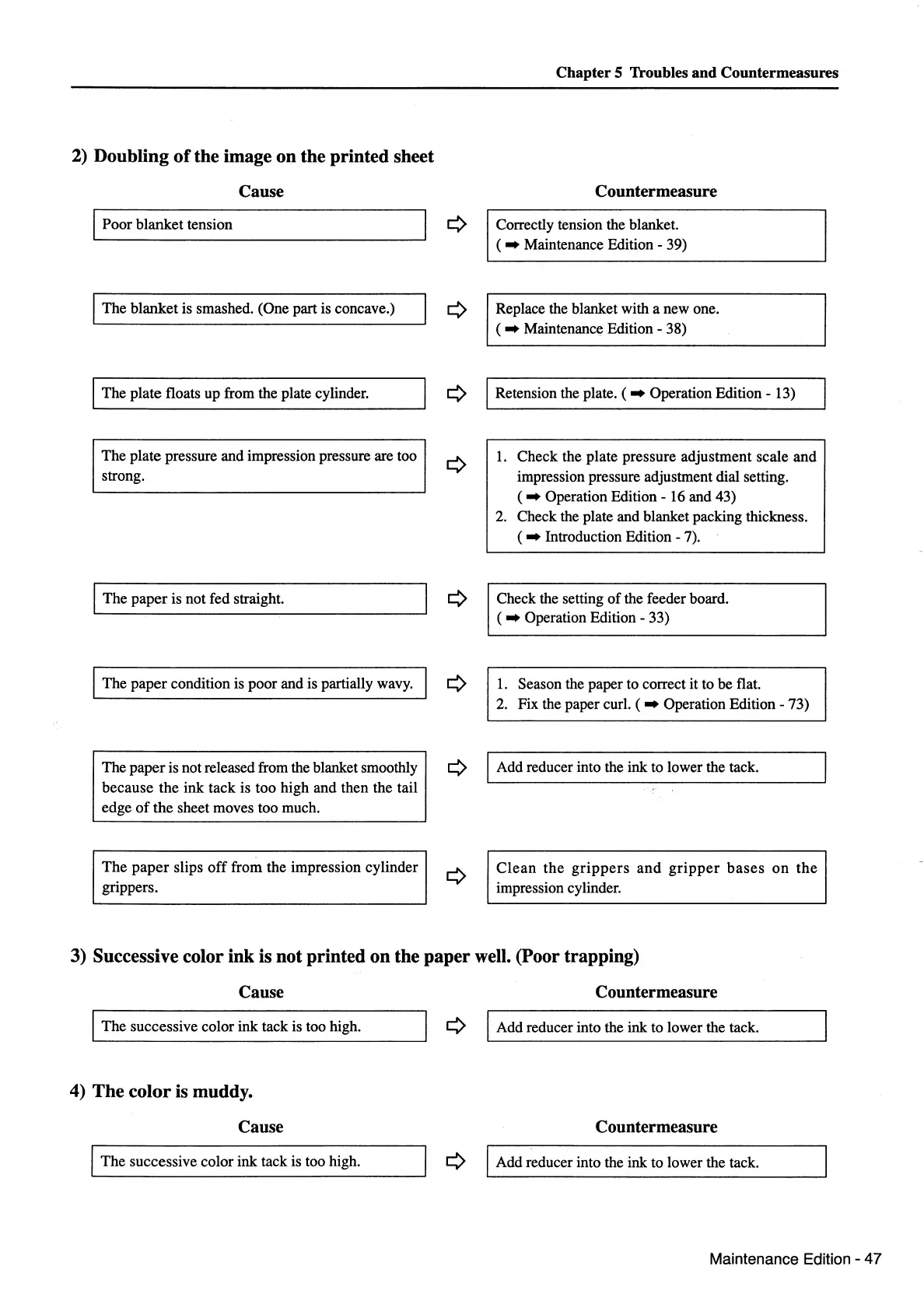
2) Doubling
of
the image on the printed sheet
Cause
I Poor blanket tension
The blanket
is
smashed. (One part is concave.)
The plate floats up from the plate cylinder.
The plate pressure and impression pressure are too
strong.
I The paper is not fed straight.
The paper condition is poor and is partially wavy.
The paper is not released from the blanket smoothly
because the ink tack is too high and then the tail
edge
of
the sheet moves too much.
The
paper
slips
off
from the impression cylinder
grippers.
Chapter 5 Troubles and Countermeasures
Countermeasure
Correctly tension the blanket.
( • Maintenance Edition - 39)
Replace the blanket with a new one.
( • Maintenance Edition - 38)
Retension the plate. ( • Operation Edition- 13)
1.
Check the plate pressure adjustment scale and
impression pressure adjustment dial setting.
( • Operation Edition-
16
and 43)
2.
Check the plate and blanket packing thickness.
( • Introduction Edition -
7).
Check the setting
of
the feeder board.
( • Operation Edition - 33)
1.
Season the paper to correct it to be flat.
2.
Fix the paper curl. ( • Operation Edition - 73)
I Add reducer into the ink to lower the tack.
Clean
the
grippers
and
gripper
bases
on
the
impression cylinder.
3) Successive color ink is not printed on the paper well. (Poor trapping)
Cause Countermeasure
I The successive color
ink
tack is too high.
¢ I Add reducer into the ink to lower the tack.
4) The color is muddy.
Cause
Countermeasure
The successive color ink tack is too high.
¢ I Add reducer into the ink to lower the tack.
Maintenance Edition- 47



 To Next Page