Chapter
2 Blanket Cleaning Device
Optional Accessories Edition - 30
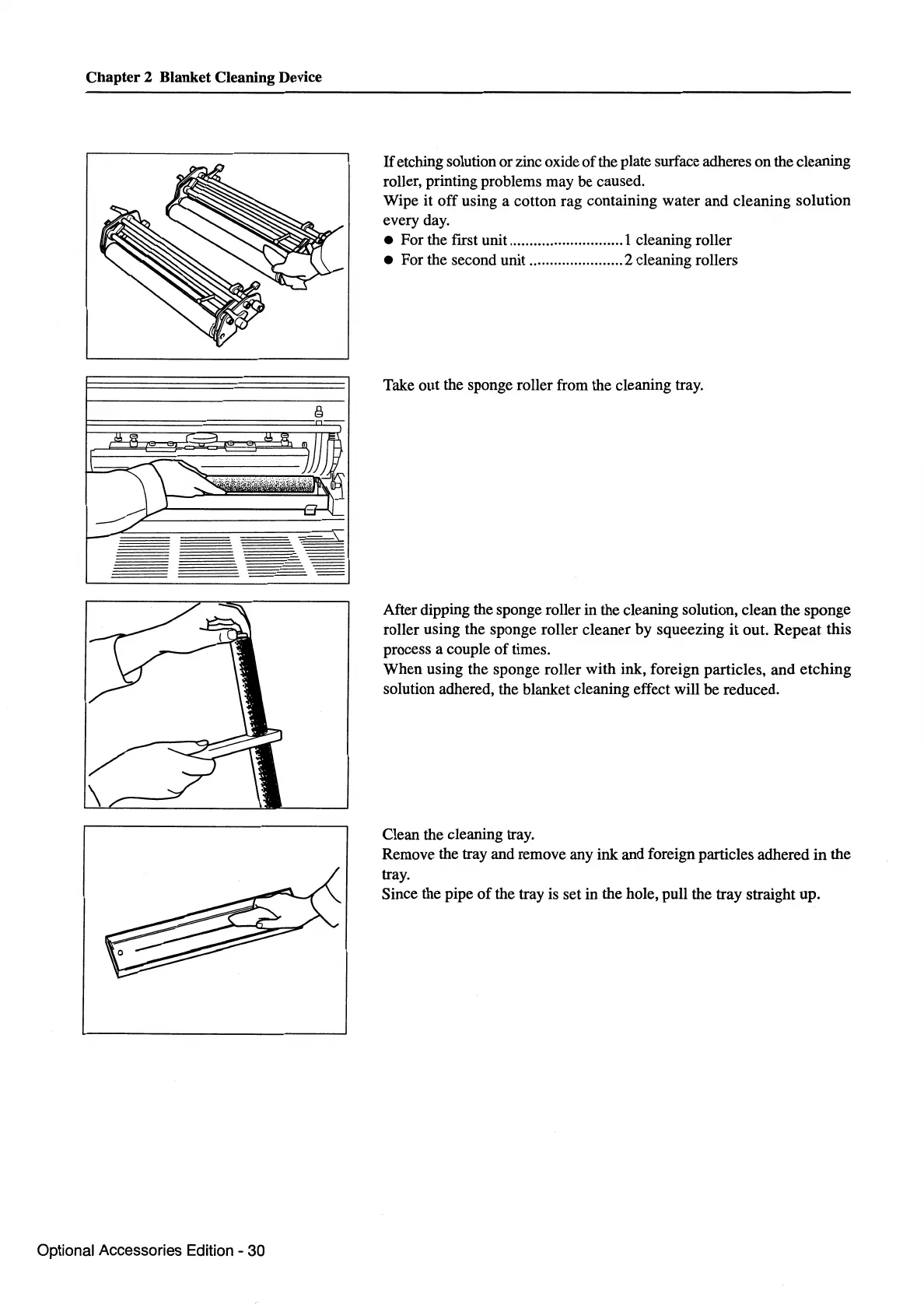
If
etching solution or zinc oxide
of
the plate surface adheres on the cleaning
roller, printing problems may be caused.
Wipe
it
off
using a cotton rag containing water and cleaning solution
every day.
• For the first unit ............................ 1 cleaning roller
• For the second unit ....................... 2 cleaning rollers
Take out the sponge roller from the cleaning tray.
After dipping the sponge roller in the cleaning solution, clean the sponge
roller using the sponge roller cleaner by squeezing
it
out. Repeat this
process a couple
of
times.
When using the sponge roller with ink, foreign particles, and etching
solution adhered, the blanket cleaning effect will be reduced.
Clean the cleaning tray.
Remove the tray and remove any ink and foreign particles adhered
in
the
tray.
Since the pipe
of
the tray is set in the hole, pull the tray straight up.



 To Next Page