31
• Testing Charging Port
• Testing Steps:
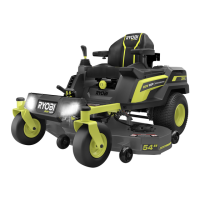
1. Plug Charger into the mower while 80v batteries are installed
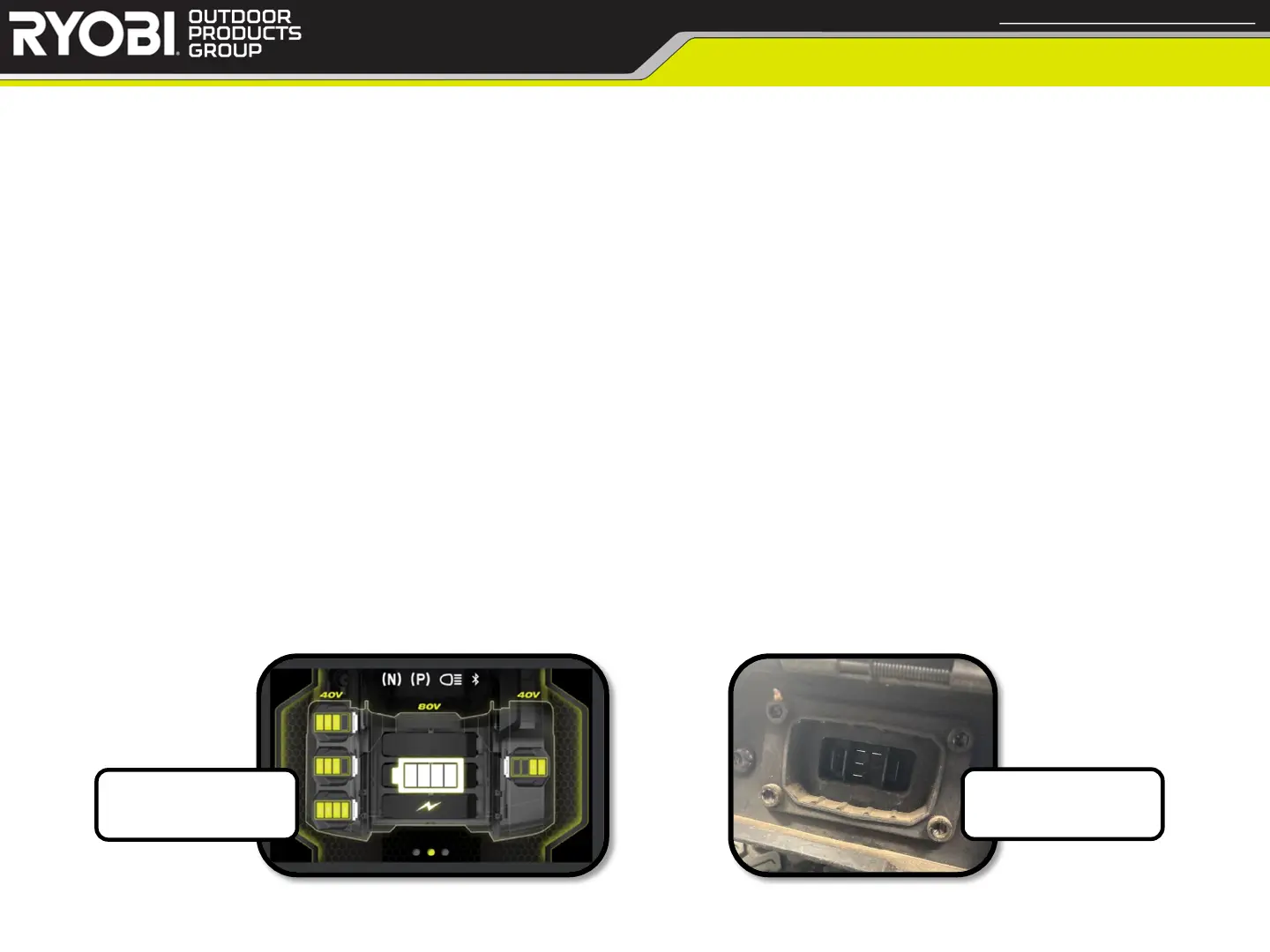
2. Check the LCD Display for charging status
a. If LCD Display doesn’t power on, check connections to LCD Display
1. If connections are secure, but LCD Display doesn’t power on, replace LCD Display
b. If LCD Display powers on, but doesn’t show charging status, replace Charging Port
3. Check Batteries to ensure charging while in mower
a. If the Batteries don’t appear to charge in mower, attempt to charge Batteries outside of mower
1. If Batteries charge outside of mower, replace Charging Port
2. If any customer Batteries don’t charge outside of mower, attempt to charge known good Batteries on
customer Charger
a. If known good Batteries charge properly, replace any customer Batteries found bad
b. If known good Batteries don’t charge, replace customer Charger
< Return to Table of Contents
Charging Port
Confidential and Proprietary - Property of Techtronic Power Equipment - DO NOT COPY or DISCLOSE
LCD Display
during charging
Charging Port


 To Next Page