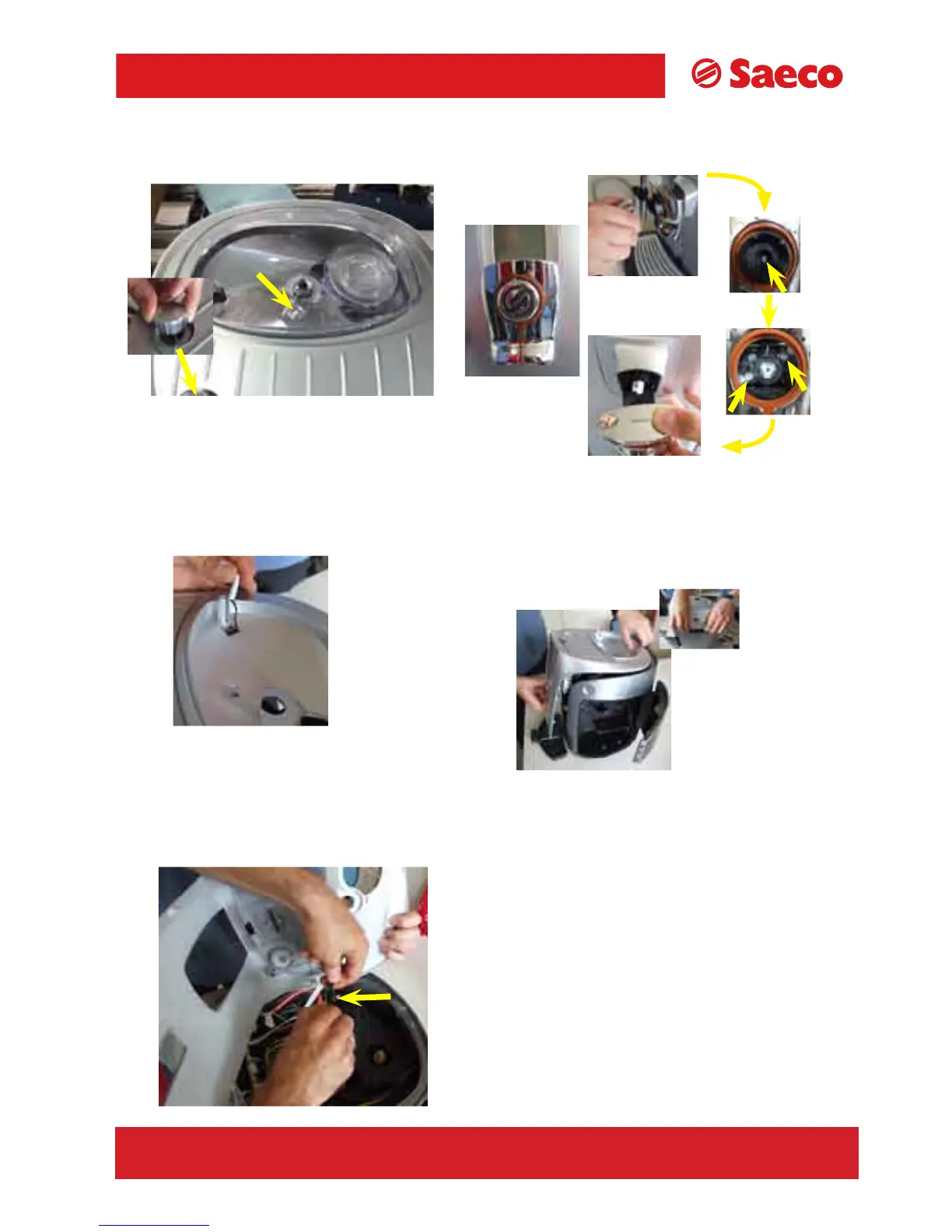
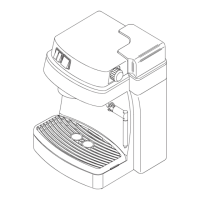
7.1 Top cover
Remove the coffee container cover,
loosen the indicated screws and
pull off the steam knob.
1/11
TALEA Section 07
REV00 - August 06
To remove the dispensing head cover, follow
the steps in a clockwise direction, remove the
SBS knob, loosen the middle screw, take off
the knob support, and loosen the indicated
screws.
Raise the cover from the back and then pull
on the front part as shown in the photo.
Pull out coffee container cover
sensor.
Unfasten the PTC connec
-
tion from the cup warmer.









 To Next Page