63
Turn Hot Water On Permanently, or On Once, or O
If your system conguration is One Central Heating Zone plus Hot Water, apart from turning on hot water for
a set number of hours as described above, the following program overrides may also be set:
• Turn hot water on all the time
• Turn hot water on for a single period of the day, from the ON time of program 1 to the OFF time of
Program 3
• Turn o hot water completely
To turn on any of these overrides:
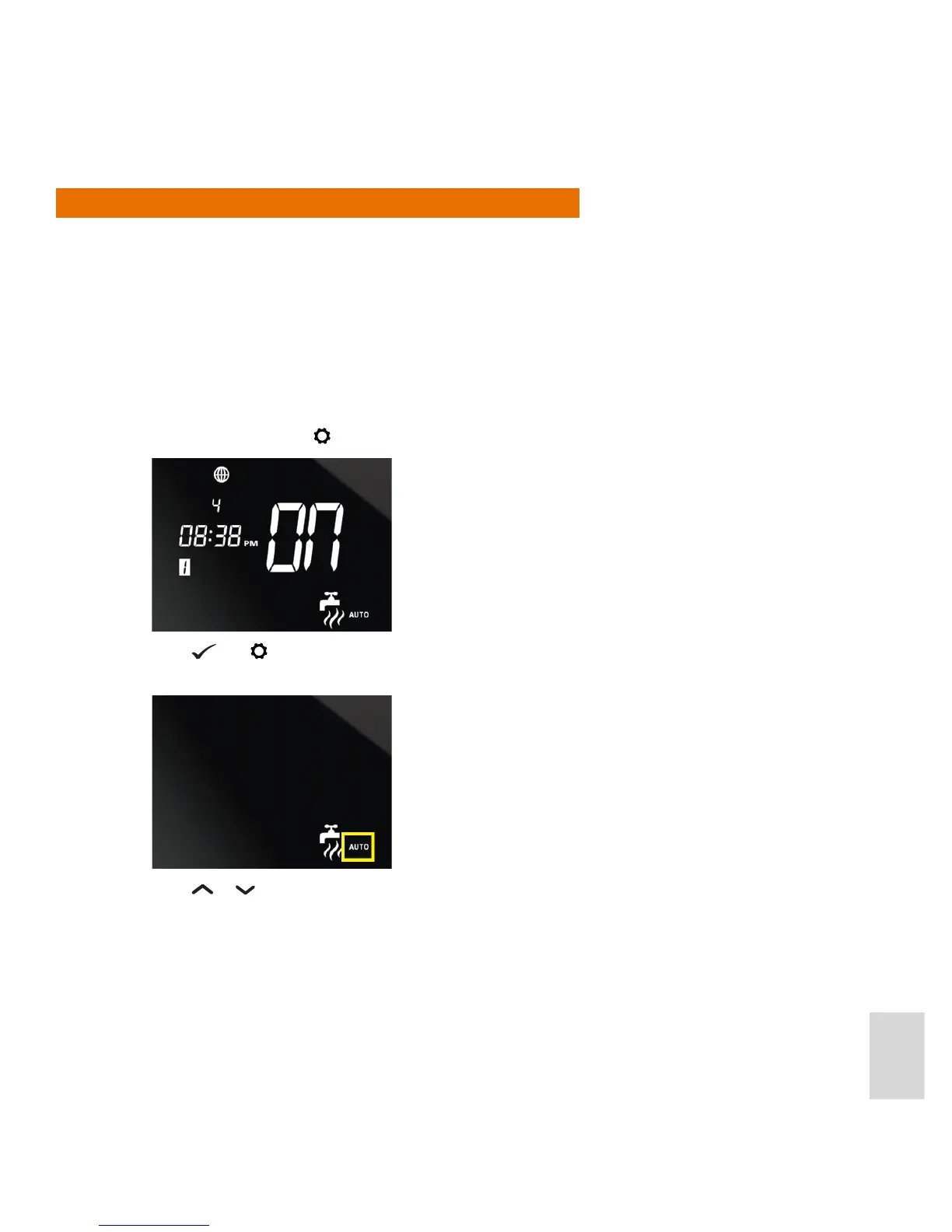
1. In Normal mode, press
to switch to the Hot Water settings.
2. Press
and together. The screen then displays the hot water icon, plus the AUTO indicator, which will
be ashing:
3. Press
or . to scroll through the override settings:
• To turn hot water on all time, scroll until the ON indicator is displayed instead of AUTO
• To turn on hot water for a single period, scroll until the 1 indicator is displayed
• To turn o hot water, scroll until the OFF indicator is displayed.



 To Next Page