62
2. Press
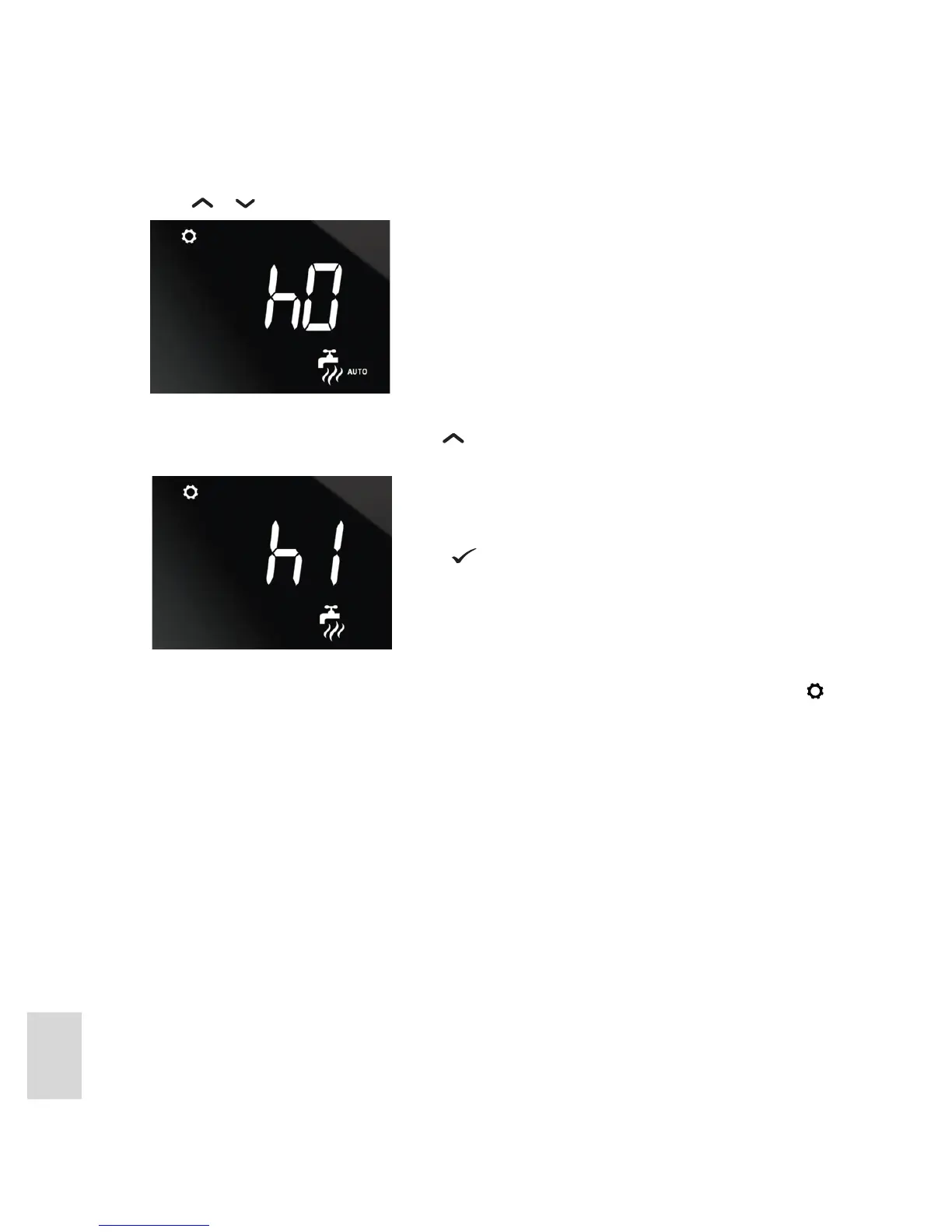
or . The hot water override setting is displayed:
3. By default, this will be h0, meaning 0 hours, indicating that an override has not been set. To set an
override and turn on the hot water, press
until the required number of hours for the override is
displayed. For example:
4. The hot water settings are then displayed again with the override setting shown. Note that the “AUTO”
status indicator is no longer displayed in the bottom-right hand corner of the screen, and the
icon is
displayed in the top-left corner, indicating that an override has been set.
At the end of the override period the unit returns to its program schedule.
To turn o a hot water override at any time, follow the above procedure and set the hours back to 0.
Press .



 To Next Page