61
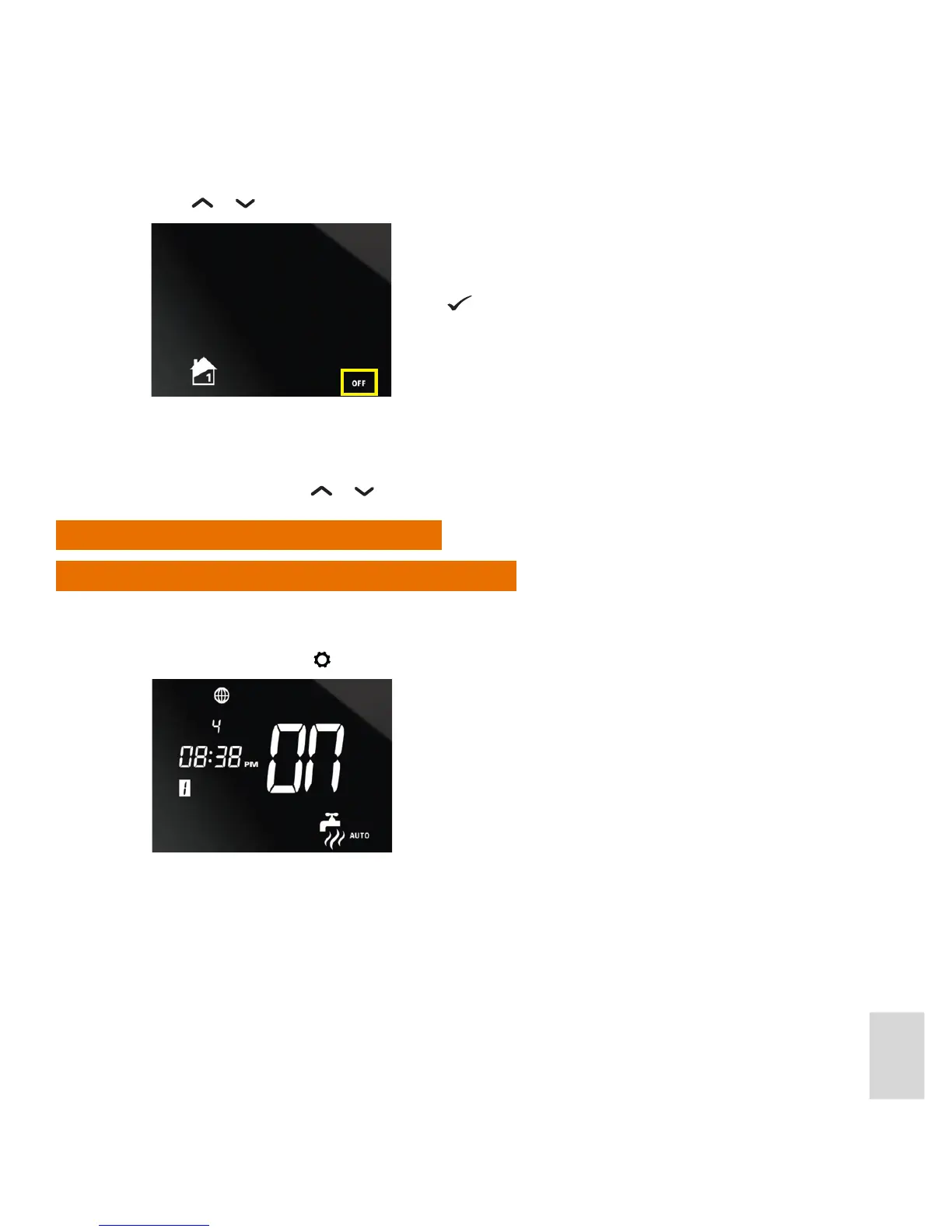
3. Press or . The AUTO indicator will be replaced by the OFF indicator:
4. The Home screen will then be displayed again, with the OFF indicator displayed to show that central
heating for the zone has been turned o.
To turn programmed central heating for a zone back on, follow the above procedure, and reset the unit to
AUTO from OFF using the
or . buttons.
Override Hot Water Settings
Turn On Hot Water for Set Number of Hours
If your system conguration is One Central Heating Zone plus Hot Water you can turn on hot water at any
time, for 1 to 9 hours, overriding the hot water programming.
1. In Normal mode, press
to switch to the Hot Water settings:
Press .



 To Next Page