60
4. To conrm the override, press . The Home screen is then displayed again.
Temporary setpoints are cancelled at the end of the program in which they have been set. To turn o an
override before then, press and hold
.
Turn O Central Heating for a Central Heating Zone
Central heating for a zone can be turned o, as follows:
1. If your system conguration is One Central Heating Zone, or if it is Two Central Heating Zones and you
want to turn o heating for Zone 1, or if it is One Central Heating Zone plus Hot Water, simply press
and
together.
If your system conguration is Two Central Heating Zones and you want to turn o heating for Zone 2,
press
to switch to Zone 2, and then press and together.
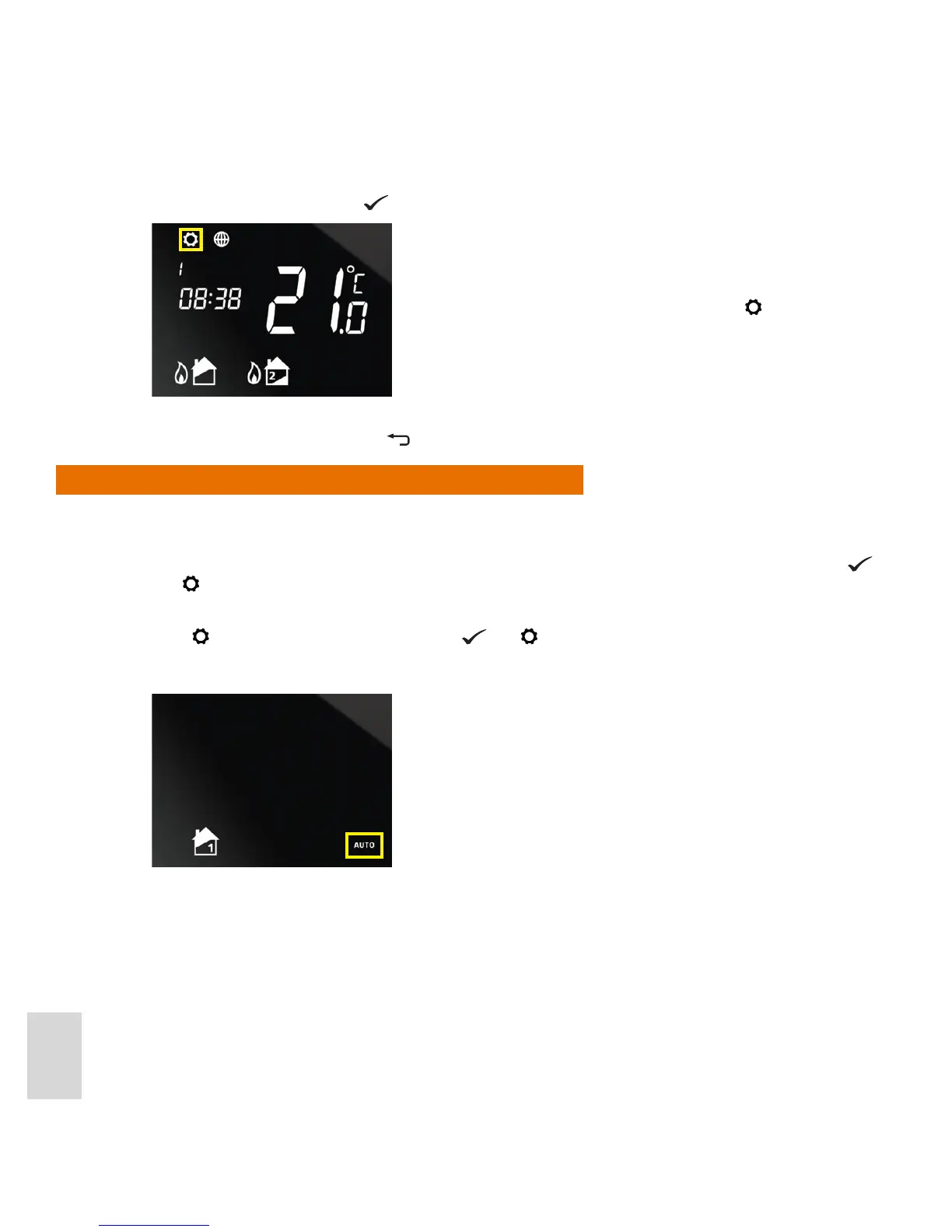
2. The screen then displays the icon for the selected zone, plus the AUTO indicator, which will be ashing:
Note that the “AUTO” status indicator is no longer displayed in the
bottom-right hand corner of the screen, and the icon is displayed
in the top-left corner, indicating that an override has been set.



 To Next Page