59
8. Depending on which days you selected to program for you may then be prompted to program for
another group of days or individual days as described in step 9 above. Hot water programming is then
complete and the unit automatically returns to Normal mode.
Override Central Heating Zone Settings
Override Setpoint Temperatures for a Central Heating Zone
To temporarily override the setpoint temperatures, in other words to set the central heating to come on and
maintain a temperature you choose at the time, instead of according to its current program, carry out the
following steps:
1. If your system conguration is One Central Heating Zone, or if it is Two Central Heating Zones and you
want to override the current setpoint temperature for Zone 1, or if it is One Central Heating Zone plus Hot
Water, simply press
or .
If your system conguration is Two Central Heating Zones and you want to override the current setpoint
temperature for Zone 2, press
to switch to Zone 2, and then press or .
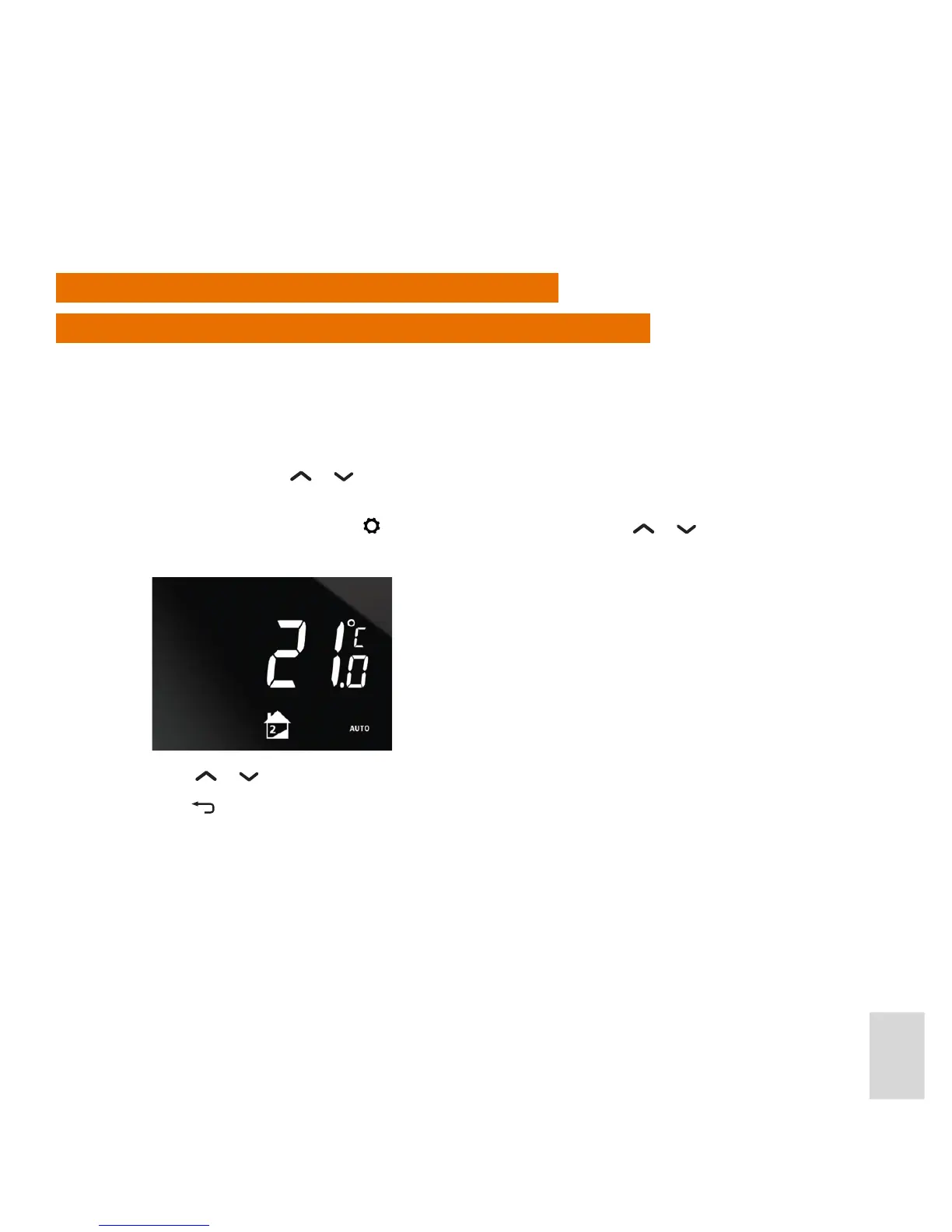
2. The setpoint temperature of the current program is then displayed:
3. Press
or . to increase or decrease the temporary setpoint temperature.
Press
to cancel setting the override and return to the Home display.



 To Next Page