58
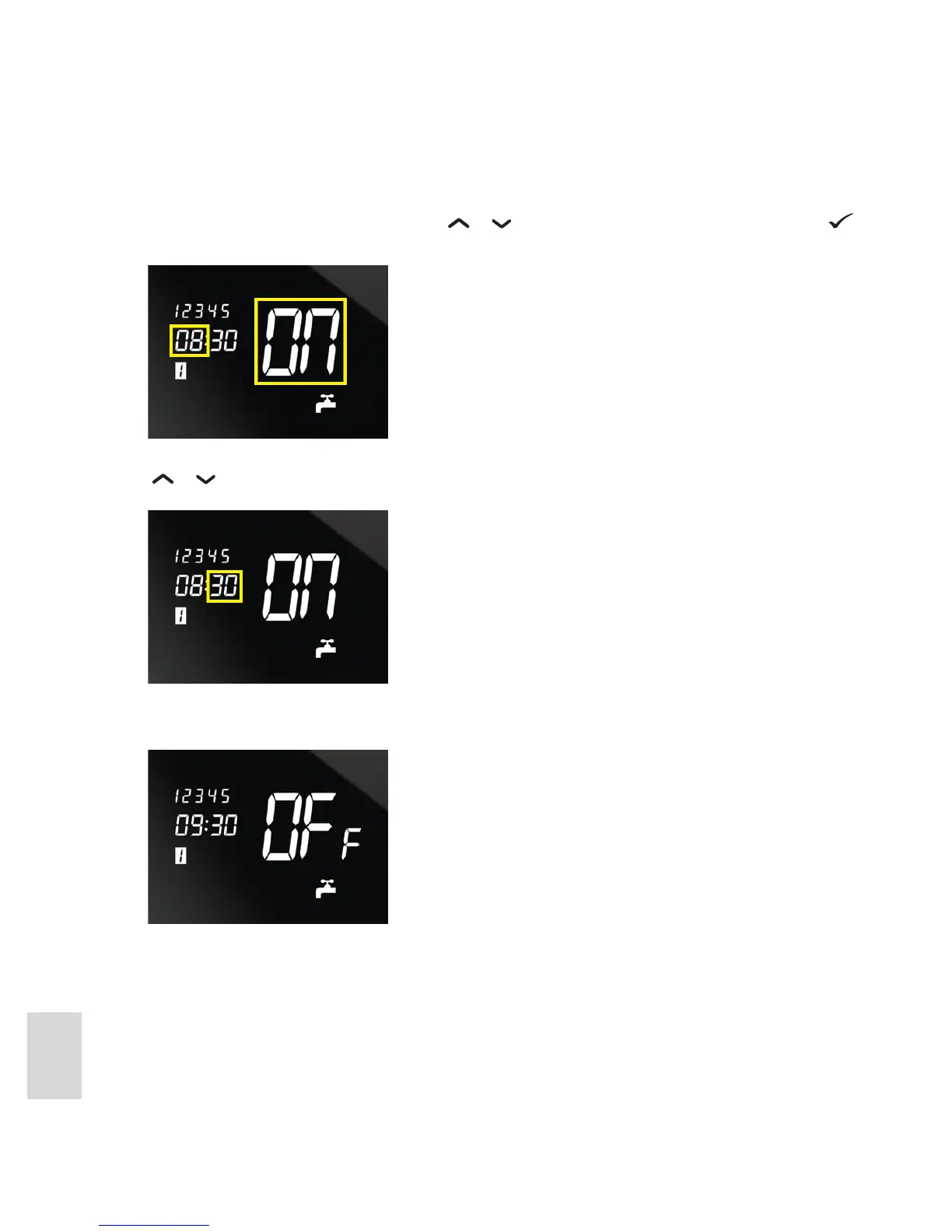
4. You can now enter the On and O times for program 1. First, enter the On time. ON is shown on the
display and the hour setting ashes. Press
or to increase or decrease hour setting or press to
accept the current setting and move on to minute setting.
5. The minute setting then ashes. Adjust and conrm it in the same way as the hour setting. Each press of
or increases or decreases the minute setting by 10 minutes.
6. OFF is then shown on the screen and the hour setting ashes again. Specify the O time hours and
minutes for program 1 in the same way as you did the On time.
7. Programming for program 1 is now complete. The unit then switches to program 2, as indicated by the
displayed program number. Repeat steps 4 to 6 for program 2, and then for program 3 in turn.



 To Next Page