57
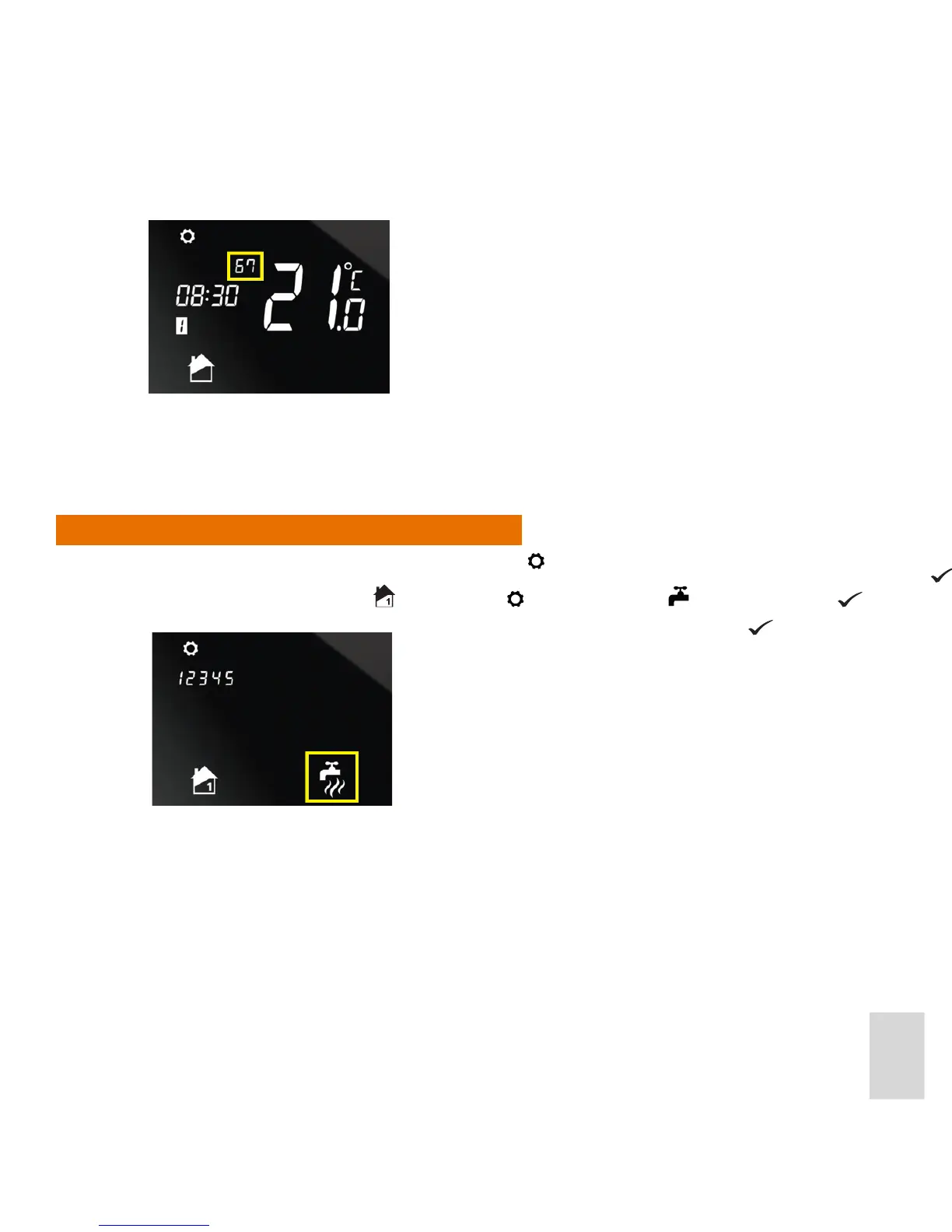
Day numbers 6 and 7 will be shown on the display:
If the entire week group of days was selected, the unit automatically returns to Normal mode once the 6
programs have been set up.
If individual days were selected, the unit automatically returns to Normal mode once the 6 programs for
each individual day have been set up.
Setting the Program Schedule for Hot Water
1. From Normal mode, enter Settings mode by pressing for 2 seconds. Then Press
2. On the screen, the Zone 1 icon
will ash. Press . The Hot Water icon will then ash. Press to
enter hot water programming.
3. Select the days or group of days to program for as described in step 3 above.
If the weekend group of days was selected, the unit then
switches to the weekdays group of days so that you can specify
the separate programs for the weekdays. Day numbers 1 to 5
will be shown on the display.
One the programs for both the weekdays and weekend have
been set up, the unit automatically returns to Normal mode.



 To Next Page