- 39 -
C. Recovery from the Auto Cutter Error
If a foreign object, for example a paper clip drops in the auto cutter and causes the auto
cutter to lock up, the printer will error. The main Error LED will blink and the buzzer will
beep regularly indicating there is a problem. In this instance the following procedure can
be used to release the printer error.
1) Turn the power off using the POWER button
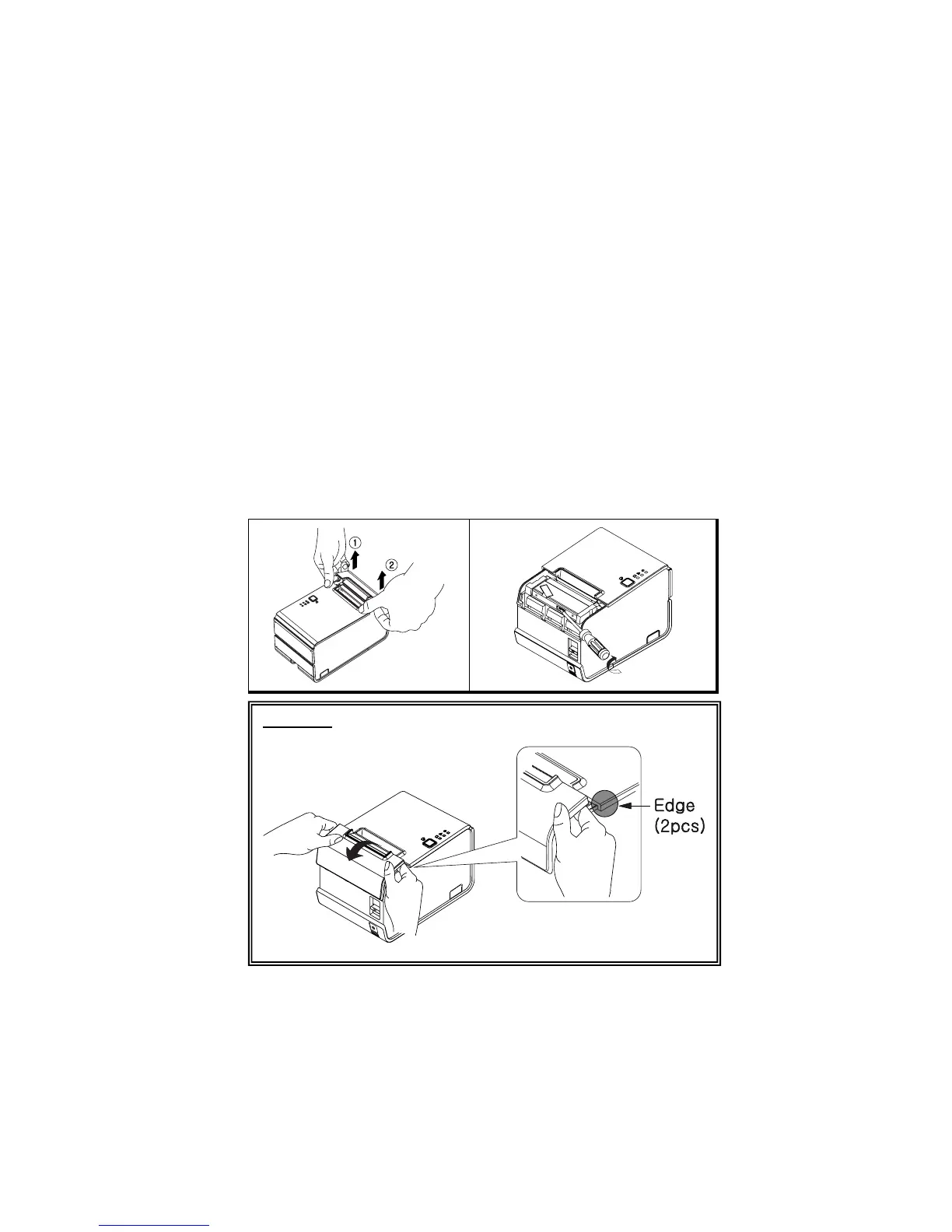
2) If it is possible open the printer cover, remove the roll and jammed paper and load a
new paper roll.
If it is not possible to open the printer cover, turn the power on using the POWER
button
Move the paper cutter from right to left
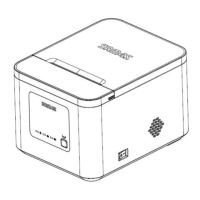
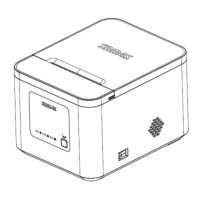
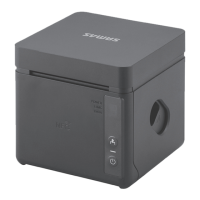
Turn the gear in a counter clockwise direction as shown in the diagram until the
buzzer stops
If the buzzer fails to stop, turn the gear in a clockwise direction until the buzzer
stops
Open the printer cover, remove the roll and jammed paper and load a new paper
roll.
Power off and on the printer, or send the DLE ENQ n command to reset the printer.
CAUTION : Be careful of the sharp edges of the printer cover.


 To Next Page