- 5 -
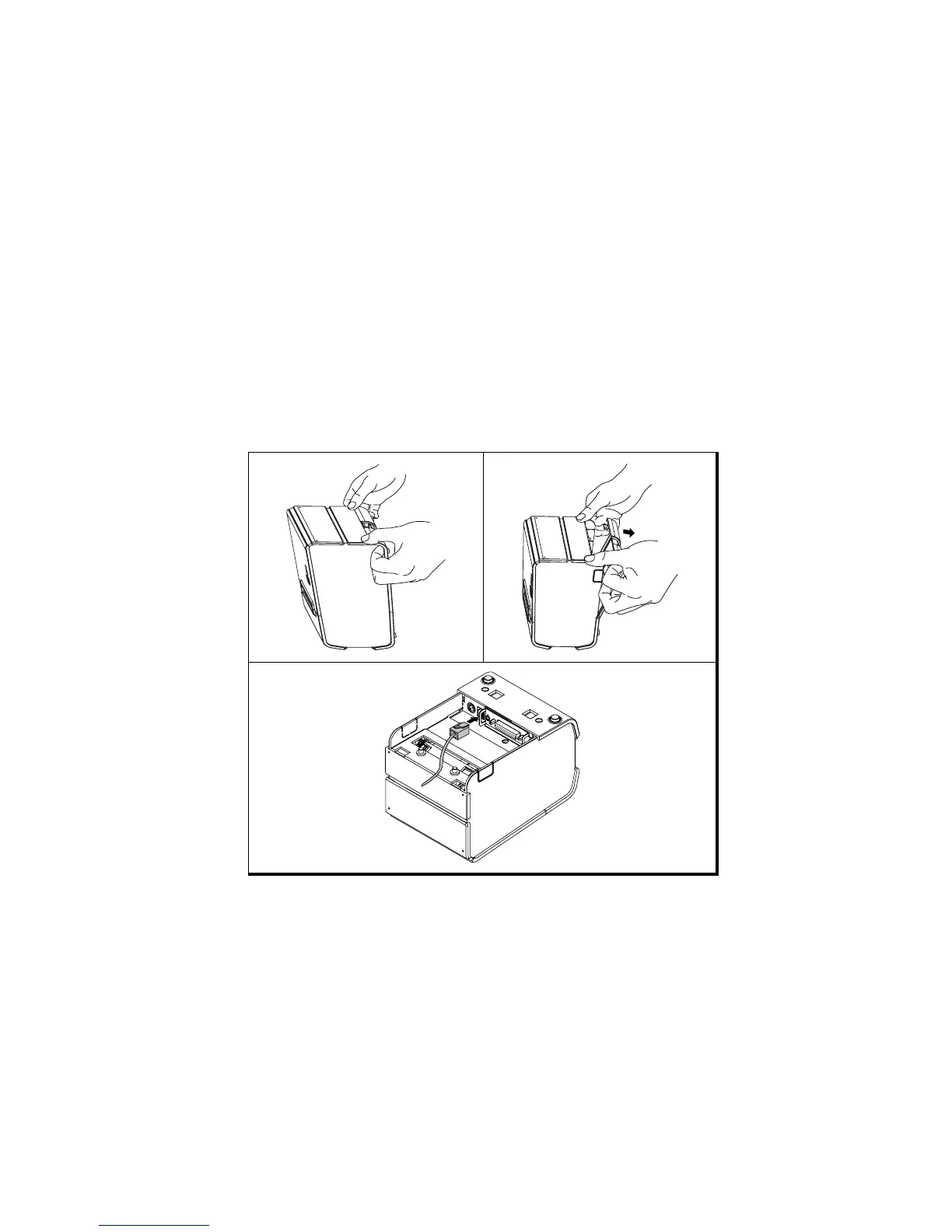
1-4. Connecting the Drawer
WARNING:
Use a drawer that matches the printer specification. Using an improper drawer may
damage the drawer as well as the printer.
CAUTION:
Do not connect a telephone line to the drawer kick-out connector; otherwise the printer
and the telephone line may be damaged.
Plug the drawer cable into the drawer kick-out connector on the back of the printer next to
the power supply connector.



 To Next Page