- 49 -
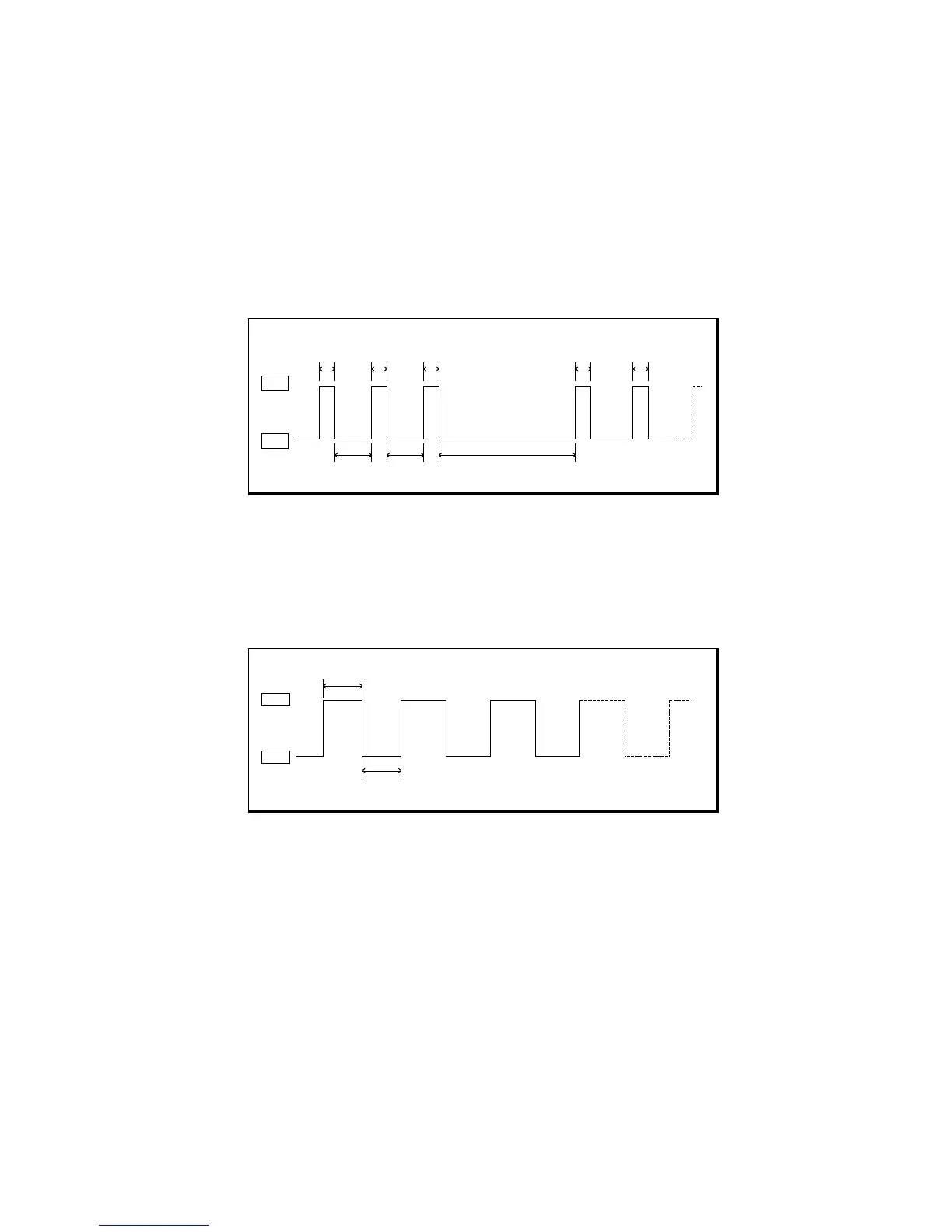
Cutter Not Home ( Buzzer and ERROR LED status )
If the cutter blade is not in home position when the normal waiting time, the printer enters
Cutter Not Home error status.
The buzzer and ERROR LED beeps and blinks as like:
(Beep beep beep----, Beep beep beep----, Beep beep beep…)
If you want to clear error status above, open the cutter cover and screw a motor worm
gear with a screwdriver until the buzzer stops ringing.
Interface board is not plugged in.
(Buzzer ,ERROR LED and NO PAPER LED status)
If the ERROR LED and NO PAPER LED blink as below pattern without power LED on, the
printer is in the no interface error status. If you do not have interface board, you must
contact the dealers.



 To Next Page