72
Using MDC
3
3 Using MDC
Input Source
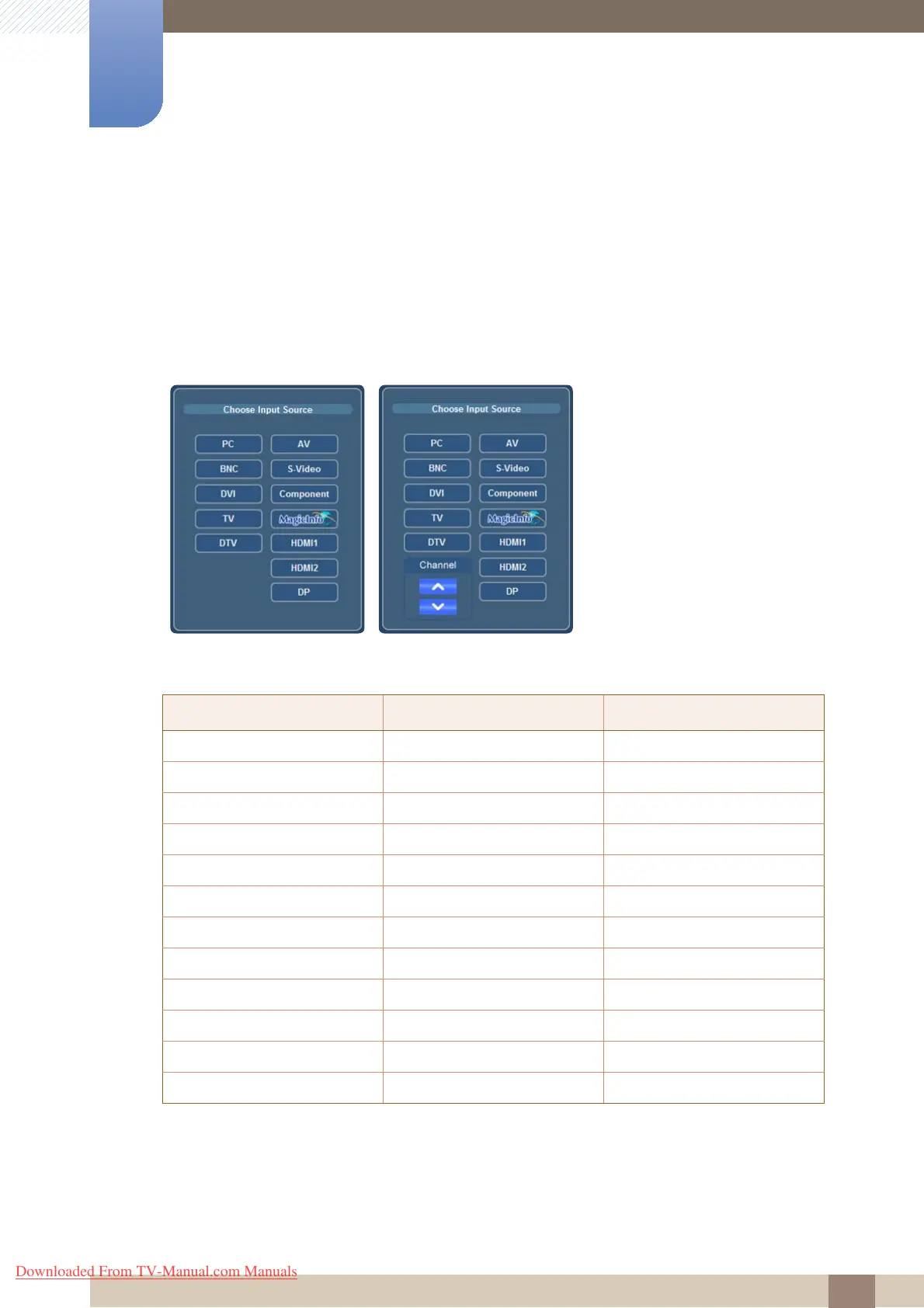
Click "Input Source" to configure preferences.
Configuring the input source for a connected display
Displayed options differ from PC mode to TV mode.
Select the input source you want for the selected display.
O: Convertible
X: Not convertible
@ : Available input sources vary depending on the connected device model. Check that your displays
support the input sources.
PC mode TV mode
PC mode TV mode
PC O O
BNC O O
DVI O O
TV O O
DTV O O
AV O O
S-Video O O
Component O O
MagicInfo @ @
HDMI1/HDMI2 O O
DP O O
Channel X O@
Downloaded From TV-Manual.com Manuals







 To Next Page