75
Using MDC
3
3 Using MDC
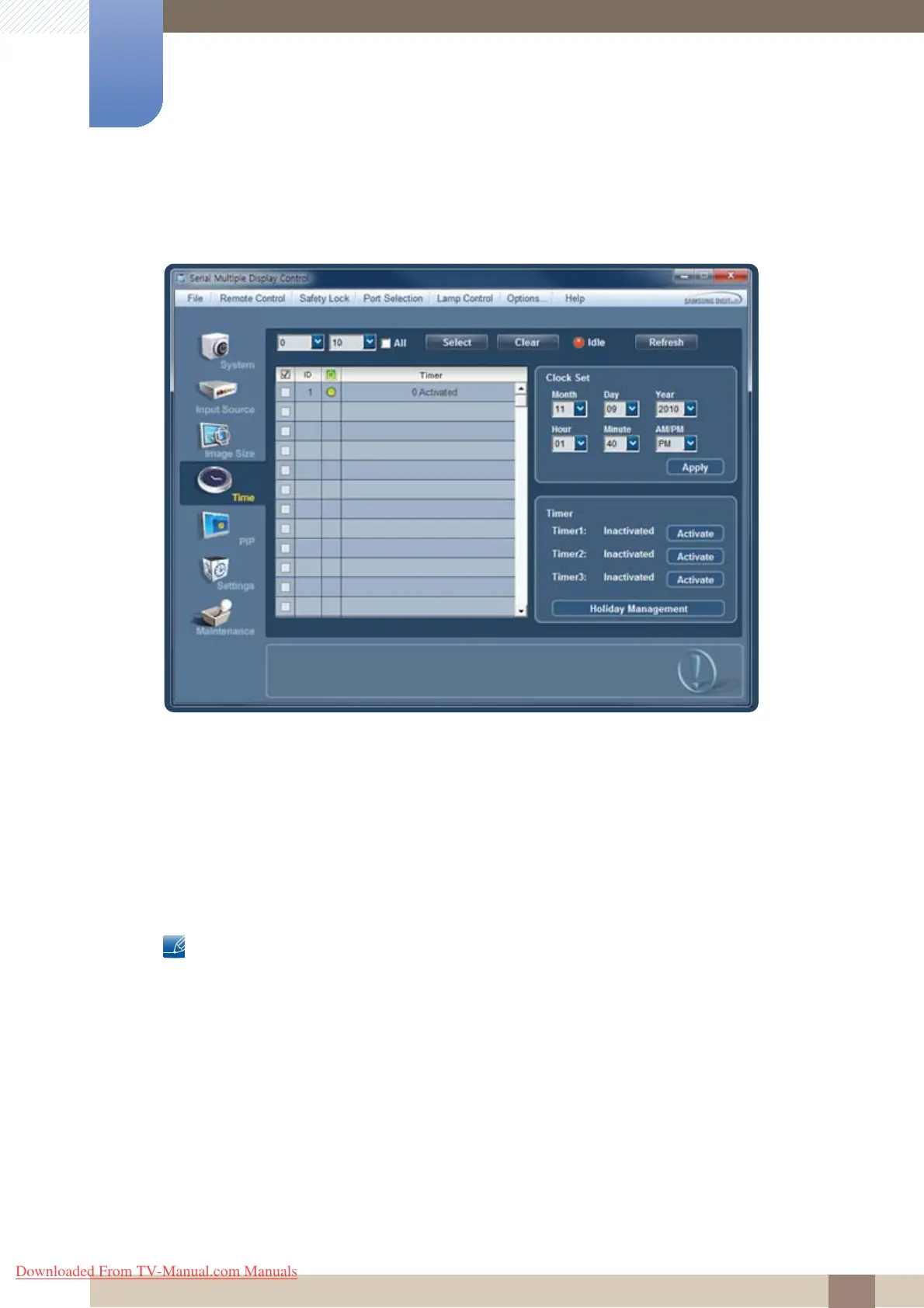
Time
Click "Time" to configure preferences.
Clock Set
z Select a display and change the time.
z Time is automatically set to the time set on the PC by default.
z To change the time on displays, change the time set on the PC first.
Timer
Set Timer1, Timer2, Timer3, and Holiday Management.
z Changes will only be applied to displays that are powered on.
z Magicinfo only functions on products that have the MagicInfo function.
z TV mode is only available on products that have the TV function.
Downloaded From TV-Manual.com Manuals







 To Next Page