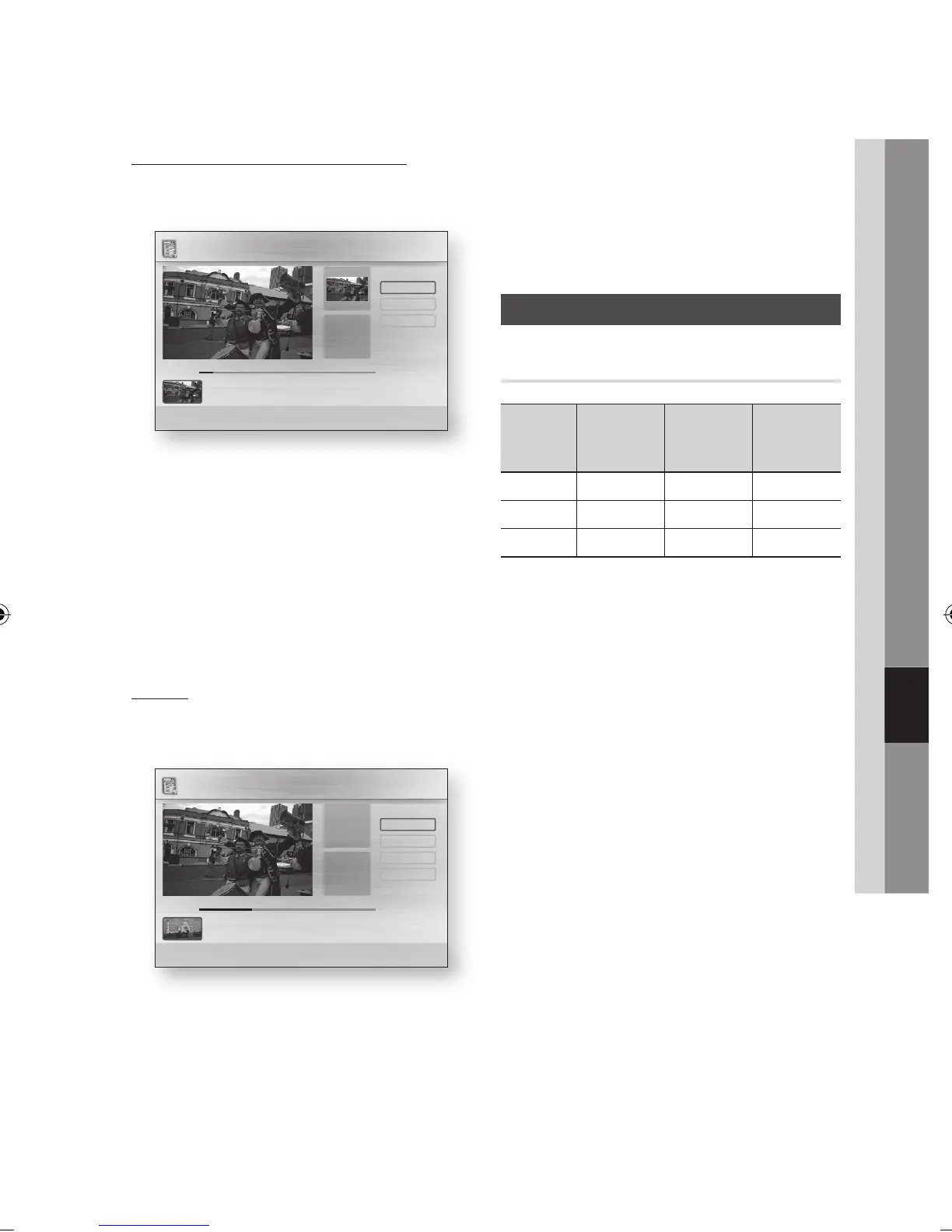
Splitting a Section of a Title (Split)
Press the ◄► buttons to select the Split,
then press the ENTER button.
Using the playback-related buttons, move to
a point for splitting and then press the ENTER
button.
Press the ENTER button to select Split.
Press the ◄► buttons to select OK, then
press the ENTER button.
The split title is divided into two, and the
following titles will be shifted down by one.
Splitting a Section of a Title (Partial
Delete)
Press the ◄► buttons to select the Partial
Delete, then press the ENTER button.
Press the ENTER button at the starting point.
The image and starting point time is displayed
in the section deletion starting point window.
Select the start and end points of the
section you want to delete using the
playback related buttons.
1.
2.
3.
4.
1.
2.
•
Press the ENTER button at the end point.
The image and end point time is displayed in
the Section deletion ending point window.
Press the ENTER button to select Delete.
Press the ◄► buttons to select OK, then
press the ENTER button.
Copy
Copying Videos, Music or Photos
Contents
HDD/DISC/
AllShare
USB
DISC/USB/
AllShare
HDD
HDD/DISC/
USB
AllShare
Music
Supported Supported Supported
Photos
Supported Supported Supported
Videos
Supported Supported Supported
Disc (CD-DA/CD-R/CD-RW, DVD±R(Finalise)/
DVD+RW/DVD-RW(Finalise))
;
HDD or USB
PTP USB is not available when you copy to
USB.
The broadcast signal can be recorded on HDD
but copy feature is not supported.
Press the MENU button.
The home menu will be displayed.
In Stop mode, connect the USB storage
device to the USB port on the front panel of
the product.
The message “Do you want to access the
device?”will be displayed.
Press the ◄► buttons to select Yes, then
press the ENTER button.
3.
4.
5.
•
•
•
1.
2.
3.
+()
Playback Controls
[]
Scene Search <Jump >Move " Enter ' Return
Partial Delete / CNP News
Start
00:00:00
End
00:00:00
Start
Return
Delete
End
+ Play
00:01:08 / 00:01:16
+()
Playback Controls
[]
Scene Search <Jump >Move " Enter ' Return
Split / CNP News
Part1
00:00:00
Part2
00:00:00
Select
Return
Split
+ Play
00:00:08 / 00:00:34



 To Next Page