ons
Quick Overview
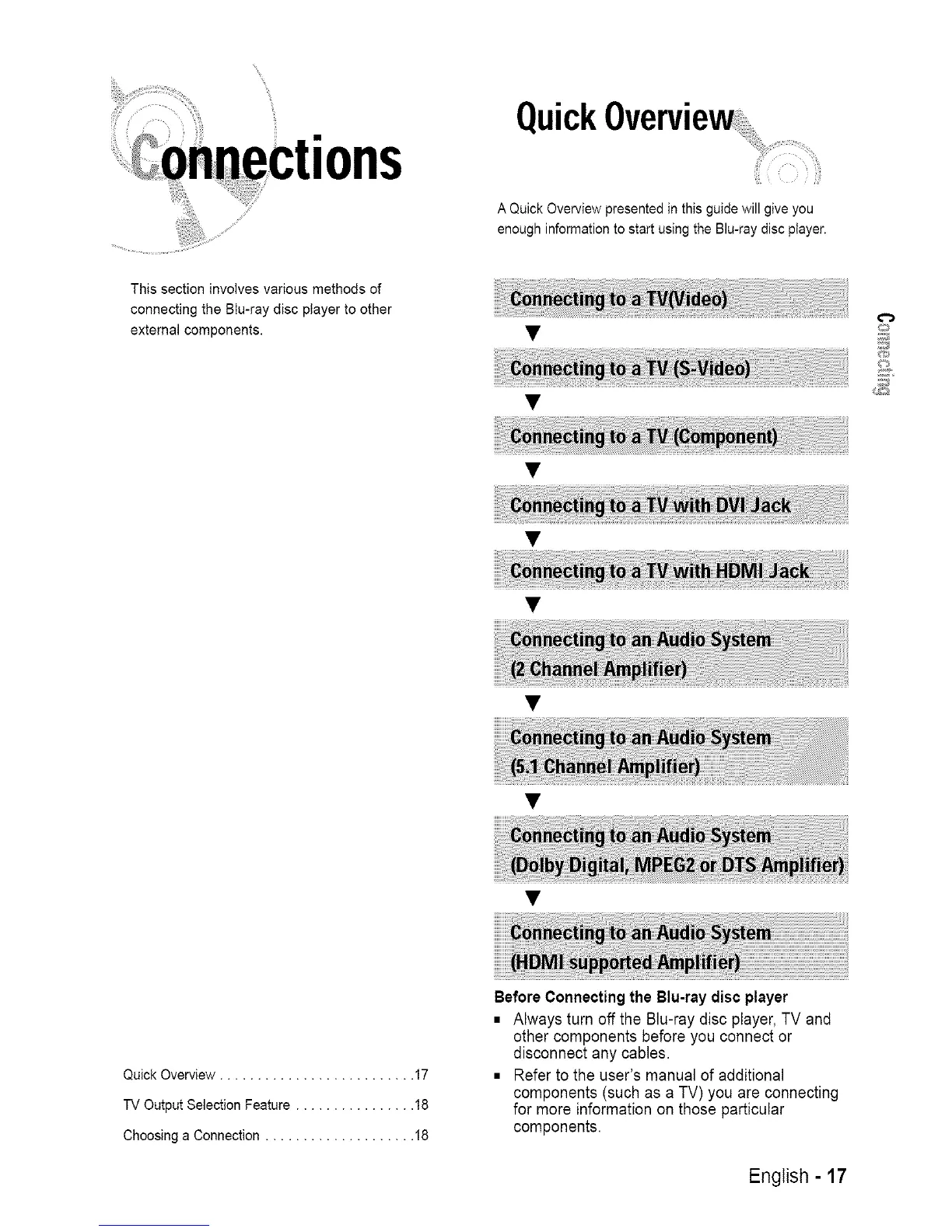
A Quick Overview presented in this guide will give you
enough information to start using the Blu-ray disc player.
This section involves various methods of
connecting the BIu-ray disc player to other
external components.
Quick Overview .......................... 17
TV Output Selection Feature ................ 18
Choosing a Connection .................... 18
BeforeConnectingthe Blu-raydiscplayer
• Always turn off the Blu-ray disc player,TV and
other components before you connect or
disconnect any cables.
• Refer to the user's manual of additional
components (such as a TV) you are connecting
for more information on those particular
components.
English - 17














 To Next Page