Setup
On-ScreenMenu
Navigation
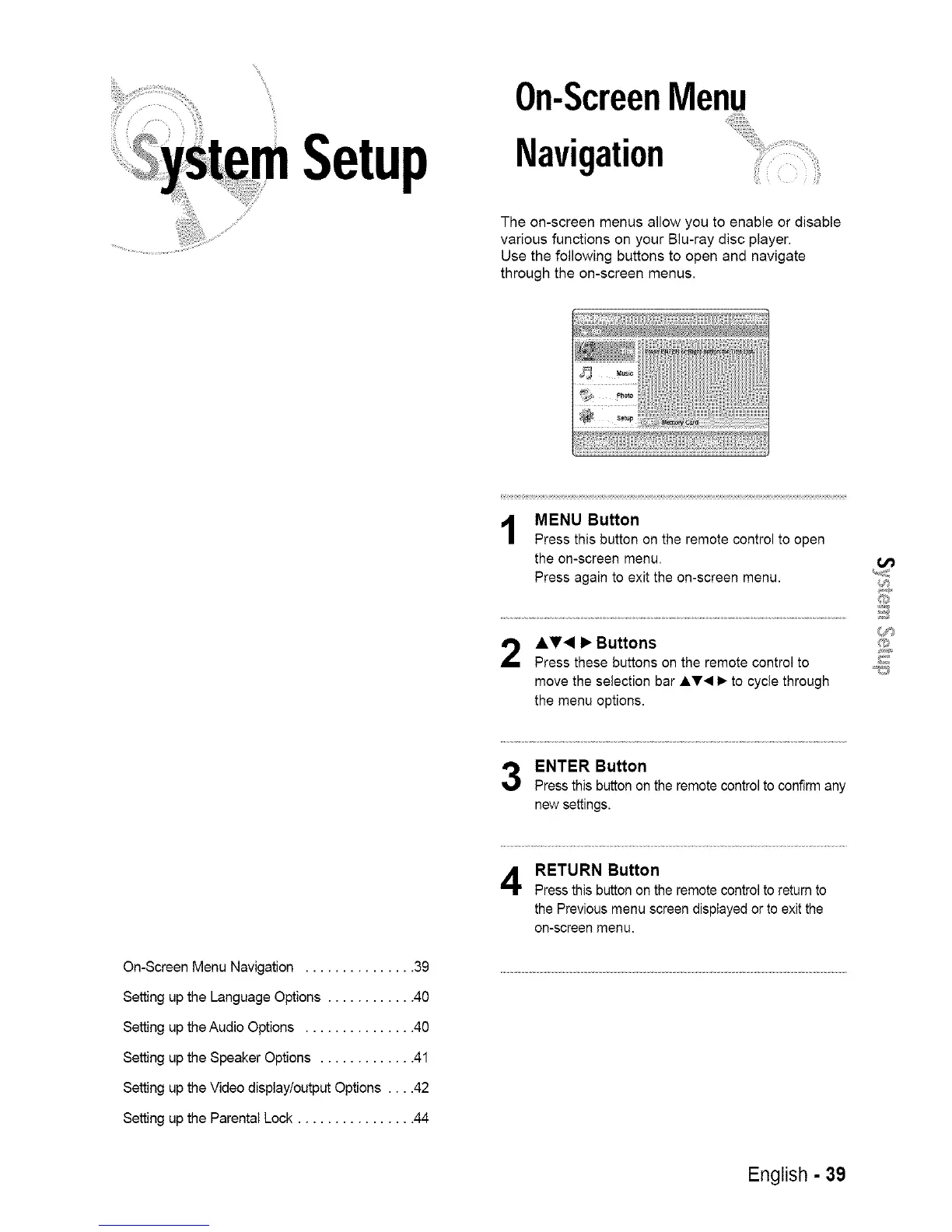
The on-screen menus allow you to enable or disable
various functions on your Blu-ray disc player.
Use the following buttons to open and navigate
through the on-screen menus.
MENU Button
Press this button on the remote control to open
the on-screen menu.
Press again to exit the on-screen menu.
A_'< I_ Buttons
Press these buttons on the remote control to
move the selection bar AT< 1_to cycle through
the menu options.
O
O
ENTER Button
Press this button on the remote control to confirm any
new settings.
On-Screen Menu Navigation ............... 39
Setting up the Language Options ............ 40
Setting up the Audio Options ............... 40
Setting up the Speaker Options ............. 41
Setting up the Video displaytoutput Options .... 42
Setting up the Parental Lock ................ 44
RETURN Button
Press this button on the remote control to return to
the Previous menu screen displayed or to exit the
on-screen menu.
English - 39














 To Next Page