PlayinganAudi
MP3
Playing an Audio CD(CD-DA)
Insert an audio CD(CD-DA) intothe disc tray.
• The Music List screen is displayed
i
Press the AT buttons to seIect the track you want
to play, and then press the ENTER button.
Playing an MP3
Insert an MP3 disc into the disc tray.
• The Menu screen is displayed.
Press the AT buttons to select Music, then
press the ENTER button.
• The Music List is displayed.
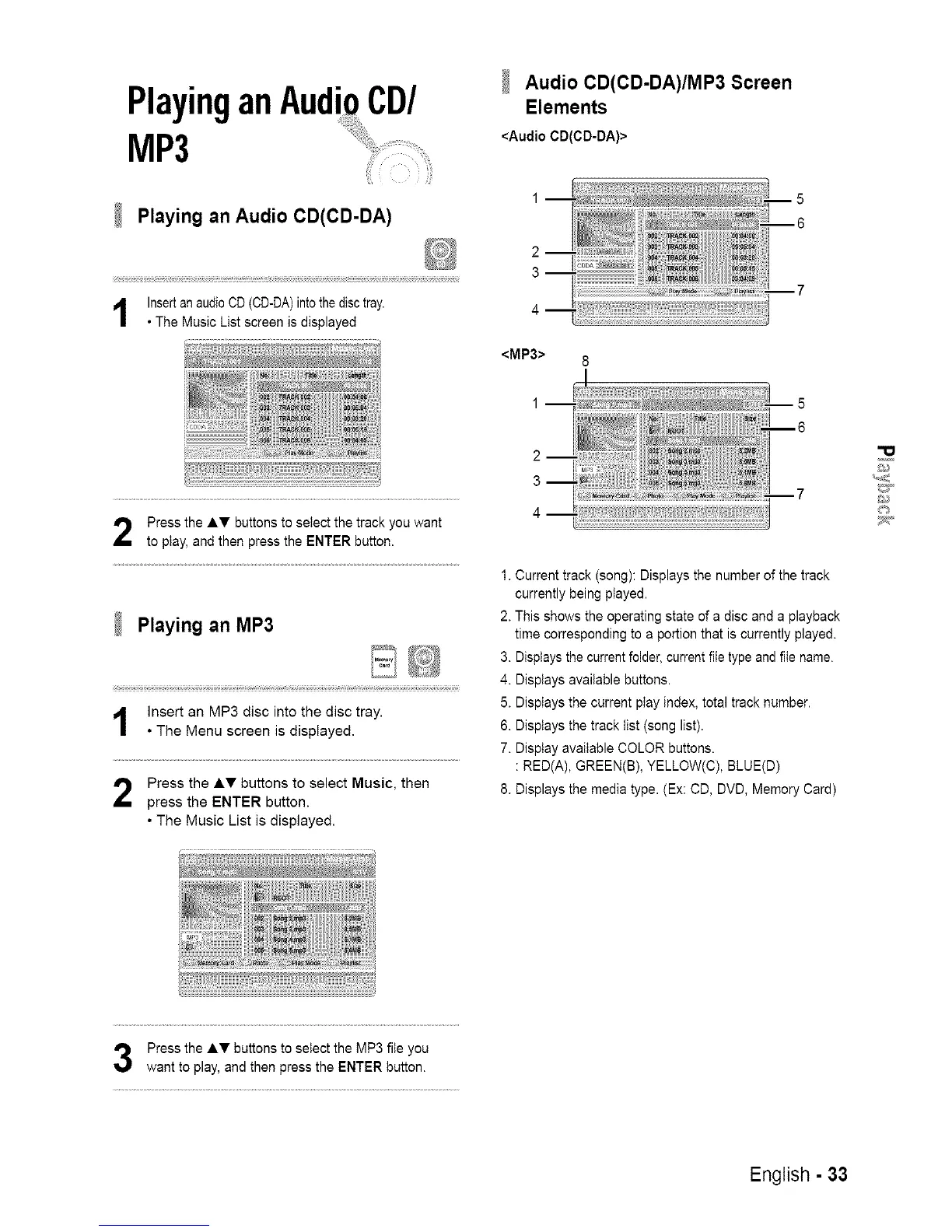
Audio CD(CD-DA)/MP3 Screen
Elements
<Audio CD(CD-DA)>
2
3
<MP3>
1. Current track (song): Displays the number of the track
currently being piayed.
2. This shows the operating state of a disc and a playback
time corresponding to a portion that is currently played.
3. Displays the current folder, current file type and file name.
4. Displays available buttons.
5. Displays the current play index, total track number.
6. Displays the track list (song list).
7. Display available COLOR buttons.
: RED(A), GREEN(B), YELLOW(C), BLUE(D)
8. Displays the media type. (Ex: CD, DVD, Memory Card)
Press the AT buttons to select the MP3 file you
want to play, and then press the ENTER button.
English - 33














 To Next Page