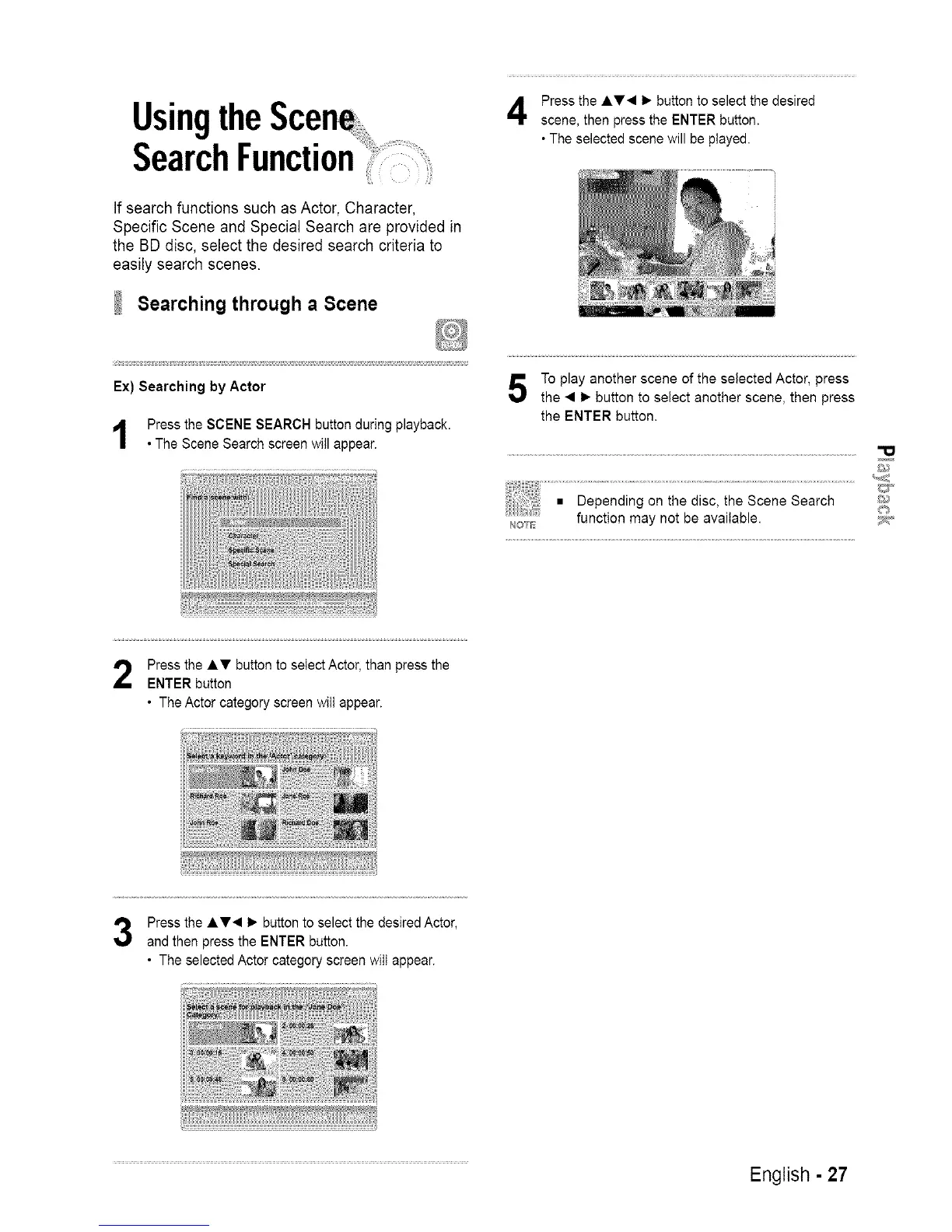
Press the Ay• 1_ button to select the desired
scene, then press the ENTER button.
• The selected scene will be piayed.
If search functions such as Actor, Character,
Specific Scene and Special Search are provided in
the BD disc, select the desired search criteria to
easily search scenes.
Searching through a Scene
Ex) Searching by Actor
Press the SCENE SEARCH button during playback.
• The Scene Search screen will appear.
To play another scene of the selected Actor, press
the • _- button to select another scene, then press
the ENTER button,
N©_E
_2_#'
Press the Ay button to select Actor, than press the
ENTER button
• The Actor category screen wilt appear.
Press the Ay• 1_ button to select the desired Actor,
and then press the ENTER button.
• The selected Actor category screen wilt appear.
English - 27














 To Next Page