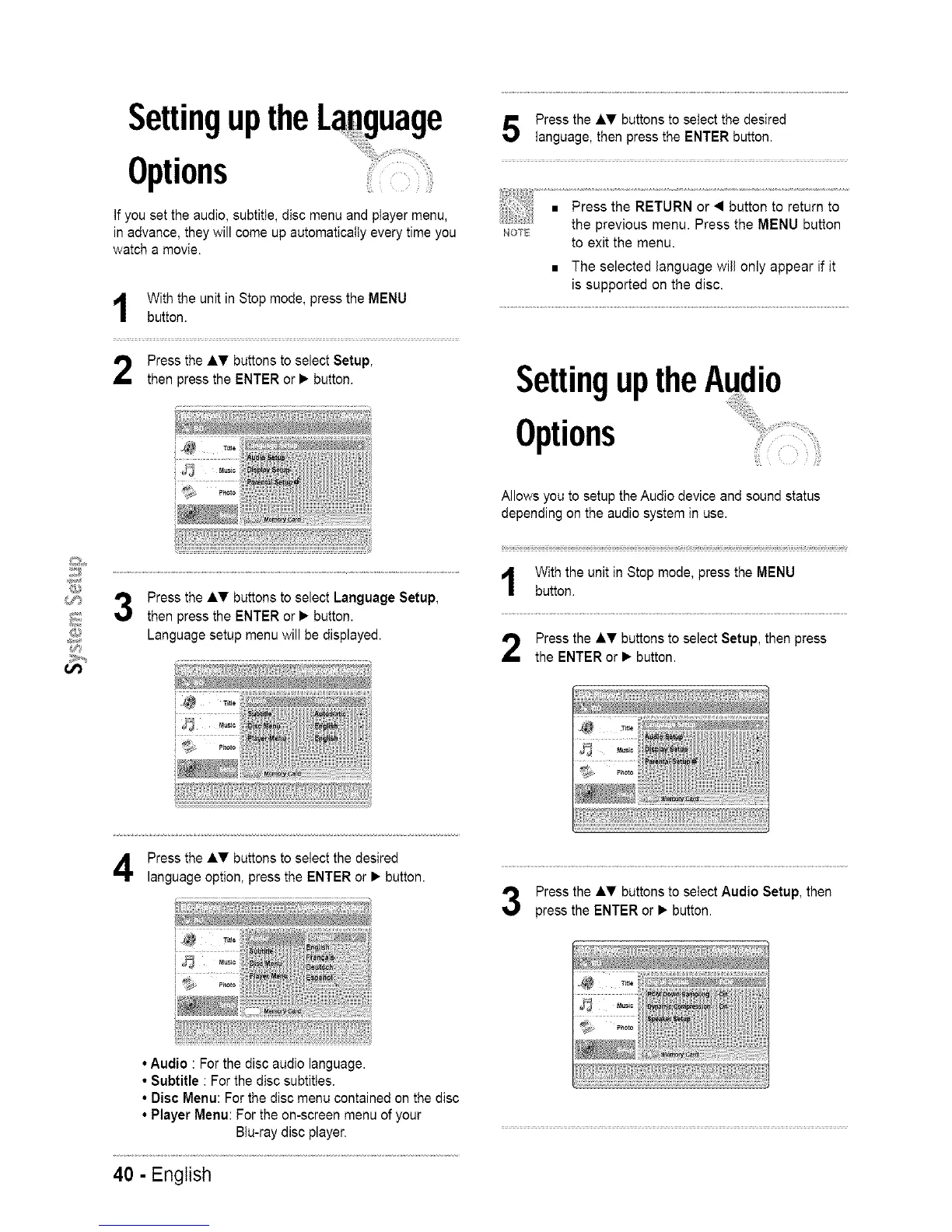
SettinguptheLanguage
Options
If you set the audio, subtitle, disc menu and player menu,
in advance, they will come up automatically every time you
watch a movie.
With the unit in Stop mode, press the MENU
button.
Press the AT buttons to select Setup,
then press the ENTER or • button.
@
_;:"_'# 3 Press the AT buttons to select Language Setup,
_ then press the ENTER or • button.
@ Language setup menu will be displayed.
Press the AT buttons to select the desired
language, then press the ENTER button.
NOS_
to exit the menu.
• The selected language wi{I only appear if it
is supported on the disc.
SettinguptheAudio
Options
Allows you to setup the Audio device and sound status
depending on the audio system in use.
With the unit in Stop mode, press the MENU
button.
Press the AT buttons to select Setup, then press
the ENTER or • button.
Press the AT buttons to select the desired
language option, press the ENTER or • button.
i ; i
Press the AT buttons to select Audio Setup, then
press the ENTER or • button.
• Audio : For the disc audio language.
• Subtitle : For the disc subtitles.
• Disc Menu: For the disc menu contained on the disc
• Player Menu: For the on-screen menu of your
Btu-ray disc player.
40 - English














 To Next Page