Playlist
You can create a playlist with up to 30 tracks.
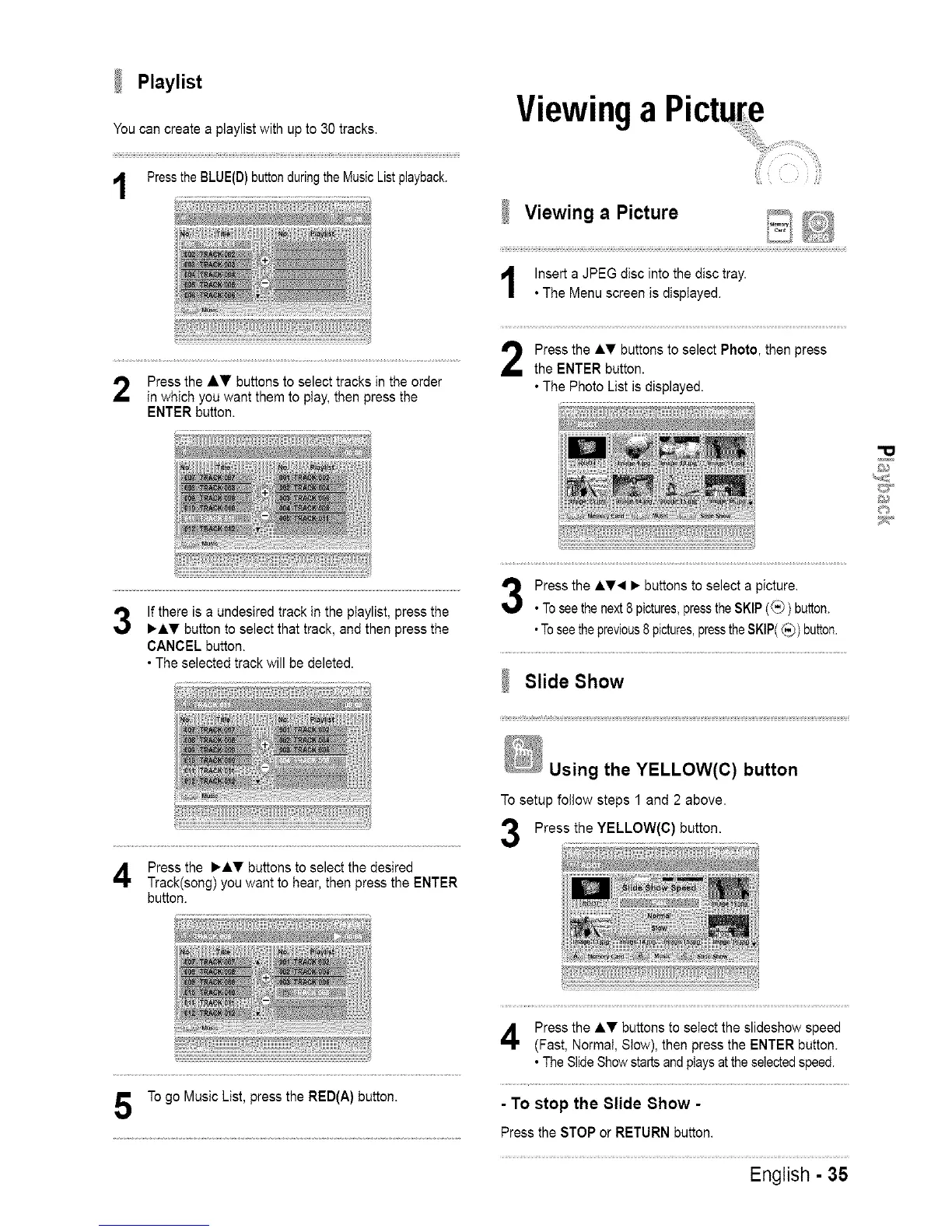
Pressthe BLUE(D) button during the Music Listplayback.
Press the AV buttons to select tracks in the order
in which you want them to play, then press the
ENTER button.
Viewing a Picture
....
Viewing a Picture _, _;_
IJiC_
Insert a JPEG disc into the disc tray.
• The Menu screen is displayed.
Press the ,&T buttons to select Photo, then press
the ENTER button.
• The Photo List is displayed.
r; i
"O
©
If there is a undesired track in the playlist, press the
_I_' button to select that track, and then press the
CANCEL button.
• The selected track will be deleted.
r i
Press the ,&T_I • buttons to select a picture.
• To seethe next 8 pictures,press the SKIP (_) button.
•Tosee the previous8pictures,pressthe SKIP(_) button.
Slide Show
Press the •&T buttons to select the desired
Track(song) you want to hear, then press the ENTER
button.
Using the YELLOW(C) button
To setup follow steps 1 and 2 above.
Press the YELLOW(C) button.
To go Music List, press the RED(A) button.
Press the AT buttons to select the slideshow speed
(Fast, Normal, Slow), then press the ENTER button.
• The Slide Show starts andplays atthe selected speed.
- To stop the 81ide 8how -
Press the STOP or RETURN button.
English - 35














 To Next Page