ChangingtheCamera
Angle .....
Usingthe
Function
The features lets you bookmarks sections of a
When a BD/DVD contains multiple angles of a
particular scene, you can use the DVD so you can quickly find them
_..,._,_ at a later time.
ANGLE function.
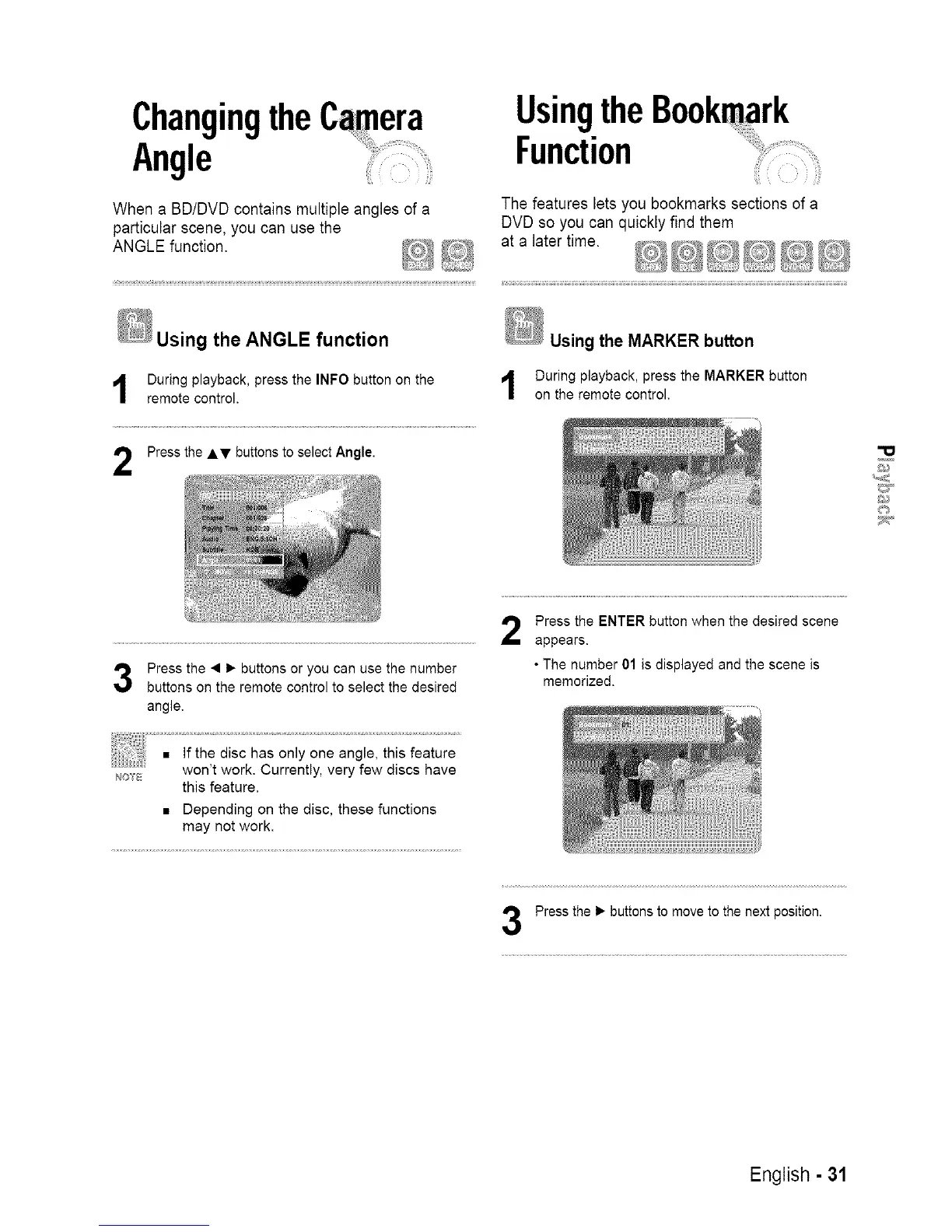
Using the ANGLE function
During playback, press the INFO button on the
remote control.
Press the AT buttons to select Angle.
Using the MARKER button
During playback, press the MARKER button
on the remote control.
D
Press the • 1_ buttons or you can use the number
buttons on the remote control to select the desired
angle,
Press the ENTER button when the desired scene
appears.
• The number 01 is displayed and the scene is
memorized.
NOIB
this feature.
• Depending on the disc, these functions
may not work.
Press the 1_ buttons to move to the next position.
English - 31














 To Next Page