4
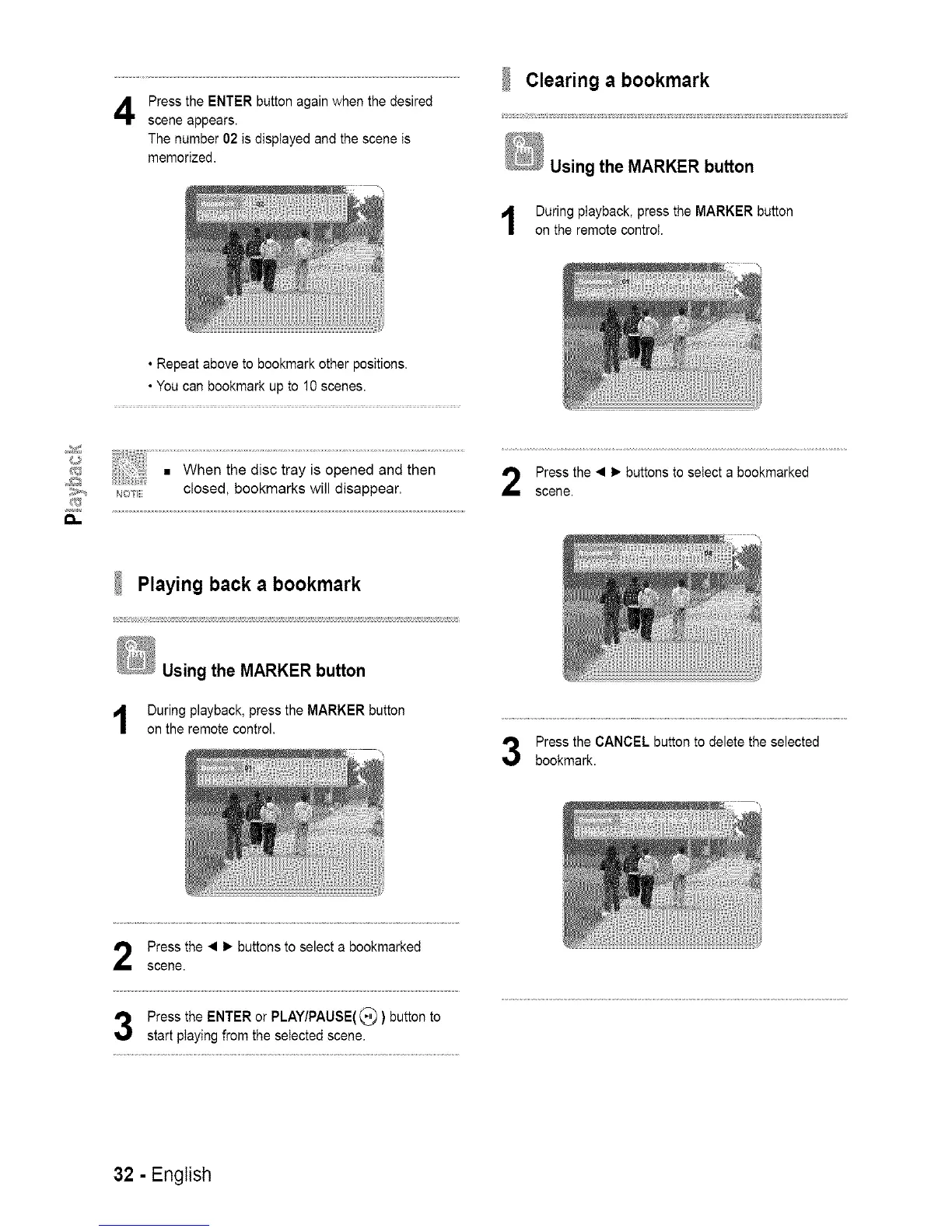
Press the ENTER button again when the desired
scene appears.
The number 02 is displayed and the scene is
memorized.
Clearing a bookmark
Using the MARKER button
During playback, press the MARKER button
on the remote control.
• Repeat above to bookmark other positions.
• You can bookmark up to 10 scenes.
a,,
_,_OTE closed, bookmarks will disappear.
Press the • 1_ buttons to select a bookmarked
scene.
Playing back a bookmark
1
Using the MARKER button
During playback, press the MARKER button
on the remote control.
Press the CANCEL button to delete the selected
bookmark.
Press the • 1_ buttons to select a bookmarked
scene.
Press the ENTER or PLAY/PAUSE(_ ) button to
start playing from the selected scene.
32 - English














 To Next Page