a,,
Usinga Mixeddisc
(JPEG+MP3)
Example: Playing MP3 music
Insert a Mixed disc(JPEG+MP3) into the disc tray.
• The Menu screen is displayed.
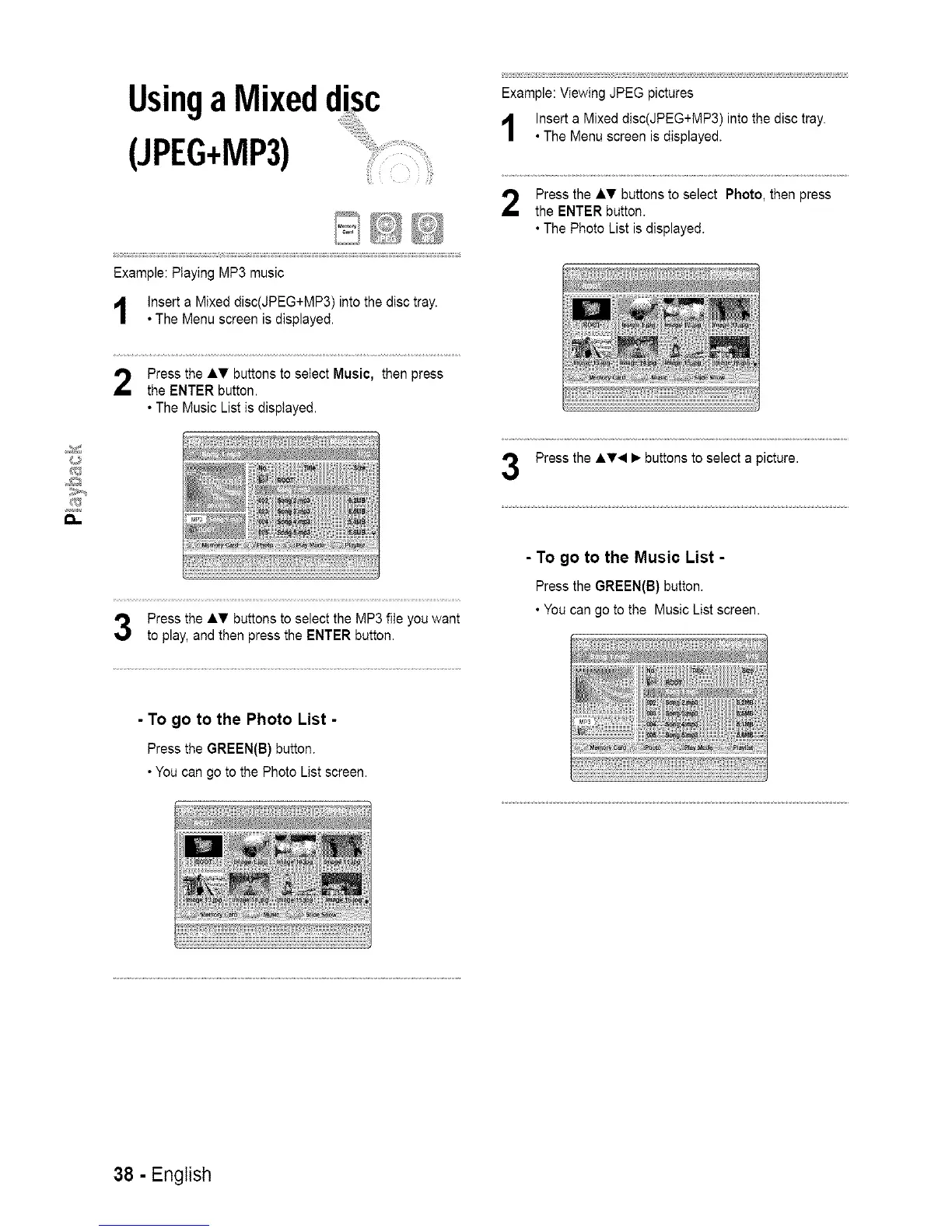
Press the AT buttons to select Music, then press
the ENTER button.
• The Music List is displayed.
Press the AT buttons to select the MP3 file you want
to play, and then press the ENTER button.
Example: Viewing JPEG pictures
Insert a Mixed disc(JPEG+MP3) into the disc tray.
• The Menu screen is displayed.
Press the AT buttons to select Photo, then press
the ENTER button.
• The Photo List is displayed.
Press the A_r< • buttons to select a picture.
- To go to the Music List -
Press the GREEN(B)button.
• Youcan goto the MusicList screen.
- To go to the Photo List -
Press the GREEN(B)button.
• Youcan go tothe PhotoList screen.
38 - English














 To Next Page