Zoom
To setup, follow steps 1 to 2 in 'Mewing a Picture" on page 35.
-1 Press the ENTER button to select the picture you
want to see, then press the INFO button.
Move Photo/Go To Photo List
Tosetup, followsteps 1 to 2 in "Viewinga Picture"on page 35.
-1 Press the ENTER button to select the picture you
want to see.
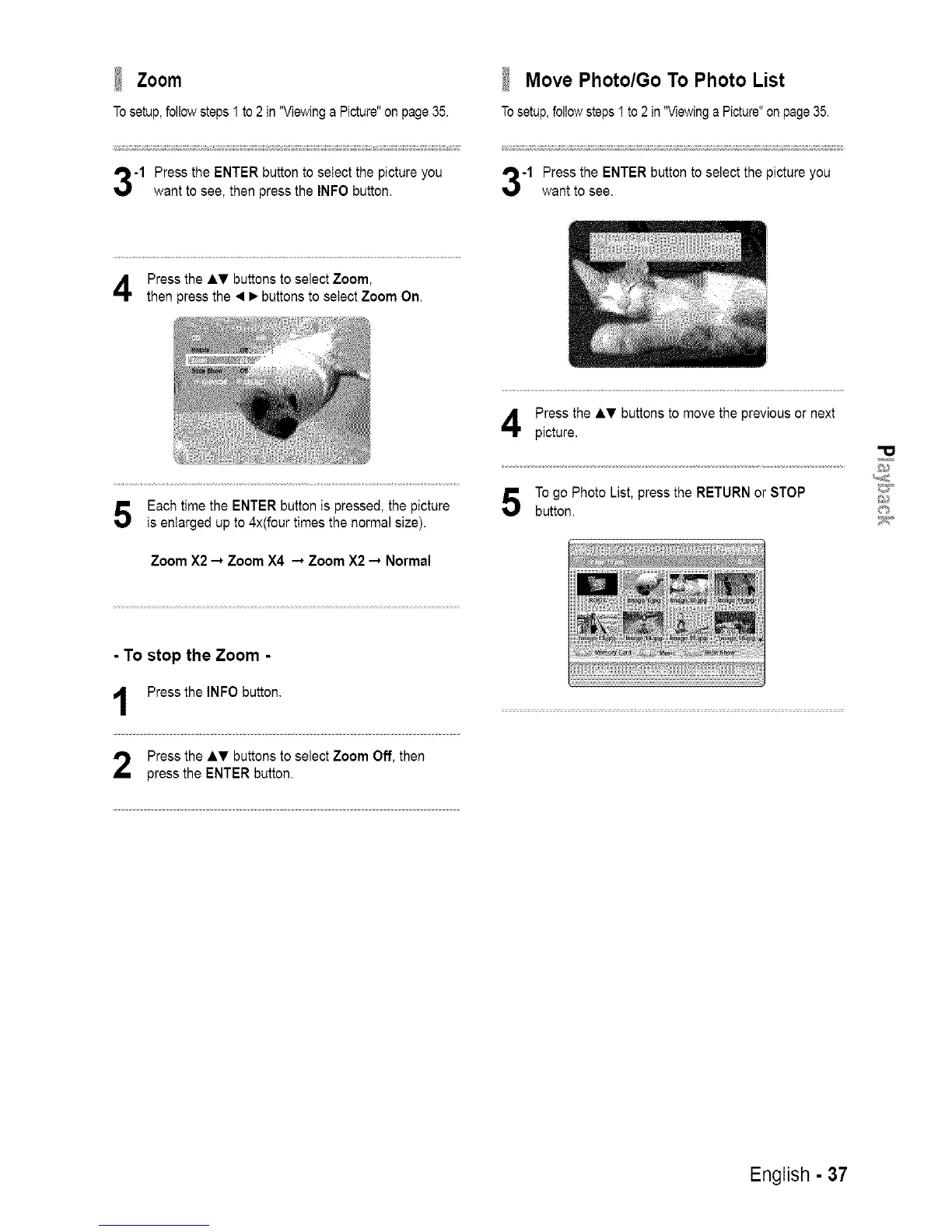
Press the AT buttons to select Zoom,
then press the • • buttons to select Zoom On.
Each time the ENTER button is pressed, the picture
is enlarged up to 4x(four times the normal size).
Zoom X2 -* Zoom X4 -* Zoom X2-* Normal
Press the A_, buttons to move the previous or next
picture,
To go Photo List, press the RETURN or STOP _
button.
- To stop the Zoom -
Press the INFO button.
Press the AT buttons to select Zoom Off, then
press the ENTER button.
English - 37














 To Next Page