<Using the INFO button>
Press the ENTER button to select the picture you
want to see, then press the INFO button.
Rotate
To setup, follow steps 1 to 2 in "Viewing a Picture" on page 35.
-1 Press the ENTER button to select the picture you
want to see, then press the INFO button.
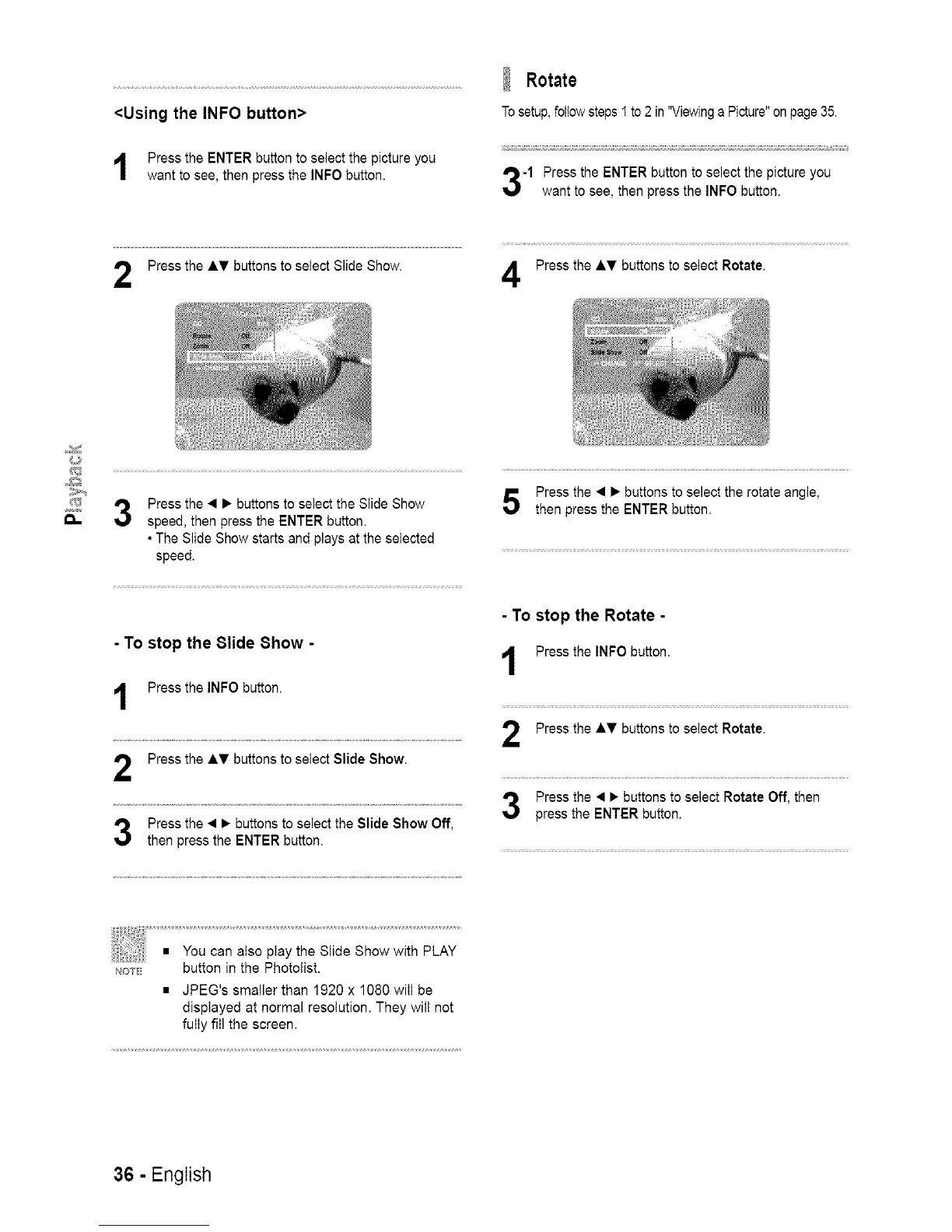
Press the AT buttons to select Slide Show. Press the AT buttons to select Rotate.
Press the • • buttons to select the Slide Show
speed, then press the ENTER button.
• The Slide Show starts and plays at the selected
speed.
- To stop the 81ide 8how -
Press the INFO button.
Press the AT buttons to select Slide Show.
Press the • • buttons to select the Slide Show Off,
then press the ENTER button.
Press the • • buttons to select the rotate angle,
then press the ENTER button.
- To stop the Rotate -
Press the INFO button.
Press the AT buttons to select Rotate,
Press the • • buttons to select Rotate Off, then
press the ENTER button.
not button in the Photolist.
• JPEG's smaller than 1920 x 1080 will be
displayed at normal resolution, They will not
fully fill the screen,
36 - English














 To Next Page