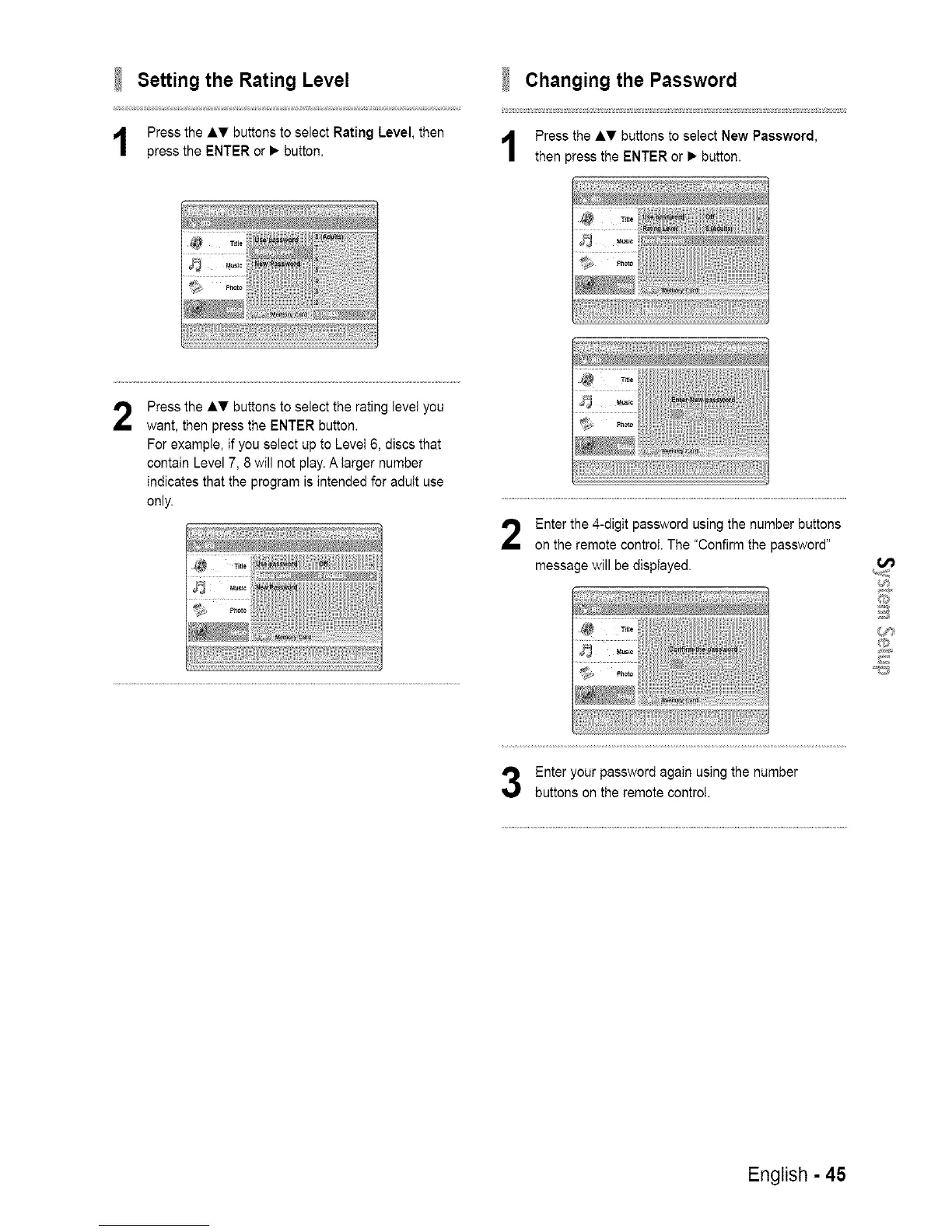
Setting the Rating Level
Press the AT buttons to select Rating Level, then
press the ENTER or • button.
Changing the Password
Press the &_' buttons to select New Password,
then press the ENTER or • button.
2
Press the AT buttons to select the rating IeveI you
want, then press the ENTER button.
For exampte, if you select up to Level 6, discs that
contain Level 7, 8 will not play. A larger number
indicates that the program is intended for adutt use
only.
Enter the 4-digit password using the number buttons
on the remote control. The "Confirm the password"
message will be displayed.
Enter your password again using the number
buttons on the remote control.
English - 45














 To Next Page