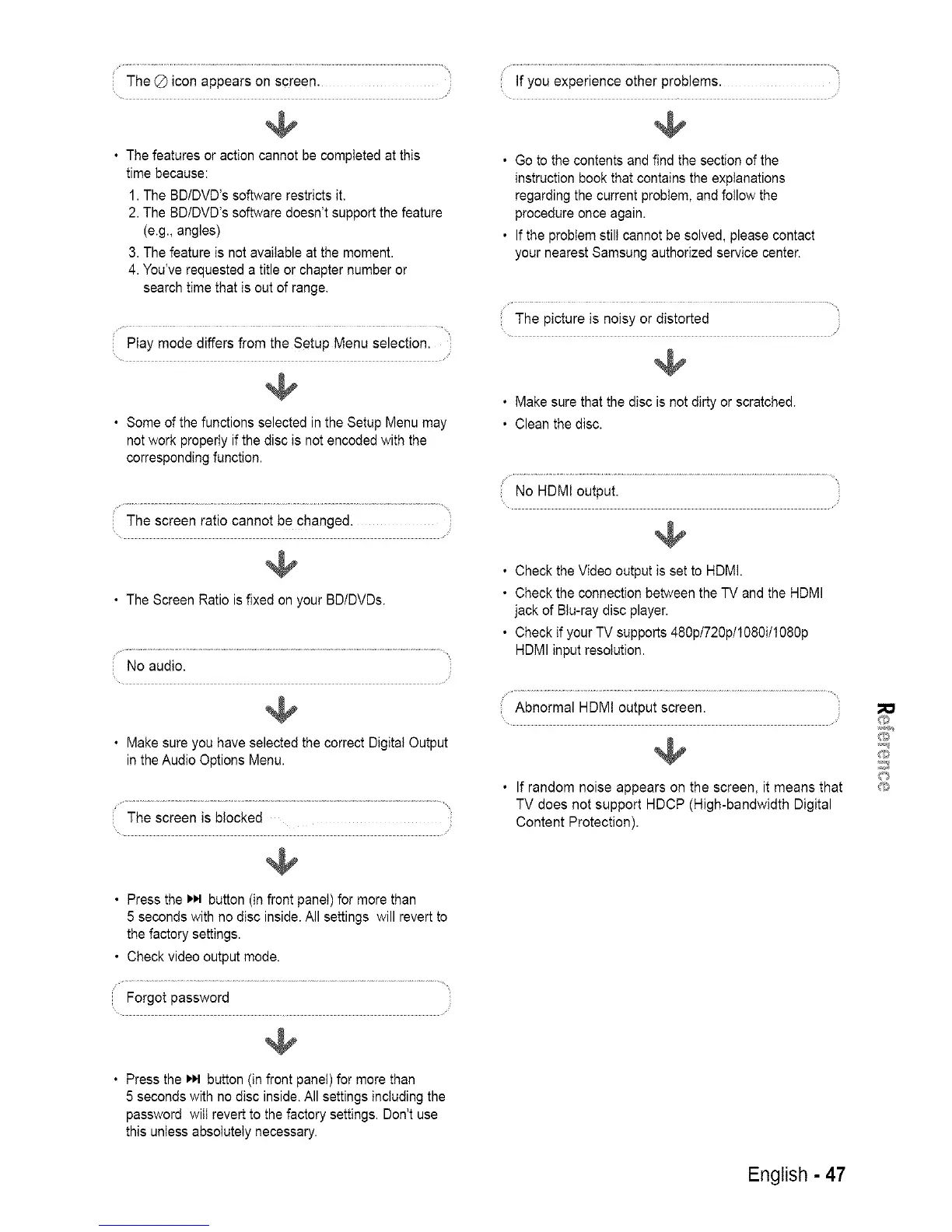
TheQiconappearsonscreen.
@
• The features or action cannot be completed at this
time because:
1. The BD/DVD's software restricts it.
2. The BD/DVD's software doesn't support the feature
(e.g., angles)
3. The feature is not available at the moment.
4. You've requested a title or chapter number or
search time that is out of range.
Play mode differs from the Setup Menu selection.
@
• Some of the functions selected in the Setup Menu may
not work properly if the disc is not encoded with the
corresponding function.
The screen ratio cannot be changed.
@
• The Screen Ratio is fixed on your BD/DVDs.
No audio.
@
• Make sure you have selected the correct Digital Output
in the Audio Options Menu.
The screen is blocked
@
• Press the t,M button (in front panel) for more than
5 seconds with no disc inside. All settings will revert to
the factory settings.
• Check video output mode.
@
• Press the _,_1button (in front panel) for more than
5 seconds with no disc inside. All settings including the
password will revert to the factory settings. Don't use
this unless absolutely necessary.
If you experience other problems.
@
• Go to the contents and find the section of the
instruction book that contains the explanations
regarding the current problem, and follow the
procedure once again.
• If the problem still cannot be solved, please contact
your nearest Samsung authorized service center.
The picture is noisy or distorted
@
• Make sure that the disc is not dirty or scratched.
• Clean the disc.
No HDMI output.
@
• Check the Video output is set to HDMI.
• Check the connection between the TV and the HDMI
jack of BIu-ray disc player.
• Check if your TV supports 480p/720p/1080i/1080p
HDMI input resolution.
Abnormal HDMI output screen.
@
• If random noise appears on the screen, it means that
TV does not support HDCP (High-bandwidth Digital
Content Protection).
English - 47
@
@
@
©
@














 To Next Page