03233A(E)-CHAPTER 3 10/30/03 4:04 PM Page i0
_]"V OPERATION
Changing the Color Tone
Y
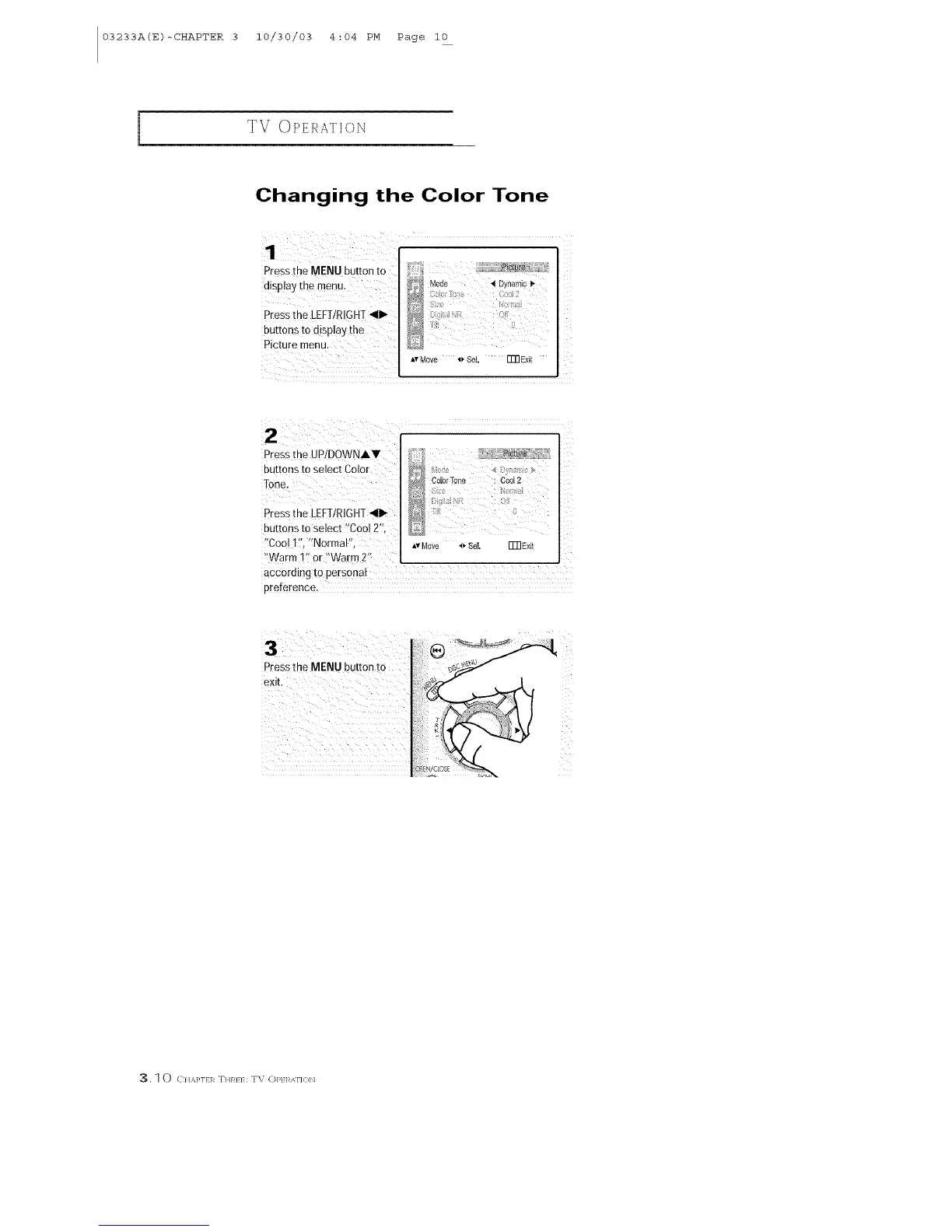
Pressthe MENU button to
display the meBu. _ Mode , Dynamo_"
,v Move _ Sel, ITR Exit
Press the UP/DOWNJ,V
buttons to select Color
Tone.
P[ess the LEFT/RIGHT41_
buttons to select "Cool 2",
'!Cool 1:!, ';Normal",
'_Warm 1_'or "Warm 2'_
Av Move "_ Se[ IT[] Exit
according to personaI
preference.
3
Pressthe MENU button to
3, I 0 C}1,%}'I11_ THR}} :TV OP} 1_,_\I'](}b]



 To Next Page