03233A(E)-CHAPTER 3 10/30/03 4:04 PM Page 20
TV OPERATION
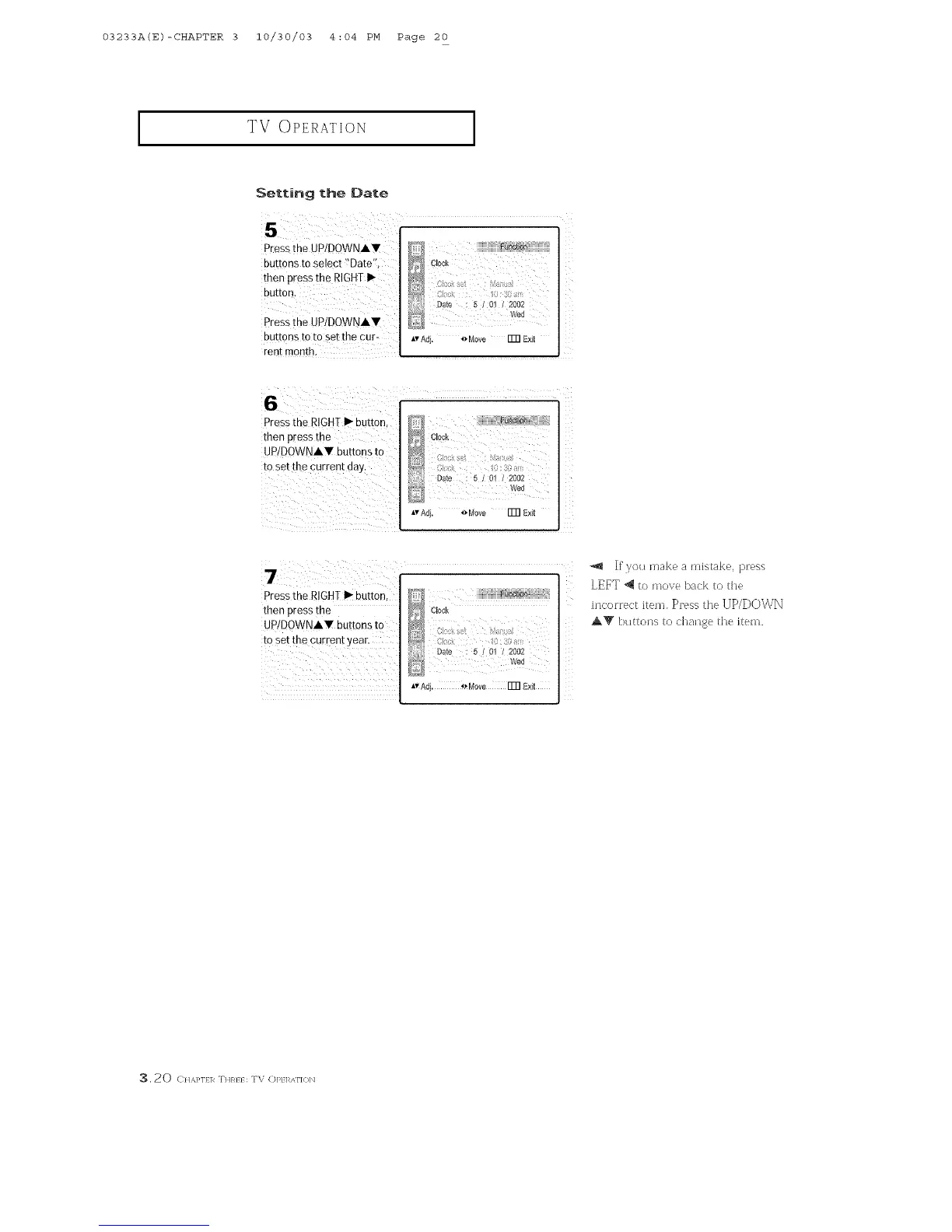
Setting the Date
P[ess f he UP!DOWNAT
buttons to select !!Date
thee press the RIGHTI_
button,
Pressthe UP/DOWNAT
buttons toto set the cur-
rent monthl
Iv Adj. 4_Move Fm Exit
Pressthe RIGHI _" button,
then press the
UP/DOWNAY buttons to
tO Set the CUtrent year.
]fyou make a mistake, press
LEFT 4 to move back to the
D ' ,r
Clock h]correc[ Item. Press the ].J[)/D0_\,
}_q AV buttons to chause the item.
_4_ Wed
AvAdj. _ Move Fm Exit
_, 20 C}/&}q/l_ THR}} : TV (])1_} I_AF](}]_]



 To Next Page