ŝ27Ş
Macro ( )
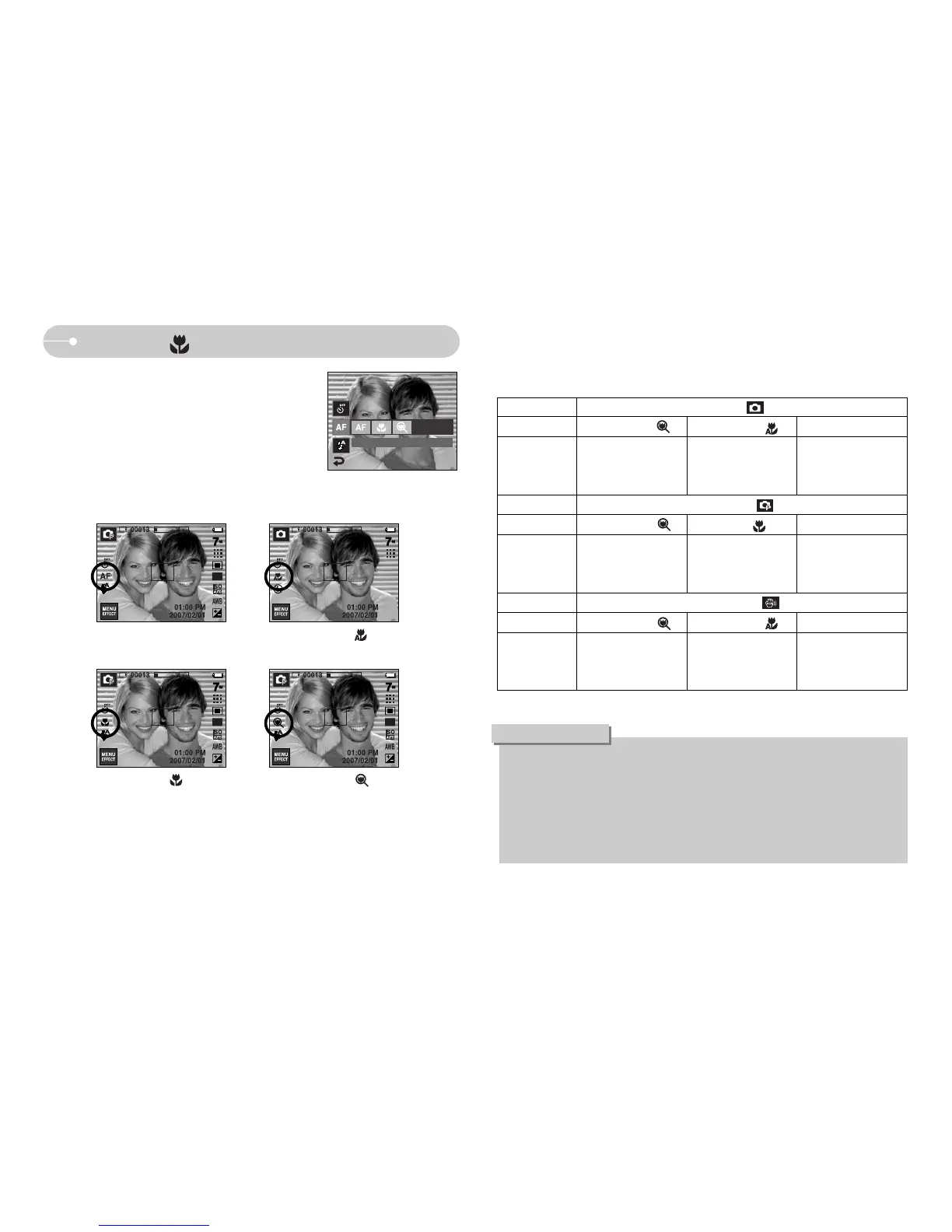
ƈ You can take macro pictures. Select a desired
macro icon on the LCD monitor.
[Auto Focus-AF icon] [Auto Macro ( )]
[Macro ( )] [Super Macro ( )]
ƃ When the macro mode is selected, be particularly careful to avoid camera
shake.
ƃ When you take a picture within 30cm (Wide zoom) or 50cm (Tele zoom) in
the Macro mode, select the FLASH OFF mode.
ƃ When you take a picture within the 5cm Super macro range, the auto-focus
on the camera will take longer to set the correct focus distance.
INFORMATION
Mode
Focus Type Super macro ( ) Auto macro ( ) Normal
Mode
Focus Type Super macro ( ) Macro ( ) Normal
Mode
Focus Type Super macro ( ) Auto macro ( ) Normal
Focus range
Focus range
Focus range
W : 80 ~ Infinity
T : 80 ~ Infinity
W : 80 ~ Infinity
T : 80 ~ Infinity
W : 80 ~ Infinity
T : 80 ~ Infinity
W : 1~5
(Wide only)
W : 1 ~ 5
(Wide only)
W : 5 ~ Infinity
T : 40 ~ Infinity
W : 5 ~ Infinity
T : 40 ~ Infinity
-
W : 5~80
T : 40~80
Program ( )
ASR mode ( )
Auto ( )
ƈ Types of focus modes and focus ranges (W : Wide, T : Tele)
(Unit : cm)
FOCUS



 To Next Page