ŝ38Ş
Contrast
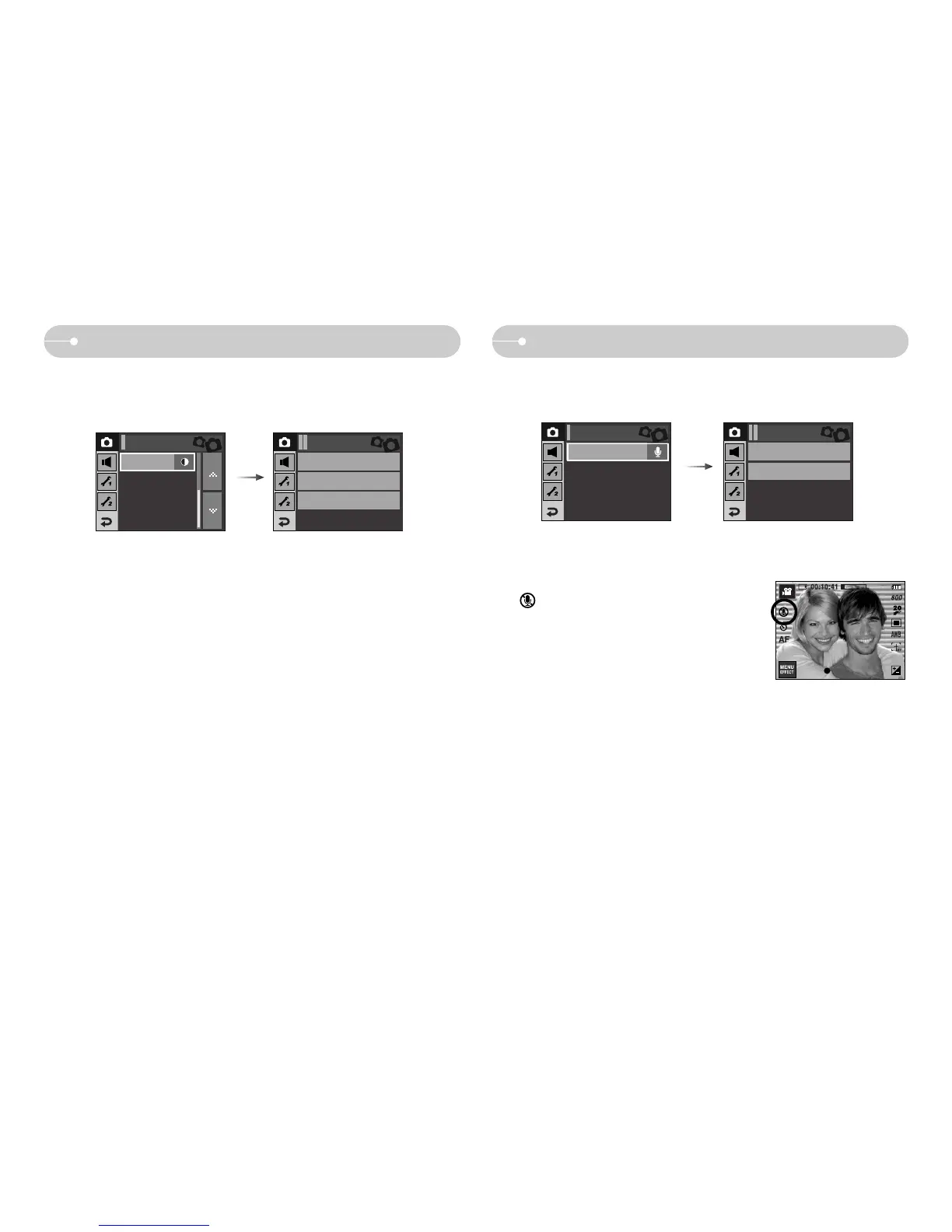
Recording the movie clip without voice
ƈ You can record the movie without voice.
Select [Voice Mute] menu in the Movie clip mode.
( ) icon will display on the LCD monitor.
Press the Shutter button and a movie will record for
as long as the memory capacity allows without
voice.
Recording
Off
On
Voice Mute
[Movie clip mode]
ƈ You can set the difference between the bright part of the image and the dark part of
the image.
- High : The difference between bright part of the image is high.
- Normal : The difference between bright part of the image is normal.
- Low : The difference between bright part of the image is low.
High
Normal
Low
Recording Contrast
Voice Mute
Off
Contrast
Normal
Standby



 To Next Page