ŝ28Ş
Macro ( )
Mode Auto macro Super macro Macro Normal
ƃƃ
ƃƃ ƃ
ƃƃƃ
ƃƃ
Auto macro Super macro Macro Normal
ƃ
ƃ
ƃ
ū
ƃ
ƃ
ū
ū
ƃ
ū
ƃ
ƃ
ƃ
ƃ
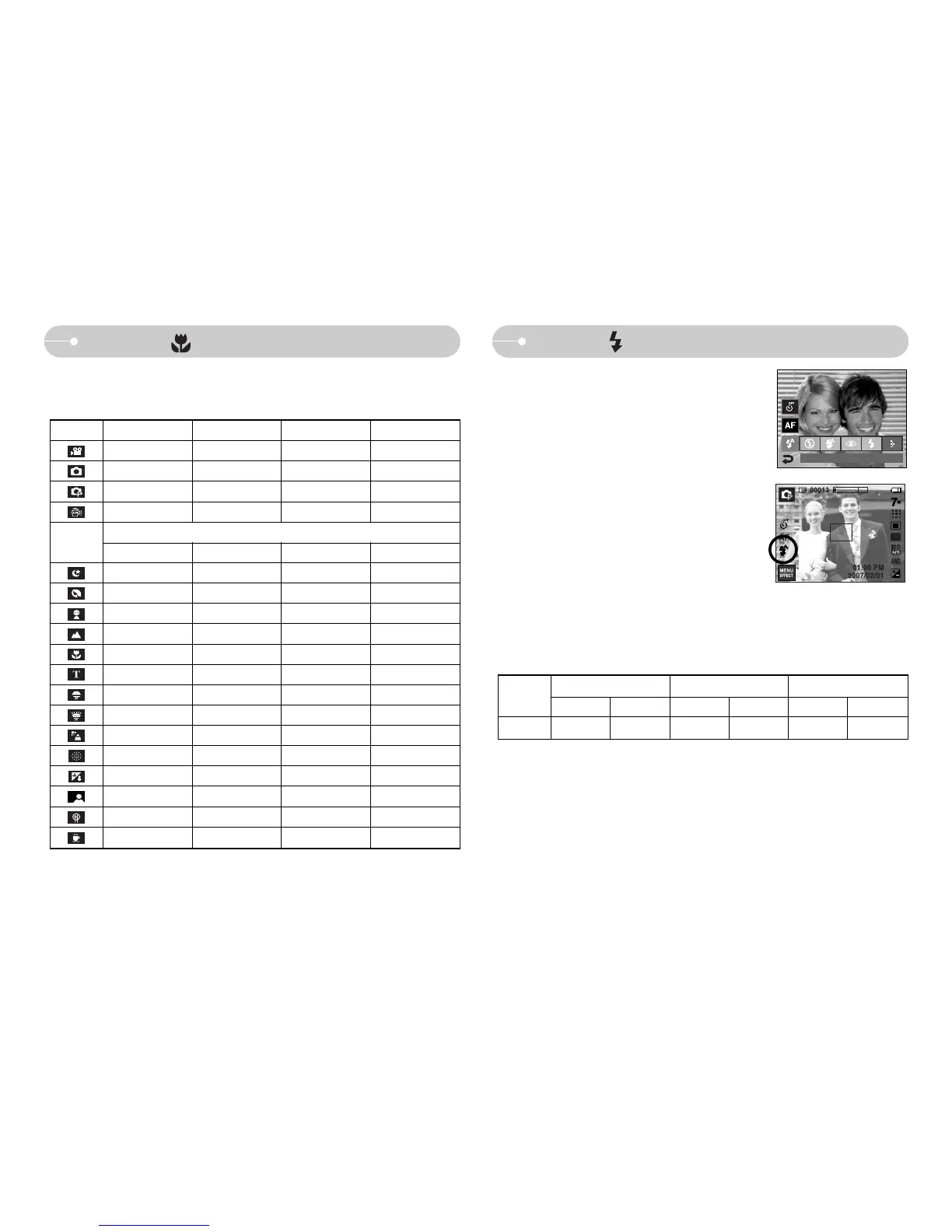
ƈ Available focusing method, by recording mode
(ƃ: Selectable, ū: Infinity focus range)
SCENE
Mode
ƈ You can select a proper flash mode in accordance
with the enviroment. Select a desired flash icon on
the LCD monitor.
ƃ Flash range
(Unit : m)
WIDE TELE WIDE TELE WIDE TELE
Macro
Normal
Auto macro
ISO
AUTO
ſ When the Super Macro is selected, flash is fixed as the Flash Off mode.
0.8 ~ 3.8
0.8 ~ 2.8
0.3 ~ 0.8 0.5 ~ 0.8 0.3 ~ 3.8 0.5 ~ 2.8
[Selecting the Auto flash]
Flash ( )
FLASH



 To Next Page