ŝ85Ş
Setup menu 2
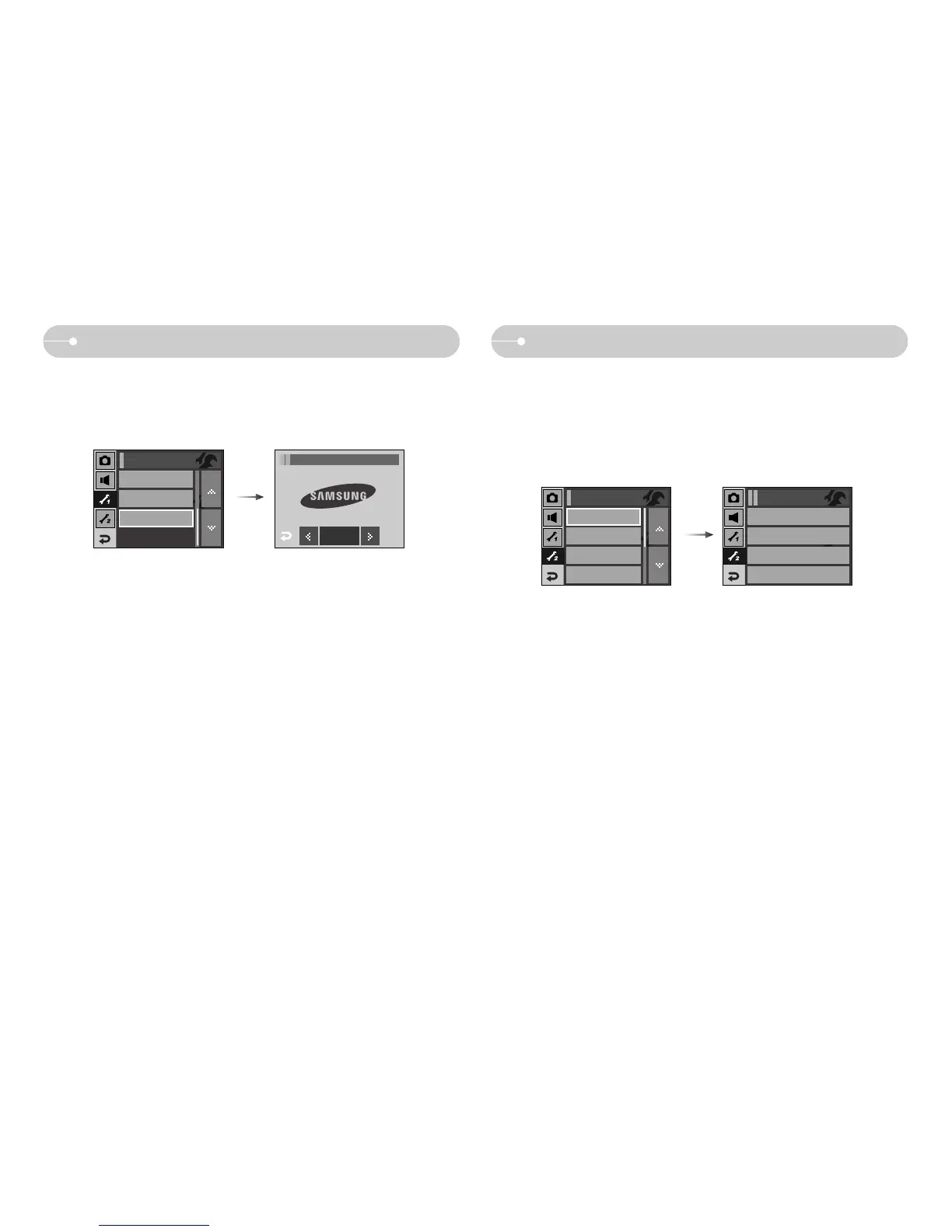
[ Quick view ]
ƈ If you enable Quick View before capturing an image, you can view the image
you just captured on the LCD monitor for the duration set in the [Quick View]
setup. Quick view is possible only with still images.
ƃ Sub menus
[Off] : The quick view function can’t be activated.
[0.5, 1, 3 sec] : The captured image is briefly displayed during the selected time.
Setup menu 1
[ Start up image ]
ƈ You can select the image that is first displayed on the LCD monitor whenever
the camera is turned on.
ƃ Start up image : [Off], [LOGO], [User Image]
- Use a saved image for the start-up image with the [User Image] in the
[RESIZE] menu in the play mode.
- The start-up image will not be deleted by [DELETE] or [Format] menu.
- The User images will be deleted by [Reset] menu.
LCD
Normal
AF Lamp
On
Setup1
Off
0.5 sec
1 sec
3 sec
Quick View
Power Off
3min
LCD Save
Off
Calibration
Setup 2
Quick View
0.5sec
Start Image
Off
Setup1 / Start Image
OK



 To Next Page