ŝ72Ş
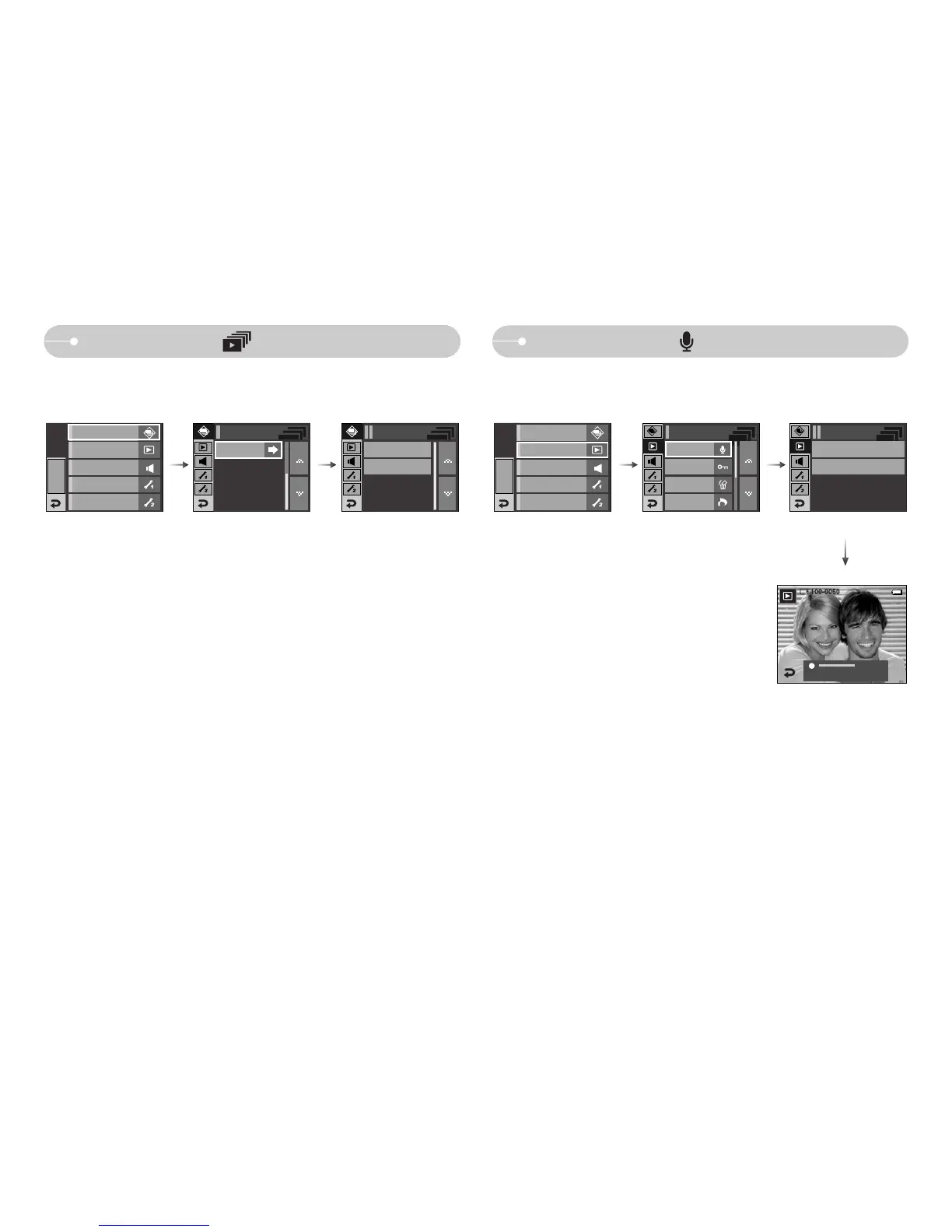
Voice memo ( )
ƈ You can add your voice to a stored still image.
- Press the shutter button to start recording and voice will be recorded to the
still image for 10 seconds.
- The recording can be stopped by pressing the shutter button again.
Protect
Delete
DPOF
Playback
Off
On
Voice Memo
Slide Show ( )
ƃ Slide show type: Selects a slide show type.
- [One Play] : The slide show is closed after one cycle.
- [Repeat Play] : The slide show is repeated until cancelled.
Slide Show
One Play
Play Mode
Repeat Play
EFFECT
MENU
Playback
Sound
Setup 1
Setup 2
Start : Shutter
Slide Show
EFFECT
MENU
Sound
Setup 1
Setup 2
Slide Show
Play Mode
Playback
00:00:00
Voice Memo



 To Next Page